


































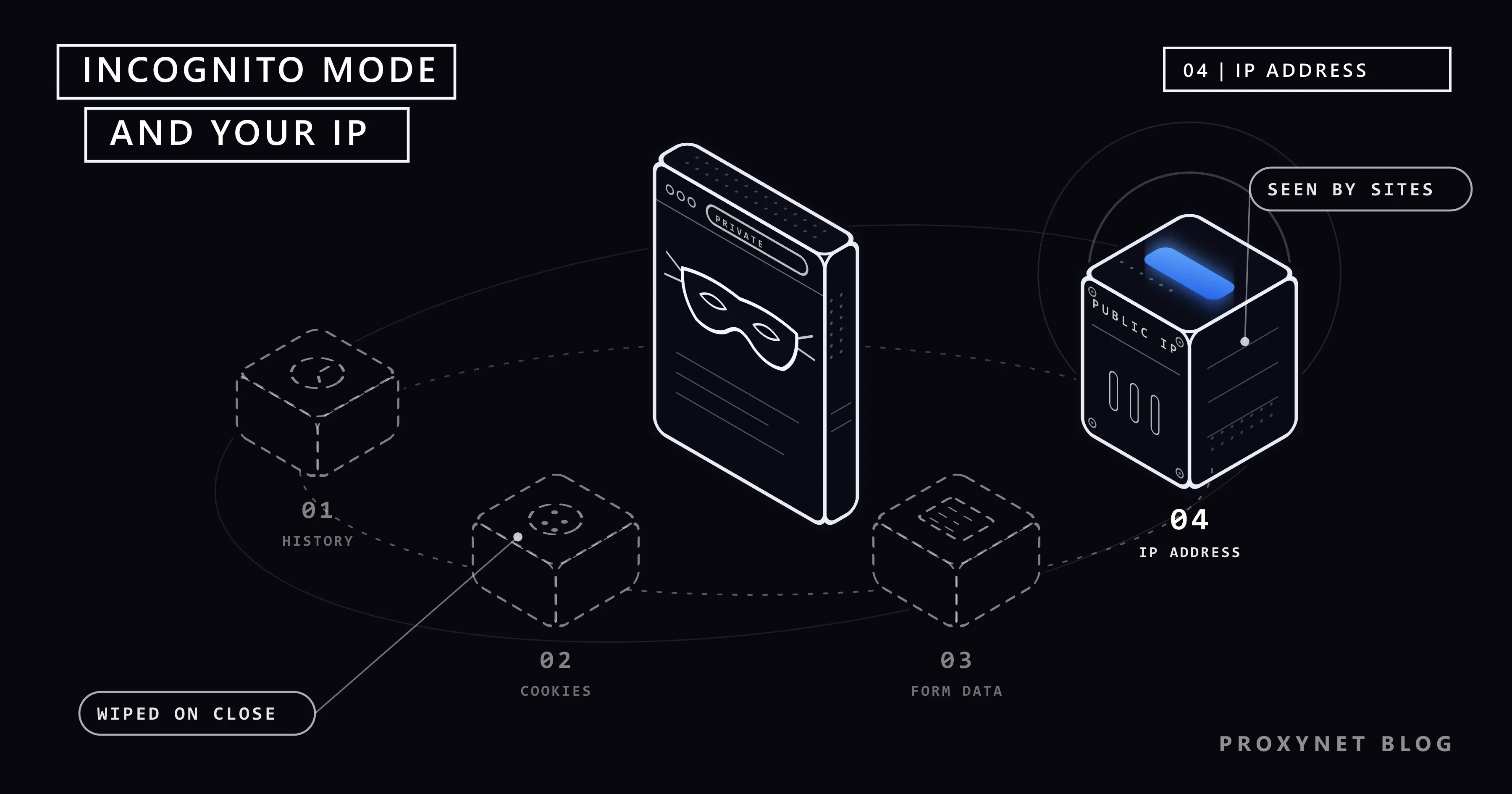
You open an Incognito window, look up a birthday present or a symptom you would rather keep to yourself, and then, out of curiosity, visit a "what is my IP" site. The address on the screen is exactly the one you see in a normal window. Nothing is broken. Private mode was never built to change that number.
This post explains what private modes do on your device and what they leave untouched, who can still see your activity, and what changed in Chrome's wording after Google's 2024 settlement. It then gives the steps to open private mode in Chrome, Safari, Firefox, Edge and Samsung Internet, the tools that do hide your IP address, good uses of a private window, common mistakes and a decision table.
What is incognito mode?
Incognito mode is Chrome's name for a browser window that forgets. Every major browser has one, under a different name: Private Browsing in Safari and Firefox, InPrivate in Microsoft Edge, Secret mode in Samsung Internet. Many people call all of them "incognito", and they work the same way.
A private window starts a separate session. It does not use the cookies of your normal windows and does not sign you in to your accounts. When you close the last private window, the browser throws away the history, cookies and site data of that session.
The important word is device. Chrome's help page describes Incognito as a way to limit what is saved to your device. Private mode deals with the traces left on your phone or computer, not with what happens on the network.
Does incognito mode hide your IP address?
No. An IP address is the address that replies are sent to when a device talks to the internet. Your internet provider gives one to your router, and every device at home reaches websites with it. We explain the basics in What Is an IP Address?.
Think of it as the return address on an envelope. A website cannot send the page back without it, so every request carries it, private window or not. The browser cannot remove it either: the connection is set up by your device and your router, one layer below the browser.
Mozilla puts it in one line on its page about private windows: a private window does not hide your IP address or your location. Because the address stays the same, so does the location a site guesses from it. A search engine still places you in your own city. Why that guess is sometimes wrong is covered in Why Is My IP Location Wrong?.
Two browser features come close, and both are easy to misread:
- Safari's "Hide IP address" setting (Settings > Apps > Safari on iPhone) hides your address from known trackers. It hides it from the websites themselves only with iCloud+ and Private Relay turned on.
- Chrome's IP Protection, which Google describes for Incognito, masks your address for certain known tracking domains embedded in other sites. It is rolled out region by region and, by design, does not apply to the site in the address bar.
What happens when you open a site in a private window?
- A separate session starts. The browser opens with an empty set of cookies and without your sign-ins.
- Your request leaves through your normal connection. It goes from your device to your router, through your internet provider, to the website, carrying your public IP address as it would from a normal window.
- The site answers and may set cookies. The browser keeps them for the session so that logins and shopping carts work. Chrome blocks third-party cookies (cookies from companies other than the site you are on) in Incognito by default.
- If you sign in, the site knows it is you. From then on, what you do on that site is tied to your account.
- You close the last private window. The browser deletes the history, cookies and site data of the session. Downloads and bookmarks stay. Whatever the website, your provider or the network owner recorded was never on your device, so the browser cannot delete it.
Private window, normal window or proxy: what changes?
| Normal window | Private window | With a proxy or VPN | |
|---|---|---|---|
| History on your device | Saved | Deleted when you close the private windows | Depends on the window you use |
| Cookies and site data | Kept | Deleted when you close the private windows | Depends on the window you use |
| Signed-in accounts | Stay signed in | Starts signed out; the site knows you once you sign in | No change |
| Downloads and bookmarks | Kept | Kept | Kept |
| IP address the website sees | Yours | Yours | The address of the proxy or VPN server |
| Location the website guesses | Yours | Yours | The location of that server |
| What your internet provider or network owner sees | The sites you connect to | The same | Traffic to the proxy or VPN server |
| Browser fingerprint | Yours | Largely the same | Unchanged |
Two rows need a note. A VPN encrypts your traffic on the way to its server; an ordinary proxy does not encrypt anything by itself, so think of it as a way to change the address, not as a lock. The difference is laid out in Proxy vs. VPN. The browser fingerprint is the mix of screen size, fonts, language and hardware details that can identify a browser without cookies. Firefox hides some of these details in private windows and Safari blocks known fingerprinting companies there, but most of the picture stays the same; see What Is Browser Fingerprinting?.
Who can still see what you do in a private window?
Chrome's own explanation fits in one sentence: Incognito keeps your browsing private on your device, but it does not make you invisible. The Incognito help page names the parties that may still observe your activity.
- The websites you visit. They see your IP address, the pages you open on their site and what you type into their forms. Many sites also load ads, analytics or video players from other companies, and those companies see the visit too. Chrome's page states that sites using Google services share information about your activity with Google.
- Your internet provider. It carries your traffic, so it sees your IP address and which sites you connect to. On HTTPS sites (the padlock in the address bar) it does not see the pages themselves or what you type.
- Your school or employer. On their Wi-Fi they are the network owner. On a computer they manage, they may also run software on the device itself; Mozilla notes that private windows do not protect against keyloggers or spyware.
- Anyone who uses the device while the window is open, or opens your Downloads folder. The session ends only when the last private window closes, and downloaded files stay after that.
What changed after Google's 2024 incognito settlement?
In 2020 a group of users sued Google in a US federal court in California. The case, Brown v. Google, argued that Google collected data from people browsing in private mode and that its descriptions of Incognito were misleading. In April 2024 the parties filed a settlement. According to the settlement term sheet filed with the court, Google agreed to:
- change the screen that opens with every Incognito window so that it says Incognito does not change how data is collected by the websites you visit and the services they use, Google included;
- state in its privacy policy that private browsing modes do not block that data collection;
- delete or strip details from old private browsing records held in certain logs;
- keep the option that blocks third-party cookies in Incognito for five years after the settlement's final approval.
The class settlement covers these changes, not payments; class members kept the right to seek damages on their own. For you, the practical result is the wording itself. Chrome's help page now says that Incognito does not change how websites, Google included, collect data. That is the wording the agreement asked for, and it describes the same limit this post is about.
How do you open incognito or private mode?
The steps below come from each vendor's help page, checked on 29 September 2026. Menu names can shift slightly between versions.
| Browser | Name of the mode | How to open it |
|---|---|---|
| Chrome on a computer | Incognito | More > New Incognito window, or Ctrl + Shift + N on Windows and ⌘ + Shift + N on a Mac |
| Chrome on Android | Incognito | More > Open in a new Incognito window (on tablets: New Incognito window) |
| Chrome on iPhone | Incognito | More > New Incognito Tab |
| Safari on iPhone | Private Browsing | Tap the Tabs button, swipe right on the tab bar until Private Browsing opens, then tap Unlock |
| Safari on a Mac | Private Browsing | File > New Private Window |
| Firefox | Private Browsing | Menu button > New private window |
| Microsoft Edge | InPrivate | Settings and more > New InPrivate window |
| Samsung Internet | Secret mode | Tab manager icon > Turn on Secret Mode (tap Start the first time) |
Besides the Chrome page linked above, the steps come from the help pages for Safari on iPhone, Firefox, Edge and Samsung Internet.
The modes differ in details that matter on a shared device:
- Firefox keeps new passwords and bookmarks you save in a private window. Edge does not save new passwords, but keeps favorites and downloads.
- Samsung Internet keeps bookmarks you save in Secret mode, but shows them only inside Secret mode.
- Safari on iPhone locks Private Browsing when you are not using it, if the phone has a passcode.
- Chrome on Android can lock Incognito tabs when you leave the app: More > Settings > Privacy and security > Lock Incognito windows when you leave Chrome. In Chrome on iPhone the same menu has Hide Incognito tabs.
To leave private mode, close every private window or tab. In Chrome on Android, More > Close all Incognito tabs does it in one step.
What actually hides your IP address?
To hide your IP from a website, your traffic has to reach the site through another server, so that the site sees that server's address. Four tools do this, and none of them is a browser mode.
| Tool | Address the website sees | What it covers | Good to know |
|---|---|---|---|
| Proxy | The proxy's address, in the country and often the city you choose | The browser or app where you set it | Does not encrypt by itself |
| VPN | The VPN server's address | The whole device | Encrypts traffic to the server; the VPN provider sees what your internet provider used to see |
| Tor Browser | The address of the last relay in a chain of volunteer-run servers | Only Tor Browser | Slower than a normal connection |
| iCloud Private Relay | A temporary address in your region | Browsing in Safari | Needs iCloud+; not available in every country |
A proxy is an intermediary server that fetches pages for you from its own address; What Is a Proxy Server? explains the mechanics. A VPN is a service that encrypts everything your device sends and passes it through its own server; our VPN explainer covers what it does and does not hide.
iCloud Private Relay is Apple's option for Safari. According to Apple's description, your requests pass through two relays: the first one, run by Apple, sees your IP address but not the site you want; the second one, run by a partner company, gives you a temporary address and connects you to the site. You turn it on under Settings > [your name] > iCloud > Private Relay. It keeps you in your own region, so websites still see roughly where you are.
A proxy is what we sell. Our Residential Proxy give you addresses that belong to home internet connections in the country and city you pick, set only in the browser or app that needs them. The setup steps are in Windows and Chrome Proxy Settings. With a proxy set in the browser, check that WebRTC does not reveal your real address, as shown in WebRTC and DNS Leaks. Whether these tools are allowed where you live is covered in Is Using a VPN or Proxy Legal?.
When is incognito mode the right tool?
- A shared or borrowed computer. On a friend's laptop or a hotel business centre PC, you can check your email and leave no session behind once you close the window. On the hotel's network, read Is Public Wi-Fi Safe? as well.
- Checking where your website ranks. Your account history drops out of the results, but your IP still places you in your own city; How to Check Your Google Ranking Accurately deals with the location part.
- Keeping a search off a family computer. A gift search stays out of the history and the address bar suggestions, and your earlier searches stop shaping the results, as explained in Why Are My Google Search Results Different?.
- Seeing a site as a new visitor. Empty cookies show you the cookie banner, the first-visit offer or your own site without your login. The site may still recognise the device through browser fingerprinting.
- Checking how a site looks from another city. A private window gives you a clean session, a proxy in that city gives you the location. All the ways to change your address are compared in How to Change Your IP Address.
Common mistakes
- Using incognito on a work laptop to keep browsing from the employer. The company runs the network and often the device. Private mode changes neither.
- Signing in and expecting privacy. Once you sign in to Google, Facebook or any other account in a private window, that service links the session to you.
- Leaving the private window open on a shared device. Nothing is deleted until the last private window closes.
- Forgetting the Downloads folder. Files you download in private mode stay on the device.
- Trusting a free "IP hider" extension. Many of them route your traffic through servers nobody can vouch for. See Are Free Proxies Safe? before installing one.
- Expecting protection from fake sites. Microsoft states plainly that InPrivate does not keep you safer from malicious websites. Check the address before you type a password, in any window.
Decision guide
| What you want | What to use |
|---|---|
| Leave no history or cookies on a shared device | A private window, closed when you are done |
| Search without your history shaping the results | A private window, signed out |
| Keep private tabs away from others who use your phone | Private mode with the lock option (Chrome, Safari) |
| Hide your IP address from websites in one browser or app | A proxy |
| Hide the address of the whole device and encrypt traffic on untrusted Wi-Fi | A VPN |
| Hide your IP in Safari without a separate app | iCloud Private Relay (iCloud+) |
| See a site as a first-time visitor from another city | A private window plus a proxy in that city |
Frequently asked questions
Can my employer or school see what I do in incognito mode?
Yes, if you use their network or their computer. Chrome, Edge and Firefox all state on their help pages that the organisation running the network can still see your activity in private mode. On a computer they manage, monitoring software on the device works regardless of the browser mode.
Does incognito mode hide my IP address from Google?
No. Google's own sites see your IP address like any other site, and websites that use Google services share information about your visit with Google. What Incognito changes is that Chrome does not sign you in to your Google Account automatically.
Does private browsing on iPhone hide my IP address?
Safari's Private Browsing does not change your IP address by itself. The Hide IP address setting protects your address from known trackers in all Safari tabs. With an iCloud+ subscription and Private Relay turned on, the websites you visit in Safari do not see your real address either.
Is incognito mode safe for online banking?
You can use it, and on a shared computer it helps, because your banking session disappears when you close the window. It does not protect you from fake banking sites or from malware on the device. Type your bank's address yourself or use its official app.
Does incognito mode stop ads and tracking?
Only partly. Chrome blocks third-party cookies in Incognito by default, Firefox blocks known trackers in private windows and Safari turns on extra fingerprinting protection there. Ads still appear, sites can still personalise what you see during the session, and anything tied to your IP address or your sign-in continues.
Should I use incognito mode together with a VPN or a proxy?
They do different jobs, so they work well together. The private window keeps your device free of history and cookies, while the proxy or VPN changes the address websites see. A typical case is checking the prices a shop shows to visitors in another city with a clean session.
Summary
Incognito and private modes clean up after you on your own device: when you close the last private window, the browser deletes the history, cookies and site data of that session. They do not touch your IP address, so websites, your internet provider and the network of your school or employer see the same address as in a normal window. Since Google's 2024 settlement, Chrome's help page says so plainly. Private mode is the right tool on a shared computer, for searches you want to keep off a device and for seeing a site as a new visitor. To change the address websites see, use a proxy, a VPN, Tor or, in Safari, iCloud Private Relay. If you need addresses in a country and city you choose, have a look at our proxy services.


