


































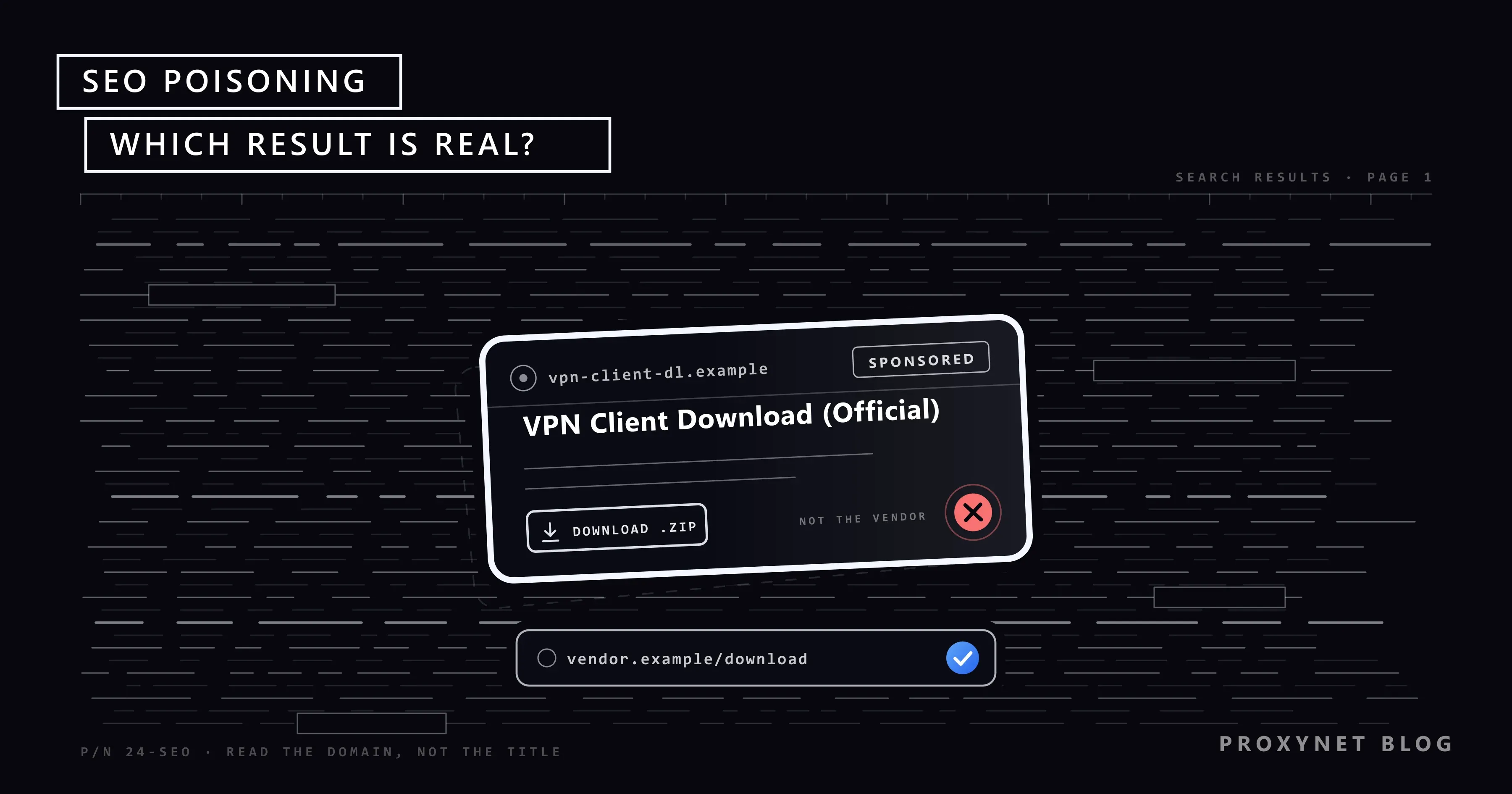
An employee sets up a new laptop, types the name of the company's VPN client and the word "download" into a search engine, and opens the first result. The page looks like the vendor's, the installer carries a valid digital signature, and the VPN connects. Weeks later the security team learns that the installer came from a copy of the vendor's site and quietly sent the VPN password somewhere else.
This post explains what SEO poisoning is, how a harmful page reaches the top of the results, what the victim sees after the click, how to recognise a poisoned result, and what brands, security teams and site owners can do. It is written from the defender's side; there is no recipe here.
What is SEO poisoning?
SEO poisoning, short for search engine optimization poisoning and sometimes called search poisoning, is the use of ranking tricks to put a harmful page where a trustworthy one should be. The attacker does not break into the search engine; they work on what it measures, keywords, links and page age, until their page ranks for the words a victim is likely to type.
The purpose sets it apart from ordinary search spam. A spammer wants the click for ad revenue; a poisoner wants it as the first step of an attack. Google's spam policies describe the shared techniques, hacked content, cloaking, keyword stuffing, expired domain abuse and scaled content abuse among them, and demote or remove pages that use them; the payload is what makes it poisoning.
How does SEO poisoning work?
- Choosing the query. Searches with a predictable next action: a product name plus "download", a bank name plus "login", a service name plus "support number".
- Getting a page to rank. Four routes carry most campaigns: a page planted on a hacked site, which inherits its reputation; a fresh or expired domain filled with keyword-heavy text; a paid ad; or a domain that looks like the brand's own.
- Showing different things to different visitors. Cloaking: the crawler sees an ordinary article, while a visitor arriving from a search result on the expected device and country is redirected or sees the download button, so the page can rank for weeks before anyone complains.
- The landing page. A copy of the vendor's download page, a login form on a look-alike domain, or a "your computer is infected" page with a phone number.
- The payload. An installer carrying an infostealer or a backdoor, a form that sends the password to the attacker, or a call that ends with remote access to your computer.
Where do poisoned results come from?
| Type of poisoning | How it reaches you | How to recognise it |
|---|---|---|
| Hacked legitimate site | A planted page or redirect on a trusted site, often a small business or a municipality | The domain has nothing to do with the topic; Search may label it "This site may be hacked" |
| Throwaway or expired domain | A new site built around one query, or an old domain bought after it expired | Thin pages, a generic name, unrelated topics side by side |
| Malvertising | A paid result bought for a brand or product name | The sponsored label; a display URL that is not the brand's domain |
| Look-alike domain | A domain one letter off, with an extra word or a different ending | Compare letter by letter; check the ending |
| Scaled filler content | Thousands of generated pages covering every variant of a query | Text that answers nothing, no author, download buttons everywhere |
Hacked sites are the most valuable route because the reputation comes free: a ten-year-old site with real links can rank a planted page within days. The pages sit in a folder the owner never looks at, and the owner finds out when Google or a visitor tells them.
Look-alike domains aim at a brand rather than a topic. One swapped letter, a hyphen or the brand name with "login" attached reads as genuine in a results list, where the eye checks the brand word and skips the rest; this is typosquatting.
What does the victim see after the click?
Fake download pages. The page copies the vendor's design and offers an installer that works, because the real program is bundled with the malware. In mid-January 2026, Microsoft Defender Experts identified a campaign in which users searching for legitimate VPN software were redirected from search results to spoofed sites, where ZIP files delivered digitally signed trojans that harvested VPN credentials; Microsoft attributes it to Storm-2561 and names multi-factor authentication as the first defence.
Fake login pages. A copy of a bank, webmail or SaaS login form on a look-alike domain sends what you type to the attacker; some relay it to the real site so you notice nothing. The password is then tried on your other accounts, as What Is Credential Stuffing? describes.
Fake support numbers. A result for a brand name plus "customer service" shows the attacker's phone number; the caller is talked into installing remote-access software or reading out a code.
Fake instructions. Some pages rank for an error message and tell you to "fix" it by pressing Windows + R and pasting a command. No real fix asks for that; the command installs the malware.
Who is targeted?
Software downloads come first, because the victim expects to install something: remote-access tools, VPN clients, drivers and anything an IT admin fetches in a hurry. Finance is second, with bank and crypto exchange logins and tax portals around filing deadlines. Brands with a large customer base are third, through queries that pair the brand name with "login", "support number" or "cancel subscription".
How to recognise a poisoned result
- Read the domain before the title. Title and snippet are written by whoever controls the page; the domain is the one part they cannot write freely.
- Notice the sponsored label. Google groups text ads under a "Sponsored results" heading and lets you hide them; an ad for a brand whose display URL is not the brand's domain is a warning.
- Check where a download comes from. The browser's download list shows the host; a ZIP from a domain you have never heard of is wrong even when the file inside is signed.
- Do not sign in from a search result. Type the address yourself, use a bookmark, or let a password manager fill the form; a manager refuses to fill a look-alike domain.
- Heed the browser. Chrome's red Dangerous site page covers phishing, malware and unwanted software, and its Fake site ahead and Is this the right site? warnings catch look-alike domains. Keep Safe Browsing on under More > Settings > Privacy and security > Security, where Enhanced protection is the stricter level.
- Never paste a command that a web page asks you to run, whatever the page ranks for.
SEO poisoning vs malvertising vs typosquatting
| Term | What is manipulated | Where you meet it |
|---|---|---|
| SEO poisoning | The organic ranking of a page | The results list for a query |
| Malvertising | A paid placement or the ad's destination | Sponsored results, banner ads on websites |
| Typosquatting | The domain name itself | Mistyped addresses, links in messages, poisoned results |
| Phishing | The page you land on | Email, messages, poisoned results and ads |
The four overlap: one campaign can buy a sponsored result for a brand name, point it at a typosquatted domain and host a phishing form there.
How do brands and security teams protect their brand terms?
Start with the queries: for each market, list the searches a customer or employee makes with your brand name, such as login, download, support number and cancel, plus the names of your internal tools. They are few enough to check by hand.
Then look at the results as users see them. The page differs by country, city, language, device and sign-in state, and Search Console shows only your own pages, never the ad or the hacked site above them; How to Check Your Google Ranking Accurately covers searching signed out from the right city.
For markets you do not live in you need an exit address there, because a poisoned page or ad is often shown only to visitors from the targeted region. Ad verification teams load the results page through a Residential Proxy set to that country and city, so they see what a customer on a home connection sees; a datacenter address may get the clean version.
The setup is described on our brand protection page. Keep the checks to a handful of brand queries looked at by hand or with a tool your company's policy and the search engine's terms allow; this is monitoring, not a scraping project.
Do not click the sponsored results while checking: the display URL is enough to judge them, and test clicks on your own ad count as invalid traffic, as Google Ads Click Fraud explains.
Report what you find where it will be acted on. Phishing and malware pages go to Google's Safe Browsing report form, which feeds the warnings browsers show; once listed, the page is useless to the attacker even before it leaves the ranking.
A poisoned ad is reported from the ad itself: open its menu, select Report ad, pick the reason and fill in the form, or use the standalone form linked from How to report an ad. If the ad text uses your registered trademark, file a complaint through Google's Report Content On Google tool; Google reviews trademark use in ad text, not in keywords.
For a hacked site, write to the owner and the hosting company; the host's abuse contact can take the planted pages down faster than any ranking change. Inside your own company, block the domains at DNS or proxy level, send staff the official download links and require multi-factor authentication.
What should site owners do if their site is used for poisoning?
The first sign is usually a message from Google. Search Console's Security issues report lists hacked content as Hacked: Code injection, Hacked: Content injection, Hacked: URL injection or Hacked: Malware, and Search may show "This site may be hacked" under your result. Other signs: traffic from queries unrelated to your business and a site: search that returns pages you never wrote.
- Quarantine the site. Take it offline or show a maintenance page, so visitors and crawlers stop reaching the planted pages.
- Clean it. Restore a backup from before the hack, or remove the injected files, pages and redirect rules by hand.
- Close the hole. An outdated CMS or plugin, a stolen admin password or a weak FTP login let the attacker in; update everything, change every password and turn on two-factor authentication for the CMS and the hosting panel.
- Request a review. When every issue in the report is fixed on every page, select Request Review in the Security issues report; Google says reviews take from a few days to a few weeks.
- Keep it closed. Schedule updates, remove unused plugins and accounts, and look at the report after every release.
Where this matters most
Security and IT teams, who decide which software staff may install and from where; brand protection and marketing teams, who own the brand queries and the trademark; agencies and hosting companies, whose clients' sites are the hacked sites above; finance and support teams, whose login and support pages are copied; and anyone who publishes software, because the fake download page targets their users first.
Common mistakes
- Trusting the first result because it is first. Rank measures effort, not safety.
- Judging a result by its title and snippet. Both are written by the page owner.
- Treating a digital signature as proof. The Storm-2561 installers were signed.
- Blocking only the one domain you saw. Campaigns rotate domains; report the page so the browser warning follows it.
- Checking brand queries only from the office. A page cloaked by country shows the clean version to the wrong observer.
- Site owner: deleting the planted page without closing the hole. It is back within days.
Decision guide
| Your situation | What to do |
|---|---|
| A fake download or login page ranks for your brand | Report it to Safe Browsing, write to the host, warn your customers |
| A sponsored result uses your brand and points elsewhere | Report the ad; file a trademark complaint if your mark is in the ad text |
| You installed something from a search result and now doubt it | Disconnect, scan, change passwords from a clean device, tell IT |
| Search Console shows "Hacked:" issues | Quarantine, clean, close the hole, then request a review |
| You serve customers in several countries | Check your brand queries from each market, signed out, on a home connection there |
| Employees install tools on their own | Publish official download links and block unknown installers |
Frequently asked questions
What is the goal of SEO poisoning?
A click from someone about to install, sign in or call, so that the attacker can deliver malware, capture a password or run a scam. The ranking itself earns nothing; it only puts the landing page in front of the right person.
Is SEO poisoning illegal?
The ranking tricks on their own break search engines' policies rather than the law. What follows, distributing malware, stealing credentials and defrauding the caller, is a crime under computer misuse and fraud laws in most countries.
What is the difference between SEO poisoning and malvertising?
SEO poisoning manipulates the organic ranking of a page; malvertising buys a paid placement or hides a harmful destination behind a legitimate-looking ad. On a results page they sit a few centimetres apart, and one campaign often uses both.
Does an antivirus or ad blocker stop SEO poisoning?
Partly. An ad blocker removes the sponsored route but not the organic one; an antivirus may catch the payload but not a fake login form, which carries no malware. Browser warnings, a password manager and multi-factor authentication close more of the gap.
Does Google remove poisoned search results?
Yes, once it knows: pages that break the spam policies are demoted or removed, hacked and phishing pages get a warning label, and ads that distribute malware get the advertiser suspended. The gap between ranking and action is what the attacker lives on, which is why reporting matters.
How do I report a poisoned search result?
Phishing and malware pages go to Google's Safe Browsing report form; spam that is not dangerous goes to the Search spam report; an ad is reported from its own menu with Report ad. Tell the hosting company too if the page sits on a hacked site.
Summary
SEO poisoning turns a search engine into a delivery channel: an attacker ranks or buys a result for a query people trust, and the page behind it serves malware, a fake login form or a scam phone number. Readers protect themselves by reading the domain, distrusting downloads outside the vendor's site and never pasting commands from a web page; brands watch their brand queries as users in each market see them and report poisoned pages and ads; site owners keep their CMS updated and act on the Security issues report. To see the results page from a home connection in another country or city, our proxy services provide the exit address.


