


































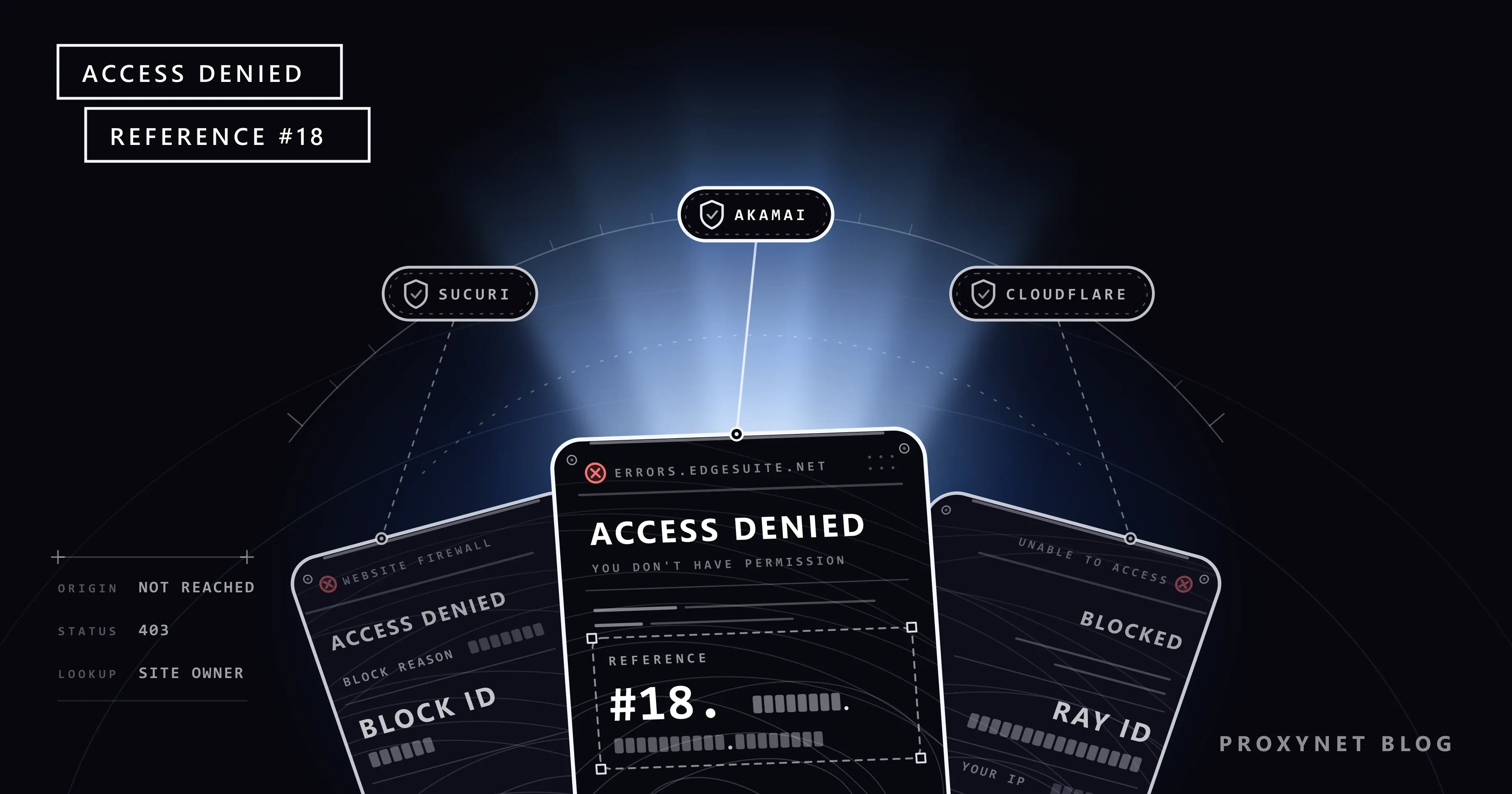
You want to track a parcel or sign in to your Microsoft account, and a plain white page appears instead. It says "Access Denied", then "You don't have permission to access http://www.microsoft.com on this server." and, at the bottom, a line such as "Reference #18.85c5d617.1549635923.277a7a1". Some sites add an address starting with errors.edgesuite.net. The same site opens on your phone's mobile data but not on your home Wi-Fi.
This post explains the message, how to tell which service showed it, what the reference number is for, what to try in order and what to send the site owner. It covers block pages on websites only; the "Access is denied" warning Windows shows for a file or folder is a different problem.
What does Access Denied mean?
"Access Denied" means your request was refused. "You don't have permission to access … on this server" repeats the address you asked for, and the reference line identifies this single attempt. What the page does not mean:
- The site has not crashed. It answered you and chose not to show the page.
- Your internet works. When a connection never reaches a site, the browser shows its own error, covered in This Site Can't Be Reached.
- Your account is not closed. The check sits in front of the site's login, so it judges the connection.
The page usually arrives with the status code 403 (Forbidden); the code's general meaning is in HTTP Status Codes in Web Scraping.
How does Akamai stop your request?
Akamai runs a content delivery network (CDN): servers that deliver websites for their owners from a location close to each visitor. A request that ends in Access Denied travels like this:
- The site points its name to Akamai. In DNS, the internet's address book, the owner directs the domain to an Akamai name ending in edgesuite.net or edgekey.net.
- Your browser reaches Akamai first. The request lands on a nearby Akamai edge server, not on the site's own server (the origin).
- The edge server applies the owner's rules. These can include a web application firewall (WAF), which looks for attack patterns, plus bot management, rate limits, country rules and IP reputation.
- A matching rule ends the trip. The request never reaches the origin, and you get the Access Denied page with a new reference number.
- The event is logged for the site owner, and the reference number is the key to that record.
Akamai says it does not block users itself; its customers set the rules that may block you. Think of a lobby guard working from the tenant's list: only the tenant, here the site owner, can change it.
Which security layer shows the Access Denied page?
Block pages from different providers look alike, but the bottom line gives the provider away. Imperva's firewall, for example, also shows a card headed "Access denied", but with an Incident ID at the bottom; the same company's bot check is the Pardon Our Interruption page.
| What the page says | Bottom line | Who shows it | First step |
|---|---|---|---|
| Access Denied · You don't have permission to access … on this server | Reference #18.xxxx, errors.edgesuite.net | Akamai | Wait, then send the reference to the owner |
| Access Denied - Sucuri Website Firewall | Block ID and block reason | Sucuri | Read the block reason |
| Sorry, you have been blocked, or Access denied · Error 1020 | Ray ID | Cloudflare | Read Sorry, You Have Been Blocked |
| 403 ERROR · The request could not be satisfied · Request blocked | CloudFront Request ID | Amazon CloudFront | Write to the site owner |
| Forbidden · You don't have permission to access this resource | No ID line | The site's own server | Check the address |
Amazon's CloudFront documentation names an AWS WAF rule and a geographic restriction among the causes of its 403. The plain "Forbidden" text is the Apache web server's default, so it comes from the site itself. A page whose browser tab reads "Access to this page has been denied" and that asks you to press and hold a button comes from HUMAN Security (formerly PerimeterX), as explained in Access to This Page Has Been Denied: Causes and Fixes.
What is the Reference #18 number for?
Microsoft's support article on this page calls the number a unique identifier for that user and that access attempt. It is a receipt, not an explanation. Akamai's public documentation does not explain its parts, and its own example starts with #9.
The number is for the site owner. In Akamai Control Center, under Test & troubleshoot > Edge Diagnostics, the owner pastes it into the Translate Error String tool and sees the reason for the failure, the firewall details, the time, your IP address and your browser.
According to the same page, these error logs are available only for the last 6 or 24 hours, depending on the server and traffic. Take a screenshot when the page appears and send the number the same day.
Under which rule might Akamai have stopped your request?
The page does not name the rule. The usual candidates:
- Too many connections. Microsoft says the thresholds are based on connection volume and blocks are usually temporary, like the rate limit behind Error 1015.
- Your IP address's reputation. Akamai scores addresses by behaviour across its network, and a previous user may have lowered yours (IP blacklist, IP fraud score).
- A shared address. Carriers, dorms and offices often put many people behind one IP, so one user's behaviour counts against all (What Is CGNAT?).
- A VPN, proxy extension or iCloud Private Relay (Apple's relay service for Safari). Many sites refuse the exit addresses these services share (VPN or Proxy Detected).
- A country rule. The site accepts only certain countries, and a VPN can place you in the wrong one.
- Your browser. An extension that changes the browser's identity, a damaged cookie or very fast clicking can look like a program (How Bot Detection Works).
In what order should you try to narrow down the block?
Try the page after each step. The step that makes it open tells you the cause.
- Stop reloading and wait 5 to 10 minutes. Every reload counts toward the threshold. If the page then opens, it was a temporary rate block.
- Turn off your VPN and proxy extensions. If the page opens, their shared exit address was the problem.
- On iPhone or iPad, turn off Private Relay for the network. Go to Settings > Wi-Fi, tap the More Info button (i) next to your network and turn off Limit IP Address Tracking. Apple's Private Relay page notes that sites using IP filtering or rate limiting may try to stop you while it is on.
- Try a private window. Extensions mostly stay off there; if the site opens, clear its cookies and test extensions one at a time.
- Switch to mobile data. If the site opens there but not on Wi-Fi, the rule targets your home IP address, not your device.
- Restart the modem if your IP is dynamic. On many home lines this brings a new address; see How to Change Your IP Address.
- Write to the site owner. If nothing helped, only they can change the rule.
Is your IP address flagged at Akamai? The reputation lookup and appeal
Akamai's public Client IP Reputation Lookup checks the address you are connecting from. After a CAPTCHA, it shows whether that address has a bad risk score as a web attacker, denial-of-service attacker, scanning tool or web scraper. Open it from the connection that gets blocked, with the VPN off.
It matters most when every device at home sees Access Denied on many sites. The page's FAQ warns that an address flagged on one site may be blocked on others too.
If the address is flagged, the Request to investigate form asks for your name and email, and Akamai says it replies within 2 business days. Give no more personal data than the form requires. An appeal is a request, not a guarantee, and a clean result does not override a site's own rate or country rule.
What does Sucuri's Access Denied page tell you?
Sucuri is another firewall service that sits in front of websites. Its page, titled "Access Denied - Sucuri Website Firewall", states the reason: a block reason, a Block ID, your IP address, the URL and the time. The Block ID comes from Sucuri's WAF signature list:
- TMP021 is a temporary block from the intrusion detection system and lasts 30 minutes. Wait without reloading.
- GEO01 and GEO02 are country blocks, and BLACK02 means a blacklisted IP address. Only the site owner can lift these.
- BBOT65 means Sucuri blocked a bot using a brute force technique, such as repeated password guessing.
To report a block, copy the whole page text. Sucuri's troubleshooting guide asks for the entire message and your IP address, which let support find the exact block.
If everyone in the office is blocked
Office computers usually share one public IP address through the router (NAT, network address translation), so to a website the whole office looks like one busy visitor. Microsoft's example is a device that tests the internet connection by visiting reliable sites, such as Microsoft's, at an interval the administrator sets. If the interval is too short, Akamai may block the address. The fix is to run the test less often, find other tools sending bulk requests and send the site owner a reference number with the time.
Teams that collect web data for work should start from the site's rules: robots.txt, a low request rate, an official API or the owner's permission. See How to Scrape Websites Without Getting Blocked; our data scraping page describes how we support that work within a site's rules.
Advanced: tracing edgesuite and edgekey with nslookup
Optional. Open the Start menu, type cmd, open Command Prompt and run:
nslookup www.microsoft.com
nslookup errors.edgesuite.net
On 25 September 2026, the first answer listed www.microsoft.com-c-3.edgekey.net under Aliases and a name ending in akamaiedge.net; the second resolved to a name ending in akamai.net. Such names mean the traffic goes through Akamai. Results can change over time, and the command does not lift the block.
Which sites show Access Denied and similar blocks?
- Microsoft sites. Microsoft lists www.microsoft.com, account.microsoft.com and www.xbox.com among its Akamai-hosted sites; a blocked sign-in page is a connection check, not an account problem.
- Online shops. On 25 September 2026, www.ebay.com resolved to an akamaiedge.net name. A product page reloaded every few seconds during a sale fits what rate limits watch for.
- Google search. Google runs its own version of this check (Google Unusual Traffic Error).
- YouTube. "Sign in to confirm you're not a bot" is another connection check (our YouTube post).
- Sites that test instead of refusing. Some show a puzzle rather than a block page (What Is CAPTCHA?).
Common mistakes
- Reloading again and again. Each reload counts toward the threshold and can extend a temporary block.
- Changing DNS or turning off the antivirus. The site still sees your public IP, and the decision is made on Akamai's server, not on your computer.
- Switching to a free VPN. Its shared exits often carry a poor reputation (Are Free Proxies and Web Proxy Sites Safe?).
- Not saving the reference number. Akamai keeps that log for only 6 or 24 hours.
- Applying Windows "Access is denied" fixes. Folder ownership and administrator rights have nothing to do with a website's rule.
- Writing only "your site doesn't open". Without the reference and the time, the owner has nothing to search for.
Decision guide
| Your situation | What to do |
|---|---|
| A Ray ID at the bottom | Cloudflare's page: read Sorry, You Have Been Blocked |
| Reference #18 on one site only | Wait, turn off the VPN, try mobile data; then send the reference and time to the owner the same day |
| Many sites, every device at home | Check your IP with Akamai's lookup, restart the modem, contact your internet provider |
| Only in Safari on iPhone | Turn off Limit IP Address Tracking for the network |
| Sucuri page, Block ID TMP021 | Wait 30 minutes without reloading |
| Sucuri page, Block ID BLACK or GEO | Write to the site owner with the Block ID, your IP and the time |
| The whole office is blocked | Lengthen connection test intervals, find bulk-request tools; for automation, an official API or permission (data scraping) |
Frequently asked questions
What does the Access Denied error mean?
The security layer in front of a website refused your request. The site and your internet both work; a rule set by the site owner matched your connection.
How do I remove an Access Denied block?
You cannot lift it yourself; the rule belongs to the site owner. You can wait, turn off VPNs and Private Relay, test another network and send the reference number and time to the owner.
What does Reference #18 mean, and what should I do with the number?
It is Akamai's identifier for one blocked attempt, not a code you can decode. Copy it as text, note the time and send both to the site owner the same day, while the log still holds the record.
What is errors.edgesuite.net? Is it a virus?
No. edgesuite.net is a domain on Akamai's network. Opening errors.edgesuite.net shows a short page saying the previous request had an error and pointing site owners to the Translate Error String tool. It installs nothing.
Why does the site open on my phone but not on my computer?
On mobile data the phone uses your carrier's address and the computer your home address, and the rule may target only the second. On the same Wi-Fi, look at the computer's VPN, proxy extension or stored cookies; if only Safari on the iPhone fails, check Private Relay.
How long does an Access Denied block last?
It depends on the rule. Microsoft says volume-based blocks are usually temporary, and Sucuri's TMP021 lasts 30 minutes. Reputation and country blocks have no set end; they last until the owner or the reputation data changes.
Summary
The Access Denied page comes from the security layer in front of a website. The bottom line names it: Reference # means Akamai, Block ID means Sucuri, Ray ID means Cloudflare. Wait a few minutes, turn off your VPN and Private Relay, test another network, and send the reference number and time to the site owner the same day. If you use proxies in your own work, our proxy services page explains the types and what each is for.


