

































Your app answers on 127.0.0.1:3000, nginx already serves a default page on port 80, and you want app.example.com to reach the app. You add one proxy_pass line, reload, and the page opens. Then the small problems arrive: the app logs 127.0.0.1 as every visitor's address, the login form redirects to http:// on an HTTPS site, /api/orders reaches the backend as /orders, and the live chat drops after exactly one minute of silence.
Each of those has a one-line cause in the configuration. This guide builds the reverse proxy in order: where the file goes, a minimal setup, the trailing-slash rule, forwarded headers, HTTPS, WebSocket, timeouts, several backends, testing and the errors in the log. Directives and defaults come from the nginx.org documentation as read on 23 November 2026, including the HTTP/1.1 default introduced in nginx 1.29.7.
What does an Nginx reverse proxy do?
An nginx reverse proxy receives requests for your domain, passes each one to an application server behind it and returns that server's response as its own. Visitors only connect to nginx; the app can listen on 127.0.0.1 where nobody else reaches it. If the idea itself is new, What Is a Reverse Proxy? explains it before any configuration.
This is the path of one request:
- nginx picks the
serverblock whoseserver_namematches theHostheader the browser sent. - It picks a
location: the longest matching prefix, unless an exact=location or a regular-expression location matches. proxy_passconnects to the backend and sends the request. Without extra lines,Hostis the backend address and nothing about the visitor is passed.- The backend answers. A redirect to the backend's own address is rewritten to the public one by
proxy_redirect. - nginx returns the response, encrypted with its own certificate when the block listens with TLS.
Where does the configuration go?
The proxy lines go into a server block, and the file depends on how nginx was installed. nginx's own packages read every *.conf file in /etc/nginx/conf.d/. Debian and Ubuntu packages also keep sites in /etc/nginx/sites-available/ and enable them with a link in sites-enabled:
sudo nano /etc/nginx/sites-available/app.example.com
sudo ln -s /etc/nginx/sites-available/app.example.com /etc/nginx/sites-enabled/
On those systems, check that the default site does not claim your name as default_server. Every included file ends up inside the http block of /etc/nginx/nginx.conf, which is why a map can live in a site file. If the server runs Apache instead, the same job is done with ProxyPass, covered in our Apache reverse proxy guide.
How do you write a minimal proxy_pass configuration?
Create one server block for the domain and one location / that passes everything to the app:
server {
    listen 80;
    server_name app.example.com;

    location / {
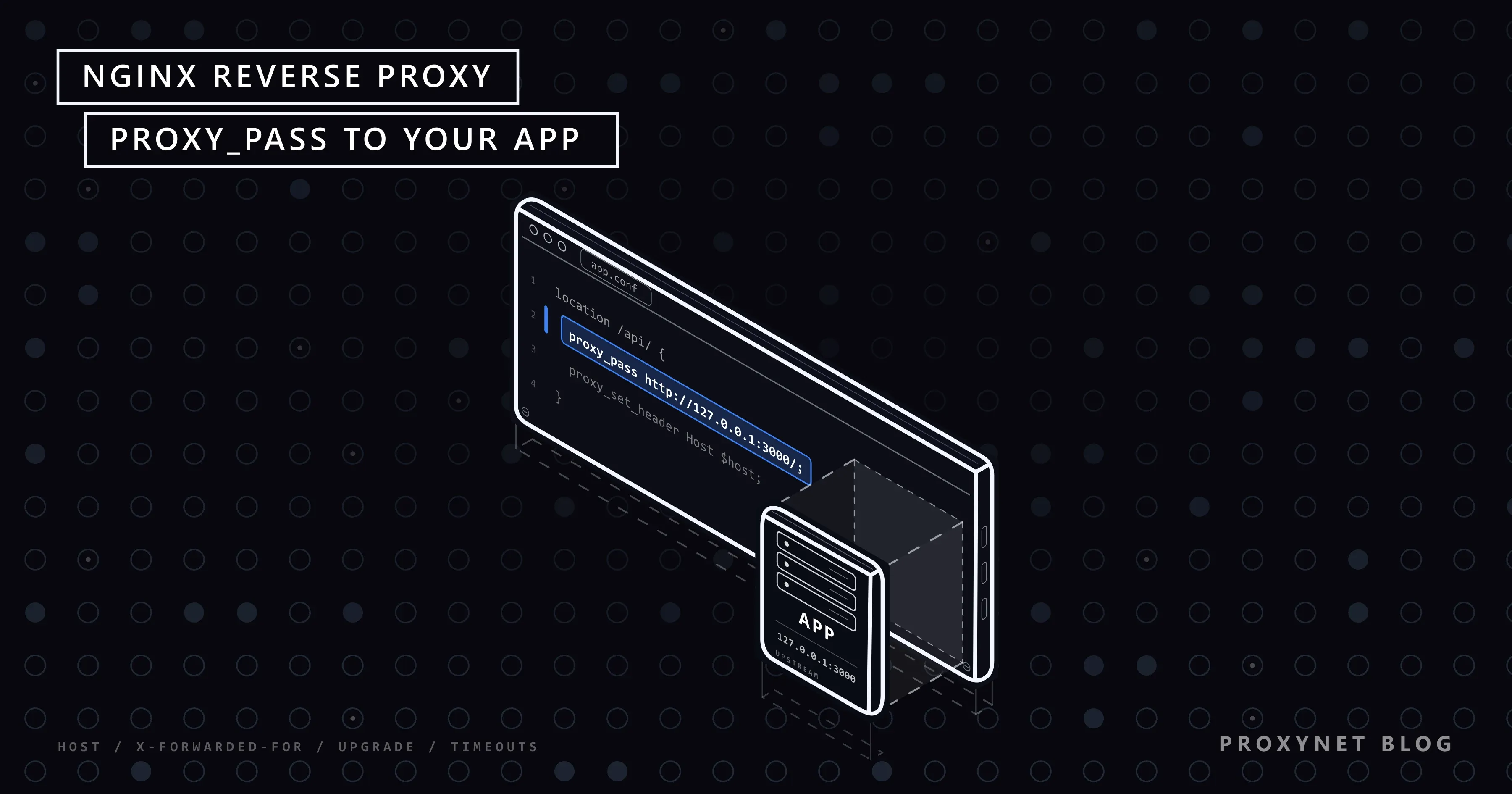
        proxy_pass http://127.0.0.1:3000;

        proxy_set_header Host              $host;
        proxy_set_header X-Real-IP         $remote_addr;
        proxy_set_header X-Forwarded-For   $proxy_add_x_forwarded_for;
        proxy_set_header X-Forwarded-Proto $scheme;
    }
}
The target can be an IP and port, a host name, a Unix socket (http://unix:/run/app.sock:) or an upstream group. A host name is resolved when nginx starts or reloads. Write 127.0.0.1 rather than localhost: localhost can resolve to both ::1 and 127.0.0.1, and nginx then tries both, logging a refused connection on ::1 whenever the app listens on IPv4 only.
To keep a path on nginx, give it its own location without proxy_pass, for example location /static/ { root /srv/app; }. The longest prefix wins, so the order of prefix blocks in the file does not matter.
How does the trailing slash in proxy_pass change the path?
Whether proxy_pass has a URI decides what path the backend receives; a URI is anything after the host and port, even a lone /. The ngx_http_proxy_module documentation states the rule: with a URI, the part of the path that matched the location is replaced by that URI; without one, the path passes through as the client sent it.
For a request to /api/users:
| location | proxy_pass | Backend receives |
|---|---|---|
/api/ | http://127.0.0.1:3000 | /api/users |
/api/ | http://127.0.0.1:3000/ | /users |
/api/ | http://127.0.0.1:3000/v2/ | /v2/users |
/api | http://127.0.0.1:3000/ | //users |
The last row is the classic trap: /api is replaced by /, the following slash stays, and many frameworks answer the double slash with a 404. Keep the slashes paired.
Two more rules come from the same documentation. Inside a regular-expression location (location ~ ...), proxy_pass must have no URI, so nginx cannot rewrite the path there. And a prefix location ending in / answers the same path without the slash with a 301: /api becomes /api/. If the backend needs both, add an exact location = /api block.
Which headers should you pass to the backend?
Pass the original host, the visitor's IP and the scheme, because nginx does not do it on its own. By default it sends Host as the proxy_pass address and no forwarded headers, so the app sees every request coming from 127.0.0.1 over plain HTTP:
Host $host: the domain the visitor asked for, which apps use to build absolute links. Unlike$http_host, it falls back to the server name when a client sends noHost.X-Real-IP $remote_addr: the address that connected to nginx, as one value.X-Forwarded-For $proxy_add_x_forwarded_for: the client's existing list with$remote_addrappended.X-Forwarded-Proto $scheme:httpsorhttp, so the app stops redirecting HTTPS visitors to HTTPS.
One inheritance rule catches almost everyone: proxy_set_header lines are inherited from the server or http level only if the current location has none of its own. Add a single Upgrade header to the WebSocket location and the four headers above silently disappear there. Repeat them, or keep them in a small file and include it.
Treat these headers as claims. A visitor can send any X-Forwarded-For value and it stays at the front of the list, so only the last entry, the one nginx added, is reliable. Bind the app to 127.0.0.1 and let its framework trust forwarded headers from that address only. The standardised form of the same data is the Forwarded header of RFC 7239, such as Forwarded: for=192.0.2.60;proto=https, though most frameworks still read the X-Forwarded-* names.
How do you add HTTPS to an Nginx reverse proxy?
End TLS in nginx: a server block on port 443 holds the certificate, decrypts the request and passes plain HTTP to the local app, while port 80 only redirects. The http2 directive exists since nginx 1.25.1; older guides put http2 on the listen line.
server {
    listen 80;
    server_name app.example.com;
    return 301 https://$host$request_uri;
}

server {
    listen 443 ssl;
    http2 on;
    server_name app.example.com;

    ssl_certificate     /etc/ssl/app.example.com/fullchain.pem;
    ssl_certificate_key /etc/ssl/app.example.com/privkey.pem;

    location / {
        proxy_pass http://127.0.0.1:3000;
        proxy_set_header Host              $host;
        proxy_set_header X-Real-IP         $remote_addr;
        proxy_set_header X-Forwarded-For   $proxy_add_x_forwarded_for;
        proxy_set_header X-Forwarded-Proto $scheme;
    }
}
The certificate paths are placeholders for the files your certificate tool writes, with intermediates in the fullchain file. If the tool validates the domain over port 80, keep its /.well-known/acme-challenge/ path out of the redirect.
When the backend itself speaks HTTPS, write https:// in proxy_pass and mind two defaults: proxy_ssl_server_name is off, so no SNI name is sent and a backend with several certificates may present the wrong one, and proxy_ssl_verify is off, so the backend certificate is not checked. Turn both on, with proxy_ssl_trusted_certificate, for a backend on another machine.
How do you proxy WebSocket connections?
Pass the browser's Upgrade request through with two headers and keep the connection open longer. A WebSocket starts as an HTTP request with Upgrade: websocket; nginx has tunnelled it since version 1.3.13, once the backend answers 101 Switching Protocols. The map belongs at http level, so in a site file it sits outside the server block:
map $http_upgrade $connection_upgrade {
    default upgrade;
    ''      close;
}

server {
    # ... listen, server_name, certificates as above

    location /socket/ {
        proxy_pass http://127.0.0.1:3000;
        proxy_http_version 1.1;   # needed before nginx 1.29.7
        proxy_set_header Upgrade    $http_upgrade;
        proxy_set_header Connection $connection_upgrade;
        proxy_set_header Host       $host;
        proxy_read_timeout 3600s;
    }
}
The map sends Connection: upgrade only when the client asked for an upgrade, so the location can serve ordinary requests too; Host is repeated because of the inheritance rule. The nginx WebSocket proxying page notes that the connection closes when the backend sends nothing for 60 seconds, the default proxy_read_timeout; raise it there or let the backend send ping frames. The browser can still use wss://, because TLS ends at nginx. Keep the proxy_http_version line: many Linux distributions still ship nginx builds older than 1.29.7.
How do you set timeouts and buffering?
nginx waits 60 seconds by default to connect to the backend, to send it the request and to read its response. Each timeout measures the pause between two reads or writes, not the whole transfer:
| Directive | Default | What it limits |
|---|---|---|
proxy_connect_timeout | 60s | Opening the connection; usually ≤ 75s |
proxy_send_timeout | 60s | Pause while sending the request |
proxy_read_timeout | 60s | Pause while waiting for response data |
client_max_body_size | 1m | Largest request body; above it, 413 |
A report that computes for two minutes before its first byte ends in a 504 at the one-minute mark. Raise proxy_read_timeout in that path's own location, and keep proxy_connect_timeout short so a stopped app fails fast. Uploads over 1 MB need a larger client_max_body_size.
Buffering is on by default: nginx reads the backend's response into memory, spills large ones to a temporary file and frees the backend early. That suits pages and breaks streams. Server-sent events and token-by-token output arrive in one lump unless you set proxy_buffering off; in that location, or the app sends the header X-Accel-Buffering: no.
How do you balance load across several backends?
Define an upstream group with one server line per backend and point proxy_pass at its name. Requests are shared by weighted round-robin unless you choose another method:
upstream app_backend {
    least_conn;
    server 10.0.0.11:3000 max_fails=3 fail_timeout=30s;
    server 10.0.0.12:3000 max_fails=3 fail_timeout=30s;
    server 10.0.0.13:3000 backup;
    keepalive 16;
}

server {
    # ... listen, server_name
    location / {
        proxy_pass http://app_backend;
        proxy_set_header Host $host;
    }
}
least_conn picks the server with the fewest active connections and ip_hash keeps a client address on one server. max_fails and fail_timeout take a server out of rotation after failed attempts (by default one failure, for 10 seconds), and backup only receives traffic when the others are down. keepalive reuses idle backend connections; since 1.29.7 it is on by default with 32 per worker process, while older versions also need proxy_http_version 1.1 and proxy_set_header Connection "";.
How do you test and reload the configuration?
Test the syntax, then the backend alone, then the whole path through nginx:
sudo nginx -t                         # syntax check, names the file and line of an error
sudo nginx -T | less                  # the same, plus the full merged configuration
curl -I http://127.0.0.1:3000/        # the backend alone
sudo systemctl reload nginx           # or: sudo nginx -s reload
curl -I https://app.example.com/      # the full path through nginx
A reload starts new worker processes and lets the old ones finish their requests, so visitors notice nothing. If the backend answers directly but not through nginx, the problem is in the proxy block, and a redirect's Location header must never show 127.0.0.1:3000. When something fails, read /var/log/nginx/error.log or the file an error_log line names: every upstream error contains an upstream: field with the address nginx tried.
Where proxies fit
The proxies a provider sells stand in front of your client, not your server. An HTTPS Proxy is a forward proxy that your browser, script or server sends its outgoing requests to, using HTTP CONNECT for HTTPS sites, and the destination sees the proxy's IP address.
The two meet when the app behind nginx calls an outside service that accepts only registered addresses. That outgoing route belongs in the app's HTTP client or its HTTPS_PROXY variable, not in nginx, whose proxy_pass talks to your backends. A Datacenter Proxy gives it a dedicated IPv4 address; per-IP products come with a target-site restriction by default, so check that the partner's host is reachable through your IPs.
Where you meet Nginx reverse proxies
Most often in front of an application server that should not face the internet: a Node, Python, Ruby, Go or Java app on a local port, with nginx handling certificates, compression, static files and logs. One nginx can put several apps under different domains or paths, or serve a single-page app's files while sending /api/ to a backend. In container setups nginx often runs as its own container and reaches the others by service name on a shared network.
Common Nginx reverse proxy errors
Most problems leave a clear line in the error log; what each gateway status means in general is collected in 502 Bad Gateway Error: What It Means and How to Fix It. These come from the proxy configuration itself:
- 502,
connect() failed (111: Connection refused) while connecting to upstream: nothing listens on theproxy_passaddress. Start the app or fix the port. - 502,
(13: Permission denied) while connecting to upstreamon Fedora, RHEL and similar systems: SELinux blocks nginx's outgoing connections. F5's guide to nginx and SELinux gives the switch:sudo setsebool -P httpd_can_network_connect 1. - 504,
upstream timed out (110: Connection timed out) while reading response header from upstream: the app was slower thanproxy_read_timeout. - nginx will not start,
host not found in upstream: a host name inproxy_passdid not resolve at start-up, typical when the container it points to is not running yet. - 404 or
//in backend paths: a slash mismatch betweenlocationandproxy_pass. - Too many redirects: the app sees plain HTTP; send
X-Forwarded-Proto $schemeand let the framework trust it. - WebSocket closes at once or after 60 seconds: missing
UpgradeandConnectionheaders, missingproxy_http_version 1.1on an old nginx, or the defaultproxy_read_timeout.
Decision guide
| Need | Recommendation |
|---|---|
| Publish one app on a domain | server block + location / + proxy_pass |
| App needs real domain and visitor IP | Host $host, X-Real-IP, X-Forwarded-For |
| App must know about HTTPS | X-Forwarded-Proto $scheme |
| HTTPS for visitors | listen 443 ssl + certificate, port 80 redirects |
| Strip a path prefix | location /api/ + proxy_pass .../ |
| WebSocket | Upgrade + Connection, longer proxy_read_timeout |
| Streaming responses | proxy_buffering off |
| Large uploads | Higher client_max_body_size |
| Several app servers | upstream group, least_conn |
Frequently asked questions
What is the difference between proxy_pass with and without a trailing slash?
With a URI, even just /, nginx replaces the matched location prefix with it; without one, the original path passes unchanged. So location /api/ with proxy_pass http://127.0.0.1:3000/ sends /api/users as /users.
Do I need proxy_http_version 1.1 for an Nginx reverse proxy?
Only before nginx 1.29.7, where proxied requests used HTTP/1.0 by default; there WebSocket and backend keepalive need it. From 1.29.7 HTTP/1.1 is the default and the line does no harm.
How do I pass the client's real IP address through Nginx?
Set X-Real-IP $remote_addr and X-Forwarded-For $proxy_add_x_forwarded_for with proxy_set_header, and let the app trust them only from nginx's address. If nginx itself sits behind a load balancer or CDN, its real_ip module restores the visitor's address from that layer's header first.
How do I proxy several apps or domains with one Nginx?
Give each domain its own server block and server_name, or split one domain by path with several location blocks, each with its own proxy_pass. sudo nginx -T shows which block answers.
Why does my Nginx WebSocket connection close after 60 seconds?
Because proxy_read_timeout defaults to 60 seconds and nginx closes a proxied connection that stays silent that long. Raise it in the WebSocket location or send ping frames more often.
Can I run an Nginx reverse proxy on Windows or in Docker?
Yes, with the same configuration. nginx.org publishes a Windows build but calls it a beta version that should not be expected to perform or scale well, so use it for development. In Docker, point proxy_pass at the other container's service name, not at 127.0.0.1, which means the nginx container itself.
Summary
An nginx reverse proxy is a server block with a location holding proxy_pass and four proxy_set_header lines for host, visitor IP and scheme. Pair the slashes, end TLS on port 443, add the upgrade headers and a longer read timeout for WebSocket, turn buffering off for streams and use an upstream group for several backends. Run nginx -t before every reload and read the error log first. If your app's outgoing requests need a fixed or local address, see our proxy products.