


































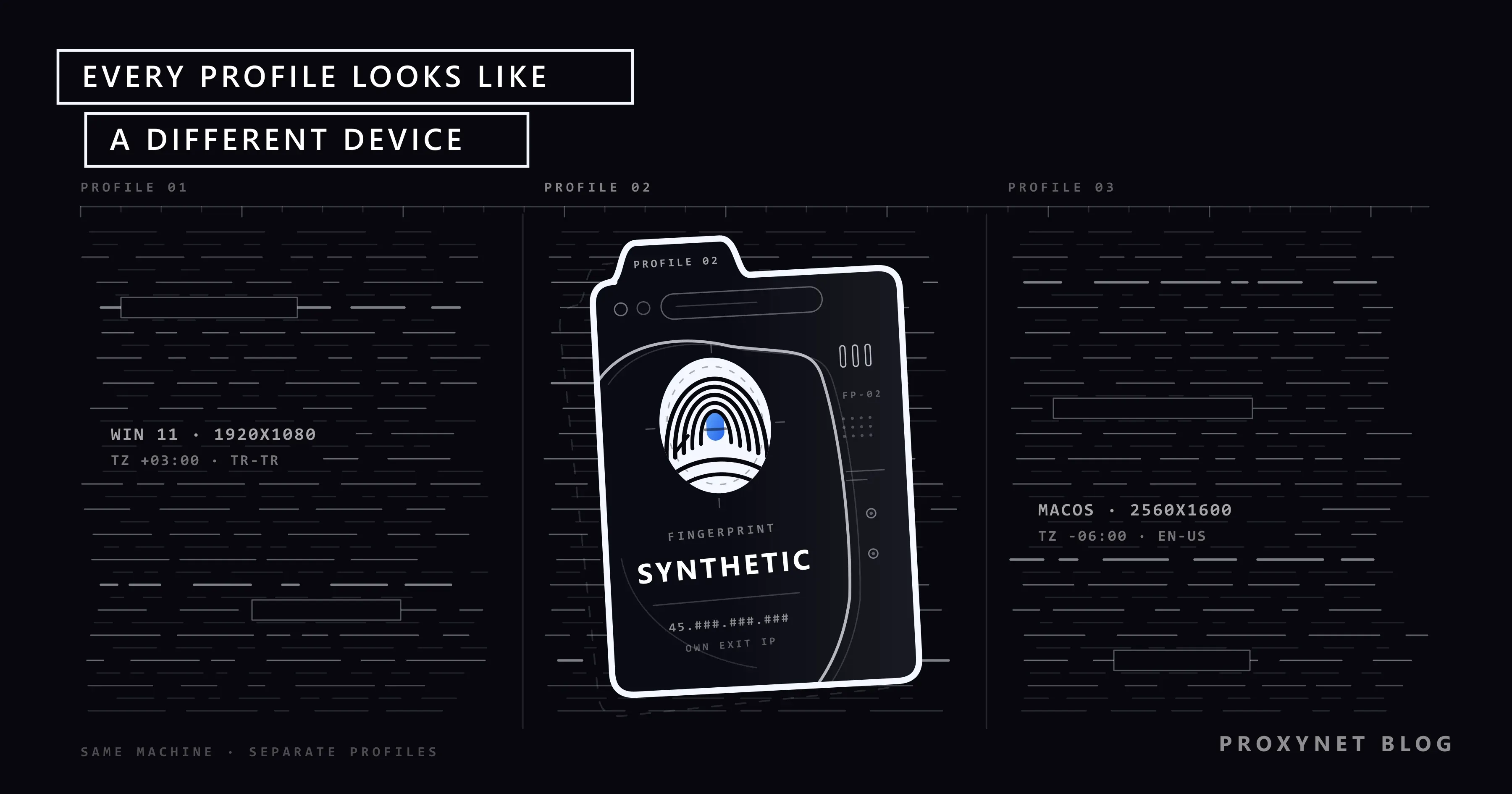
Picture a team at an agency managing the social media and ad accounts of fifteen clients. Switching between accounts in the same browser mixes up cookies; separate Chrome profiles keep cookies apart, but every profile still appears with the same computer, the same IP address and the same browser fingerprint. The platform can easily link those accounts to one device. Antidetect browsers try to solve this by configuring each profile as if it were a separate device.
In this article we explain what an antidetect browser is, how it differs from normal browser profiles, which layers profile isolation works on and which fingerprint parameters get changed. Then we cover why a proxy is attached to each profile, which proxy type fits which kind of profile, legitimate use cases and the limits you need to keep in mind.
What is an antidetect browser?
An antidetect browser is a desktop application, usually based on Chromium or Firefox, with profile management built on top. The user creates a profile and assigns it values such as operating system, screen resolution, time zone, language and proxy. When the profile opens, the browser runs with those values and reports them to sites.
The word "antidetect" can be misleading. In practice these tools are less about "not being detected" and more about breaking the link between profiles. A site may or may not realise that a profile is running in an antidetect browser; the real goal is that the account in profile A is not tied to the same device as the account in profile B.
There are many products in this category and most offer a similar structure: a profile list, per-profile fingerprint settings, proxy configuration, profile sharing with team members and an API for automation. The tools we have written Proxynet setup guides for are AdsPower, Dolphin Anty, BitBrowser, Hidemyacc and DICloak. This article is not a product comparison; it explains the common mechanism. If you are choosing a tool to keep team or client profiles apart, Best Antidetect Browsers - 2026 puts the options side by side.
How is it different from a normal browser?
Chrome and Firefox also support multiple profiles. To see the difference, look at the information a site can use to link two visitors.
| Feature | Normal browser profile | Private window | Antidetect profile |
|---|---|---|---|
| Cookies and local storage | Separate per profile | Deleted at the end of the session | Separate per profile and persistent |
| IP address | The computer's or system proxy's address | Same | A separate proxy per profile |
| User agent and operating system | Real value, the same in every profile | Same | Set per profile |
| Screen resolution | Real value | Same | Set per profile |
| Time zone and language | System setting | Same | Per profile, based on the proxy's location |
| Canvas and WebGL output | Output of the real hardware | Same | Varied per profile |
| Font list | Fonts installed on the system | Same | Limited per profile |
| WebRTC behaviour | Default | Default | Consistent with the proxy per profile |
| Team sharing | None | None | A profile can be handed to another user |
As the table shows, normal profiles only separate storage. The fingerprint and IP address are shared across all profiles. A private window separates nothing; it just leaves no trace. An antidetect profile tries to separate all three layers together.
How does profile isolation work?
When an antidetect profile opens, these steps happen:
- Profile data is loaded. The profile's cookies,
localStorage, IndexedDB, cache and session data are read from a separate folder. There is no access to another profile's data. - Fingerprint values are applied. The browser replaces the values returned by JavaScript APIs with the values stored in the profile: user agent, platform, screen size, CPU core count, memory, language list and time zone.
- Graphics output is varied. A profile-specific, consistent change is added to the output of Canvas and WebGL drawings. The same profile produces the same output every time it opens; different profiles produce different output.
- The proxy connection is established. The browser connects through the proxy assigned to the profile. Most tools test the proxy before the profile opens and show the location of the exit IP.
- Location settings are matched to the proxy. Time zone, language and the geolocation API are set according to the location of the proxy's exit address.
- WebRTC is made consistent with the proxy. So that WebRTC does not expose the real IP address, candidates are adjusted to the proxy address or UDP is disabled.
If one of these steps is missing, isolation weakens. For example, two profiles with different fingerprints but a shared proxy are linked through the IP address.
Which fingerprint parameters change?
A browser fingerprint is the combination of features that lets a site identify your browser without cookies. We explain which features are collected and how they are combined in Browser Fingerprinting. W3C's guidance on mitigating browser fingerprinting also lists these features and their risks for people designing web standards.
The main parameters antidetect browsers set per profile are:
| Parameter | Where the site reads it | What to keep consistent |
|---|---|---|
| User agent and platform | navigator.userAgent, User-Agent Client Hints | Must match the operating system, fonts and graphics card |
| Screen resolution | screen.width, screen.height | Should be a common value for the chosen device type |
| Time zone | Intl.DateTimeFormat | Must match the proxy's location |
| Language list | navigator.languages, Accept-Language | Should not contradict the proxy's country |
| Canvas | Hash of the drawing output | Must be the same every time within the profile |
| WebGL vendor and renderer | WEBGL_debug_renderer_info | Must fit the operating system |
| Fonts | Font measurement tests | Must belong to the chosen operating system |
| Hardware | hardwareConcurrency, deviceMemory | Should fit the device type |
| Media devices | enumerateDevices | Camera and microphone counts should be realistic |
| WebRTC | ICE candidates | Must not contradict the proxy address |
The core principle here is consistency. A profile filled with random values stands out more than a real device. A profile with a Windows user agent that lists fonts found only on macOS and connects from a Brazilian IP with an Istanbul time zone does not resemble any real user. EFF's Cover Your Tracks test can be used to see how distinctive a browser's fingerprint is.
Why is a proxy attached to the profile?
No matter how well fingerprints are separated, if all profiles connect from the same IP address the site can tie them to one source. That is why antidetect browsers set the proxy at the profile level, not the system level. The proxy has three roles in a profile setup:
1. A separate IP address per profile. Each profile has its own exit address. Two accounts connecting from the same address is the easiest link to make.
2. A fixed IP within the profile. If an account logs in from Izmir today, Ankara tomorrow and another country the day after, the platform treats that as an account security risk and asks for verification. For logged-in profiles, the IP address is expected to stay the same for days and weeks.
3. Location consistency. The profile's time zone, language and geolocation are derived from the proxy's location. If the proxy exits in Istanbul, the profile should also show Istanbul time and a Turkish language preference.
These roles show that a rotating proxy that changes on every request is generally not suitable for a profile setup. An IP change in the middle of a logged-in session can look to the platform like the session has been hijacked.
Which proxy for which profile?
| Profile use | Suitable proxy type | Why? |
|---|---|---|
| Long-lived logged-in account | Static ISP | The same IP for weeks, an ISP address |
| Short session, actions within the same day | Sticky residential | The same IP for the session, a home connection address |
| Account on a mobile-first platform | Mobile proxy | An address from an operator network, fits a mobile user profile |
| Ad and content checks without logging in | Rotating residential | Looks like a different home user on each check |
| Site testing in different countries | Residential or ISP with location selection | Country- and city-level view |
| A single test profile, high speed | Datacenter | Speed and cost first, target not sensitive to IP type |
A ISP Proxy for long-lived accounts, a Sticky Proxy for session-based work and a Mobile Proxy for mobile-first platforms are the options most often used in this setup.
Setting up a one-to-one match between profile and proxy is the basic rule. Assigning the same proxy to more than one profile defeats the purpose of separating them.
Legitimate use cases
- Agency and client account management. A digital agency managing each client's account in a separate profile with a separate IP address. Because team members can share profiles, password sharing goes down too. The social media setup is on our social media proxy solution page.
- Ad verification. Checking whether an ad appears correctly in different countries and on different device types, and whether there is fake traffic or wrong redirection. Details are on our ad verification solution page.
- Application and site testing. Testing from one computer how a web application works across combinations of operating system, screen size, language and location. We gather these scenarios on our app testing solution page.
- An e-commerce seller's own stores. Managing separate stores on different marketplaces or in different countries with separate sessions, to the extent the platform's rules allow.
- Security and fraud research. Investigating fake stores, phishing pages and brand impersonation without exposing your own identity and device.
- Privacy. Preventing identities used for different jobs from being merged into one profile by ad networks.
What should you watch out for?
Platform rules are independent of the antidetect browser. Many social media platforms and marketplaces limit the number of accounts per person in their terms of service. An antidetect browser can technically separate accounts, but it does not make breaking those terms legitimate. Opening more accounts than a platform allows, reopening a banned account, creating accounts with fake identities or using the tool for fraud is outside the scope of this article and has consequences ranging from account closure to legal liability.
On the technical side, keep these points in mind:
- Consistent fingerprints instead of random ones. Values must be consistent with each other and with the proxy's location.
- A one-to-one match between profile and proxy. A shared proxy links profiles together.
- A fixed IP for logged-in profiles. Rotation is for work that does not require logging in.
- Backing up profile data. A profile that loses its cookies turns into a login from a new device in the platform's eyes.
- The tool's trustworthiness. Profiles contain account sessions and cookies; check where this data is stored and how it is encrypted.
- WebRTC and DNS settings. Confirm with a leak test that the tool makes WebRTC behaviour consistent with the proxy. The test method is in WebRTC and DNS Leaks.
Common mistakes
- Using the same proxy in more than one profile. Even with different fingerprints, a shared IP address links the profiles.
- Using a rotating proxy on a logged-in account. An IP change mid-session leads to verification requests and logged-out sessions.
- Setting the time zone separately from the proxy. Most tools take the time zone from the proxy automatically; turning that off and entering a wrong value by hand creates an inconsistency.
- Leaving fingerprint values random when creating a profile. Resolution and hardware combinations that are rare on real devices stand out.
- Opening an account in a normal browser first and then in an antidetect profile. The account is already tied to your real device.
- Picking a proxy country that doesn't match the account's history. Opening an account that has been used from Türkiye for years from another country triggers the platform's account security checks.
Decision guide
| Your need | Recommendation |
|---|---|
| Separate a few personal accounts, fingerprint doesn't matter | Normal browser profiles |
| Manage many client accounts as a team | Antidetect browser + static ISP per profile |
| Check ads in different countries | Antidetect profile + residential with location selection |
| Manage accounts on a mobile-first platform | Antidetect profile + mobile proxy |
| Test a site across device and language combinations | Antidetect profile + proxy with location selection |
| One-off check without logging in | Private window + proxy |
| Open accounts the platform's terms don't allow | Out of scope |
Frequently asked questions
Is using an antidetect browser legal?
The software itself is legal and is used for legitimate work such as profile management, testing and privacy. What decides legality is what you do with it: fraud, fake identities or uses that break platform terms carry liability regardless of the tool.
Does an antidetect browser work without a proxy?
It does, but every profile connects from your computer's IP address. Even with different fingerprints, a shared IP is enough to link the profiles. If you need to keep profiles apart, assign a separate proxy to each one.
Aren't normal Chrome profiles enough?
They are enough if separating cookies is all you need. But every Chrome profile shares the same fingerprint and the same IP address. If you want to stop a platform from tying accounts to the same device, you need a separate fingerprint and a separate proxy per profile.
Which proxy type should I pick per profile?
Static ISP for logged-in, long-lived profiles, sticky residential for session-based work and mobile proxies for mobile-first platforms. The "Which proxy for which profile?" table above gives the detailed mapping.
Can a site tell it's an antidetect browser?
It can. Inconsistent fingerprint values, differences from known browser engines or data center IP addresses can make a site flag the profile as suspicious. That is why in legitimate use the goal is not to get around a site's rules but to keep profiles separate.
Can I move a profile to another computer?
Most antidetect browsers store profiles in the cloud and let you share them with team members. When the profile opens on another computer, the cookies, fingerprint values and proxy setting stay the same, so for the platform the device does not appear to have changed.
Summary
An antidetect browser gives each profile its own cookie store, fingerprint and proxy so that profiles managed from one computer look like independent devices. For the setup to work, fingerprint values must be consistent with each other and with the proxy's location, and each profile needs its own fixed IP address. It is used for agency account management, ad verification and multi-device testing; it does not change platform terms. For proxy types that fit your profile setup, take a look at our proxy services; for the general concepts, What Is a Proxy Server and How Does It Work? is a good starting point.


