


































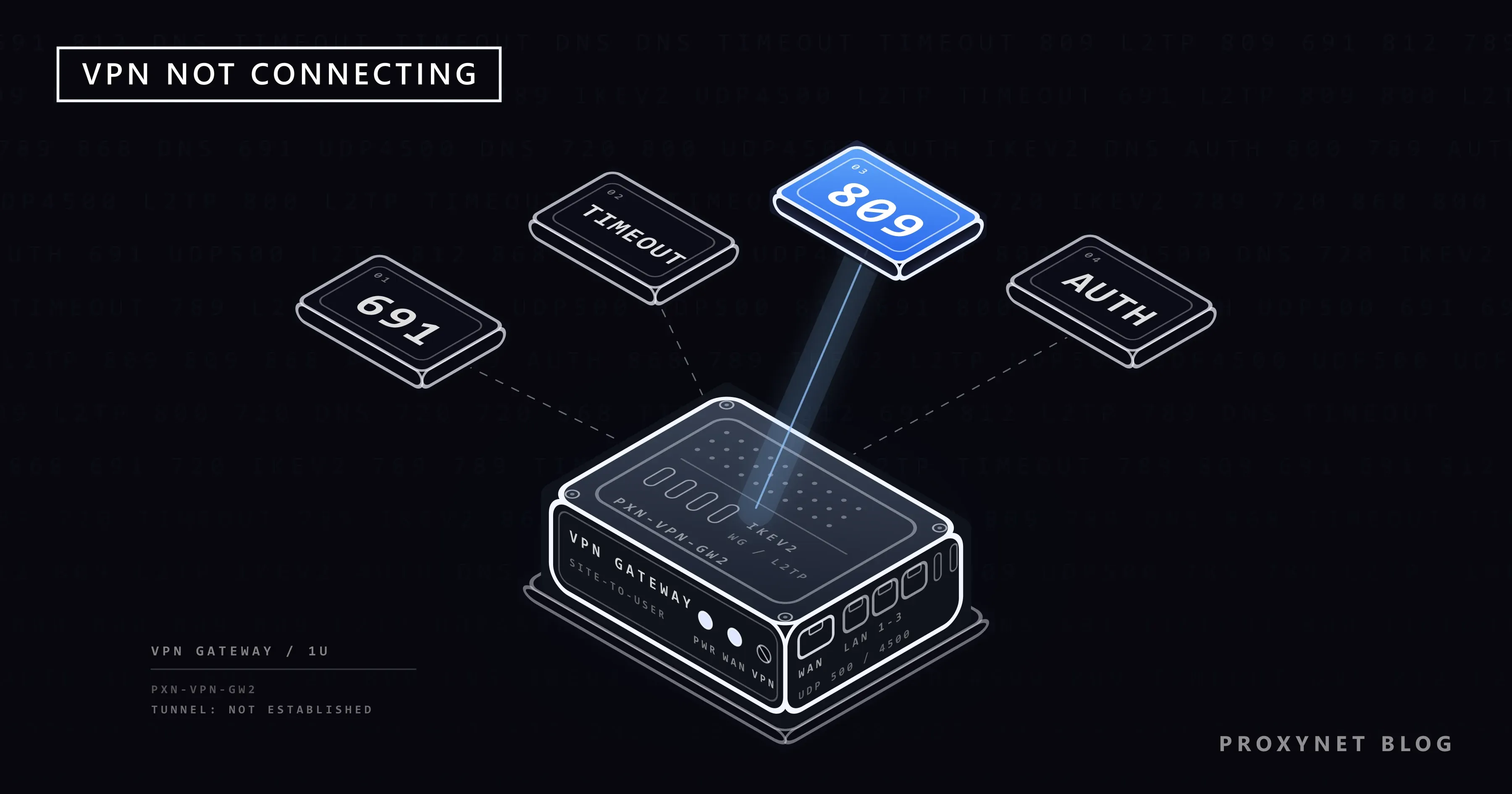
You press Connect in your VPN app and the circle keeps spinning, until it gives up with "Couldn't connect" or Windows shows a box with a number such as 809 or 691. It worked yesterday at home and fails today on hotel Wi-Fi, or it is the work laptop and you need the company network in ten minutes.
This post is about a VPN tunnel that never comes up. We go through the quick checks, the steps a VPN takes while it connects, app protocols, the network you are on, phone settings, the Windows error codes with Microsoft's meaning for each, firewalls, routers and the server side. If your app says Connected but pages don't load, see VPN Connected but No Internet? Causes and Fixes instead.
What does "VPN not connecting" mean?
A VPN (virtual private network) puts your device's traffic into an encrypted tunnel that ends at a VPN server, as explained in What Is a VPN and How Does It Work?. "Not connecting" means the tunnel is never built: the app stays on "Connecting" or shows an error, while your normal internet keeps working.
The failure usually has one of two shapes. A long wait that ends in a timeout means the server never heard you. A quick refusal about your password, account or a certificate means the server heard you and said no.
How does a VPN connect, step by step?
- The app looks up the server's address. A name such as
vpn.example.comis turned into an IP address by DNS, the internet's address book. If the name cannot be found, Windows shows error 868. - The first packets travel to the server through your Wi-Fi, router, internet provider and any firewall in between. If one of them drops the packets, the app times out; Windows shows 809.
- The two sides check each other with a certificate (a digital ID card) or a pre-shared key (a shared password for the connection). A certificate is valid only between two dates, so a wrong device clock can fail here. For L2TP connections, Windows reports this step as 789.
- You sign in. A wrong password or an expired account stops the connection; on Windows that is 691.
- The server checks its rules, such as which sign-in methods it accepts. A mismatch gives 812.
- The tunnel opens and the app shows Connected. On Windows a blue shield appears on the taskbar.
Quick checks before anything else
- Turn the VPN off and open a website. If nothing loads, the problem is your internet connection, not the VPN.
- Check the account. On the provider's website, confirm the subscription is active and the device limit is not reached. For a work VPN, check that your work password has not expired.
- Set the date and time to automatic. Windows: Settings > Time & language > Date & time > Set time automatically. iPhone: Settings > General > Date & Time > Set Time Automatically. Android: Clock app, Settings > Change date and time > Automatic date and time.
- Update the app, restart the device and pick another server.
- Try another network. Connect the laptop to your phone's hotspot, or switch the phone from Wi-Fi to mobile data.
The last check splits the problem in two. If the VPN connects on the other network, your device and account are fine and the first network is the cause.
Common causes at a glance
| What you see | Most likely cause | What to try |
|---|---|---|
| Long wait, then a timeout or 809 | The network, a firewall or the router drops VPN traffic | Hotspot test, then router and firewall |
| Fails only on hotel or airport Wi-Fi | The Wi-Fi login page is not completed | Finish the page with the VPN off, then connect |
| Fails only at work or school | The network does not allow VPNs | Ask the network administrator |
| Quick password error or 691 | Wrong details, expired password or account | Retype, reset the password, check the subscription |
| Server name error or 868 | Typo in the address, or a DNS problem | Check the address, try another network |
| Certificate error | Wrong date and time, or an expired server certificate | Automatic time, then tell the provider or IT |
| Stopped after installing security software | Its firewall blocks the VPN app | Add the VPN app as an exception |
| Phone VPN drops in the background | Battery saving limits background apps | Test with battery saving off |
App VPNs: what the protocol setting means
Provider apps usually have a Protocol or VPN type option. What matters is the traffic each one uses:
- WireGuard, a newer and lightweight protocol, sends all of its packets over UDP, the kind of traffic that doesn't wait for a confirmation (see TCP vs. UDP).
- OpenVPN, a widely used open-source protocol, runs over UDP or TCP depending on the provider's setup.
- IKEv2/IPsec is built into Windows, iPhone and Mac, copes well with switching between Wi-Fi and mobile data, and needs UDP ports 500 and 4500 to pass.
A network that passes web pages but not UDP, or not those ports, lets the browser work and stops the VPN. If your app offers more than one protocol, switching once is a fair test at home or on a hotel network; if one connects and the other doesn't, tell the provider. Two more causes sit in the app itself: a second VPN app running at the same time (quit one) and a damaged install (uninstall, restart, reinstall from the official store).
Is the network blocking the VPN?
Hotel, café and airport Wi-Fi. Many public networks first show a login page, a captive portal, where you accept terms or type a room number. Until you finish it, the network blocks everything else, the VPN included. Turn the VPN off, open any website so the page appears, complete it, then connect. More on these networks in Is Public Wi-Fi Safe?.
Work and school networks. Many organisations don't allow VPN connections on their network, so that traffic goes through their own security checks. If the VPN fails only there, that is the rule working; ask the administrator instead of trying to work around it.
Countries. Some countries and networks restrict VPNs; this post does not cover that situation. Whether using a VPN is legal where you are is explained in Is Using a VPN or Proxy Legal?.
iPhone and Android: phone-specific causes
iPhone. VPN services usually come as an app, while work and school VPNs often arrive as a configuration profile listed under Settings > General > VPN & Device Management. A VPN profile left over from an old job or app can get in the way; remove only the ones you know you no longer need, and never your employer's without asking. The last resort is Settings > General > Transfer or Reset iPhone > Reset > Reset Network Settings. Apple's reset guide says it removes saved networks and the VPN settings not installed by a configuration profile or device management, so you will set up Wi-Fi and the VPN app again.
Android. VPNs live under Settings > Network & internet > VPN (search for "VPN" if your phone maker names it differently). A VPN added there by hand has an Always-on VPN switch behind its settings icon; Google's Android VPN help page notes that VPNs set up through an app don't have this option there, so look in the app's own settings. Battery saving is the other usual suspect: Settings > Battery > Battery Saver limits background activity, and Google warns that network connections can be delayed. If the VPN drops while the screen is off, try once with Battery Saver off.
Windows built-in VPN error codes
Windows' own VPN client, under Settings > Network & internet > VPN, shows a numbered error when it fails; many work VPNs use it. The meanings come from Microsoft's Routing and Remote Access error code list; the advice for 800, 809 and 812 follows its Always On VPN troubleshooting guide.
| Code | Microsoft's meaning, in plain words | What to try |
|---|---|---|
| 691 | The user name, the password or both were not accepted | Retype with Caps Lock off, use the exact user name format, reset an expired password |
| 720 | No PPP control protocols are configured: the two sides could not agree on basic connection settings | Check VPN type; if it is right, send the code to whoever runs the server |
| 789 | An L2TP connection failed in its security step while first talking to the server | Compare the pre-shared key or certificate with your details |
| 800 | The connection could not be made: the server may be unreachable, or security settings are wrong | Set the exact VPN type instead of Automatic; try another network |
| 809 | The server did not respond; a firewall, NAT or router in between may not allow VPN connections | Hotspot test, router passthrough, firewall; the server side must allow UDP 500 and 4500 |
| 812 | A rule on the VPN server stopped the connection; its sign-in method may not match your profile | Contact the administrator |
| 868 | The name of the VPN server could not be resolved | Check Server name or address; try another network |
To change these settings, open Settings > Network & internet > VPN, select the connection, then Advanced options and Edit, as Microsoft's Windows VPN help page shows. On Automatic, Windows tries several tunnel types and reports 800 when all fail. If 868 appears for a name that worked before, the network's DNS server may be at fault; What Is DNS? shows how to change it. Company clients such as FortiClient, GlobalProtect and Cisco Secure Client show their own messages, but the same steps apply.
Firewall, antivirus and the router
Security software. After an update, a security suite's firewall can start blocking a VPN app it used to allow. Pause the firewall for a minute, try to connect and turn it back on right away. If the VPN connects while it is paused, add the VPN app as an exception instead of leaving protection off. On a work computer, leave this to IT.
VPN passthrough. Your home router gives every device one shared public address by rewriting the address on each packet, a technique called NAT. The older VPN types, PPTP and L2TP/IPsec, send traffic the router has to recognise before it can pass it on; the router feature for this is usually called VPN passthrough and is often on by default. If Windows shows 809 or 800 only at home, open the router's settings page (the address is usually on a label on the router), make sure VPN or IPsec passthrough is on and restart the router. WireGuard and OpenVPN normally don't need it.
A VPN server in your own home. If you reach home through a VPN on your own router, your home's public address may have changed, as Static IP vs Dynamic IP explains. If your provider puts your line behind CGNAT, connections from outside cannot reach your home at all; What Is CGNAT? shows how to check.
When the server side is the problem
If the VPN fails on every network and device while other servers work, or the provider reports an outage, the fault is not on your side. Choose another location, sign out and back in, then contact support. A company VPN can also fail for reasons you can't see, such as an expired server certificate or a changed sign-in rule; 812 is one of these. Don't install a second VPN to get around it. Send support or IT the exact message or code (a screenshot is best), the time, the network you were on, whether the hotspot test also fails and the app version.
When is a proxy the better tool?
A VPN changes the route of the whole device. If you only want one browser or program to use an address in another country, for example to check how your own online shop shows prices in another market, a proxy changes the route of that program alone. Residential Proxy give you home-connection addresses in the country and city you choose, and SOCKS5 Proxy work in any program with a SOCKS5 field. The comparison is in Proxy vs. VPN. A proxy does not replace your employer's VPN or encrypt your traffic on public Wi-Fi; for those jobs, fix the VPN.
Advanced: check whether the VPN server can be reached
This section is for readers comfortable with the command line. Windows PowerShell can test whether a server answers on one port; replace example.com with your VPN server's address and 443 with the port your provider or IT team uses:
Test-NetConnection example.com -Port 443When the server can be reached, the output (shortened here) looks like this:
ComputerName     : example.com
RemoteAddress    : 104.20.23.154
RemotePort       : 443
TcpTestSucceeded : True
A warning that says Name resolution of … failed matches error 868. TcpTestSucceeded : False means nothing answered on that port, as with 809. True means the server can be reached, so check the sign-in details and the protocol. The test covers TCP only; for WireGuard and IKEv2, which use UDP, rely on the hotspot test.
Common mistakes
- Reinstalling everything before the hotspot test. Two minutes on another network show whether the device is the problem at all.
- Typing the password again and again. Many services lock an account after repeated failures.
- Leaving VPN type on Automatic when you know which type to use.
- Pausing the firewall and forgetting it. Add an exception for the VPN app instead.
- Trying to get past a work or school network's rules. On their network, their policy decides.
Decision guide
| Your situation | What to do |
|---|---|
| Fails on every network | Check the account, update the app, try another server, then contact the provider |
| Fails on one network only | Hotel: finish the login page. Work or school: ask the administrator. Home: check the router |
| Password error or 691 | Retype or reset the password, check the subscription |
| 809 or a timeout at home only | Turn on VPN passthrough, check the firewall, restart the router |
| 800 | Set the exact VPN type instead of Automatic |
| 868 | Check the server address and the network's DNS |
| 812 or a certificate error | Automatic date and time, then contact the provider or IT |
| You need another country's address in one app only | Use a proxy in that app |
Frequently asked questions
Why does my VPN connect on mobile data but not on Wi-Fi?
Something on that Wi-Fi network drops the VPN traffic: an unfinished login page, a router setting or a network rule. Your device and account are fine. At home, check the router; elsewhere, ask whoever runs the network.
Does a VPN that won't connect mean it has been blocked?
Not necessarily. Expired accounts, wrong clocks, busy servers and local firewalls cause many failures. If the VPN fails on one network only, that network refuses it; if it fails everywhere, look at the device, the account or the provider.
What is error 809 and how do I fix it?
The VPN server did not answer, and Microsoft says a firewall, NAT device or router in between may not allow VPN connections. Try another network first; if that works, check the router's VPN passthrough and your firewall. For a work VPN, tell IT, because the server side may need UDP ports 500 and 4500 open.
Why does the VPN say my password is wrong when it is right?
Check Caps Lock, the keyboard language and the user name format; some work VPNs expect domain\name. Some providers issue separate VPN credentials on your account page. An expired or locked account gives the same error, 691 on Windows.
Will resetting network settings on my iPhone delete my VPN?
Partly. Apple says it removes the VPN settings that were not installed by a configuration profile or device management, so open the VPN app afterwards to set it up again. Work VPNs installed through a profile stay.
Should I change the VPN protocol if it won't connect?
At home or on a hotel network, trying the app's other protocol once is a reasonable test, because some networks pass one kind of traffic and not another. On a work or school network, follow the administrator's rules.
Summary
A VPN that won't connect stops at one of a few steps: the server name, the network path, the identity check, the sign-in or the server's rules. Check the internet without the VPN, the account, the date and time, the app and the server, then run the hotspot test to tell the device from the network. Hotel Wi-Fi needs its login page first; work and school networks follow their own rules. On Windows, 868 points at the name, 809 and 800 at the path, 789 at the security check, 691 at the password and 812 at a server rule. If all you need is another country's address in one program, a proxy is the simpler tool; the options are on our proxy page.


