


































You connected a portfolio tracker or a small trading bot to your exchange account with an API key, and it ran fine for weeks. One morning the bot log fills with a message such as "Invalid API-key, IP, or permissions for action", and the tracker shows nothing. You did not touch the key. What changed is the address your computer reaches the internet from: the modem reconnected overnight, your provider handed you a new address, and the exchange only accepts the key from the one you gave it.
This post is for individual traders and hobby bot users. It explains what an IP whitelist on an exchange API key is, why exchanges push you to use one, which address to add and why a home connection keeps breaking it. We compare where a fixed address can come from, cover the key permissions that matter more than any address, and end with a short check of the address your bot really uses.
What is an IP whitelist on an exchange API key?
An API key is a pair of long strings, a key and a secret, that lets a program act on your exchange account without your password. A trading bot, a tax tool or a portfolio app uses it to read your balances and, if you allow it, to place orders.
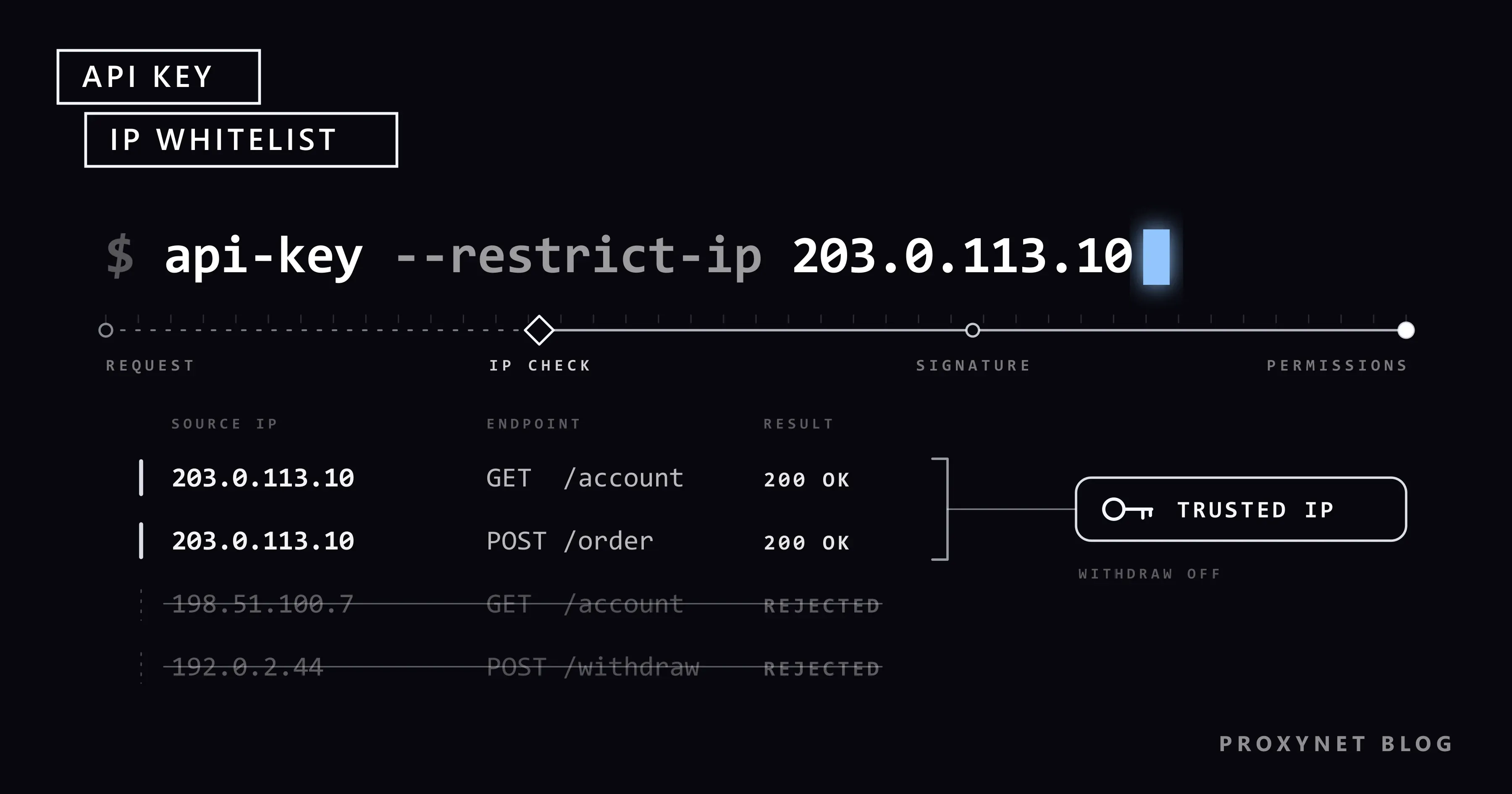
An IP whitelist is a list of internet addresses tied to that key. When a request arrives, the exchange first looks at the address it came from. If the address is not on the list, the request is rejected, even with a correct key. A copy of the key in someone else's hands is useless from their address.
The address that counts is your public IP address, the one the rest of the internet sees. The 192.168.x.x address in your computer's network settings is only valid inside your home network and cannot be whitelisted.
Why do exchanges ask you to bind API keys to an IP?
API keys leak: in a config file shared on a forum, in a screenshot, or through a third-party tool that is later breached. A key with trading rights and no address restriction can be used from anywhere.
Exchanges have made the restriction harder to skip. On Binance, a key created with "Unrestricted" access gets no permission other than reading, and an IPv4 restriction is mandatory before withdrawal permission can be turned on, according to its guide to creating API keys. Kraken's API key creation guide describes IP whitelisting as a feature that restricts key use to specific client-side addresses, next to settings such as a key expiry date.
Rules differ between exchanges and change; read your own exchange's help page first.
How does the check work?
- Your bot opens a connection to the exchange's API server over HTTPS.
- The exchange sees the source address. It belongs to the last device before the internet: your modem, your VPS or a proxy.
- It compares the address with the key's list. On a mismatch the request is rejected and nothing on your account changes.
- On a match it checks the signature and permissions. A trade request on a read-only key is still rejected here.
- The request runs. The order is placed or the balance is returned.
A correct address never adds rights to a key, and a wrong one blocks even a read request.
Which IP address should you whitelist?
The address must be the one your bot really leaves from, and it must stay the same. The table compares the common choices.
| Where the bot's traffic leaves from | Does the address stay the same? | Fit for an API whitelist |
|---|---|---|
| Normal home line | Often changes after a modem restart | Poor; the key breaks every time |
| Home line behind CGNAT | Changes, and is shared with other subscribers | Unsuitable; strangers leave from the same address |
| Home line with a static IP from your provider | Yes | Good, if your provider offers it |
| VPS or cloud server with a reserved IP | Yes, while you keep the server | Good; the bot runs even when your computer is off |
| Static ISP, datacenter or IPv4 proxy address | Yes, dedicated to you until you give it up | Good for a bot on a dynamic home line |
| Rotating residential proxy | No, it changes by design | Unsuitable |
| Consumer VPN app | Usually changes, shared by many users | Unsuitable |
A rotating residential proxy changes its exit on purpose, the opposite of what a whitelist needs.
How do you find your outbound IP?
- Measure on the machine that runs the bot. If the bot runs on a VPS, measure there, not on your laptop.
- Open a "what is my IP" page in a browser. On a server, use the command in the advanced section below.
- Check that it is IPv4. An IPv4 address looks like
203.0.113.10; an IPv6 address is longer and contains colons. Binance asks for the IPv4 format. - Measure again later. Restart the modem, wait a day and check again. If the address changed, your line is dynamic.
- Compare it with your router. If the WAN address on the router's status page differs from the one the echo page shows, you are probably behind CGNAT; What Is CGNAT? explains how to tell.
How do you add an IP restriction to your API key?
The screens differ, but the steps are the same. On Binance the web path is Account > API Management > Create API; elsewhere look for "API keys" or "API management" in the account or security menu.
- Create a new key with a name you will recognize, such as the bot's name.
- Choose the permissions. Reading for a tracker; reading and spot trading for a trading bot.
- Find the IP access setting and switch from "Unrestricted" to restricting access to trusted IPs.
- Enter your address in IPv4 format. If the bot has a backup server, add that address too.
- Confirm with two-factor authentication and save. The secret is usually shown only once; store it in a password manager.
- Paste the key into the tool and run a read-only test, such as fetching your balance, before letting it trade.
When you move the bot, add the new address first, confirm the bot works from it, then remove the old one.
Why does the key stop working when your home IP changes?
Most home lines have a dynamic IP: your provider lends you an address from a pool and may give you a different one when the modem reconnects. The exchange still holds the old address, so every request from the new one fails. The difference is covered in Static IP vs Dynamic IP.
Some providers put many subscribers behind one shared public address. This is CGNAT: the address is not yours alone and can change on the next connection. Whitelisting it would open your key to everyone else in that pool.
A VPN app, a phone hotspot or a new router can also change the address quietly. Measure again before you change the key.
Permissions matter more than the address
A whitelist reduces the damage if the key leaks; permissions decide how large that damage can be.
- Leave withdrawals off. A tracker or a trading bot does not need to move coins off the exchange. With withdrawals off, a stolen key cannot send your funds to someone else's wallet.
- Use read-only keys for trackers and tax tools. They only need to see balances and history.
- One key per tool. If one tool is breached, you delete one key.
- Set an expiry if your exchange offers one, and delete keys you no longer use.
Kraken's API key security page gives the same advice: create keys with minimal permissions and store them like passwords.
Getting a fixed address for a home bot
Ask your provider for a static IP. Many providers offer one as an add-on. Nothing new enters the path, but the address only works on that line.
Move the bot to a VPS. A small virtual server with a reserved address runs day and night without your computer. For a bot that trades on its own, this is usually the cleanest setup.
Route the bot through a static proxy address. The bot stays on your computer and its traffic leaves through an address dedicated to you. At Proxynet this is ISP Proxy, or a Datacenter Proxy or IPv4 Proxy address; each stays yours until you give it up. These addresses are issued for the site you name when ordering, so pick the exchange's API domain as the target, or add the "access to all websites" option.
A proxy adds a third party to the path, even though HTTPS keeps your key and orders encrypted inside the tunnel. The trade-offs, and why payment integrations should use your own line or server, are in Static IP for API Access.
What an IP whitelist is not for
An address restriction protects your own key. It is not a way to change which country an exchange thinks you are in.
Exchanges verify who you are through KYC (know your customer) checks and tie your account to the country you verified in. Binance's Terms of Use, for example, prohibit using a VPN to change your IP address to get around its location restrictions. Reaching an exchange from a country it does not serve can lead to a frozen account, and this post does not describe how to do it. Use an address in the country where you live and verified your account. Location rules in general are explained in What Is Geo-Blocking?, and the legal side in Is Using a VPN or Proxy Legal?.
Advanced: check which address your bot leaves from
If you run the bot from a terminal or a VPS, one command shows the address the exchange will see. The second line uses the placeholder proxy pr.proxynet.io:8000 with the credentials user:pass; -4 forces IPv4.
# The address your line shows without a proxy
curl -4 https://api.ipify.org

# The address the exchange sees when the bot goes through your static proxy
curl -4 -x http://user:pass@pr.proxynet.io:8000 https://api.ipify.org
We tested both commands through a small local proxy: each printed a single IPv4 address. With a wrong password, curl stopped with "CONNECT tunnel failed, response 407" instead of quietly falling back to a direct connection. Run the second command a few hours apart; if it prints the same address every time, that is the address to whitelist. More checks are in How to Test a Proxy.
Use cases
- A trading bot on a home computer with a dynamic line: a static proxy address gives it one address to whitelist; see our finance proxy page.
- A portfolio or tax tool with a read-only key: the tool's provider usually publishes its own server addresses to whitelist; keeping account data safe is covered on our data security page.
- Travelling with an active bot: the bot keeps its fixed address while your phone app logs in from abroad, which may trigger a security check; see Banking App Not Working Abroad.
- A login alert from an unknown location: treat it like a bank alert and follow Suspicious Login Location Alerts.
Common mistakes
- Whitelisting the local address.
192.168.1.20is your computer's address inside the house; the exchange never sees it. - Measuring on the wrong machine. Your laptop's address is not the address of the VPS that runs the bot.
- Mixing IPv4 and IPv6. You whitelist IPv4 while the bot connects over IPv6, or the other way round.
- Whitelisting a VPN or rotating proxy exit. It changes, and others share it.
- Turning on withdrawals "just in case". It is the permission a thief wants.
- Keeping the old address after moving. An address you no longer control should not stay on your key.
- Confusing two whitelists. A proxy provider can also whitelist your home address so you connect without a password; that is a different list, explained in Proxy Authentication: User:Pass vs IP Whitelist.
Decision guide
| Your situation | Recommendation |
|---|---|
| Portfolio tracker or tax tool run by a company | Read-only key; whitelist the addresses the tool's provider publishes |
| Bot on your home computer, static IP available from your provider | Order the static IP and whitelist it |
| Bot on your home computer, dynamic line or CGNAT | A static ISP or datacenter proxy address dedicated to you, or a VPS |
| Bot that must run around the clock | VPS with a reserved address |
| The key stopped working after a modem restart | Measure your address again, then update the whitelist or get a fixed address |
| You want to use an exchange from a country it does not serve | Do not; choose a service available where you live |
Frequently asked questions
Can I use an exchange API without an IP whitelist?
On many exchanges, yes, with limits. Binance, for example, restricts unrestricted keys to reading data and requires an IP restriction before withdrawals can be enabled. Check your exchange's rules before you build a bot around it.
How many IP addresses can I add to one key?
It depends on the exchange. Most allow several addresses per key, enough for a main server and a backup. The limit is shown on the key's settings screen.
Can I whitelist a residential proxy?
Only a static one. A rotating residential proxy changes its address by design, so most requests would fail. A static ISP address looks like a normal provider address and stays the same.
Does a proxy provider see my API key?
Not when your bot talks to the exchange over HTTPS, which exchange APIs use. The proxy sees which server you connect to and how much data passes; the key, the signature and your orders stay inside the encrypted tunnel.
Is an IP whitelist enough to keep my account safe?
No, it is one layer. Keep two-factor authentication on your login and withdrawals off on API keys.
Will a whitelisted proxy let me trade from a country the exchange does not serve?
No. The exchange ties your account to the country you verified in, and its terms forbid hiding your location to get around its restrictions. A whitelist only protects your own key.
Summary
An IP whitelist ties your exchange API key to addresses you trust, and some exchanges will not unlock trading or withdrawal permissions without one. Whitelist the public IPv4 address your bot really leaves from, and make sure it does not change: a static IP from your provider, a VPS with a reserved address or a static proxy address dedicated to you all work, while rotating proxies and consumer VPNs do not. Keep withdrawals off and permissions minimal, and never use an address to get around an exchange's country rules. If your bot runs on a dynamic home line, compare fixed address options on our proxy services page.


