


































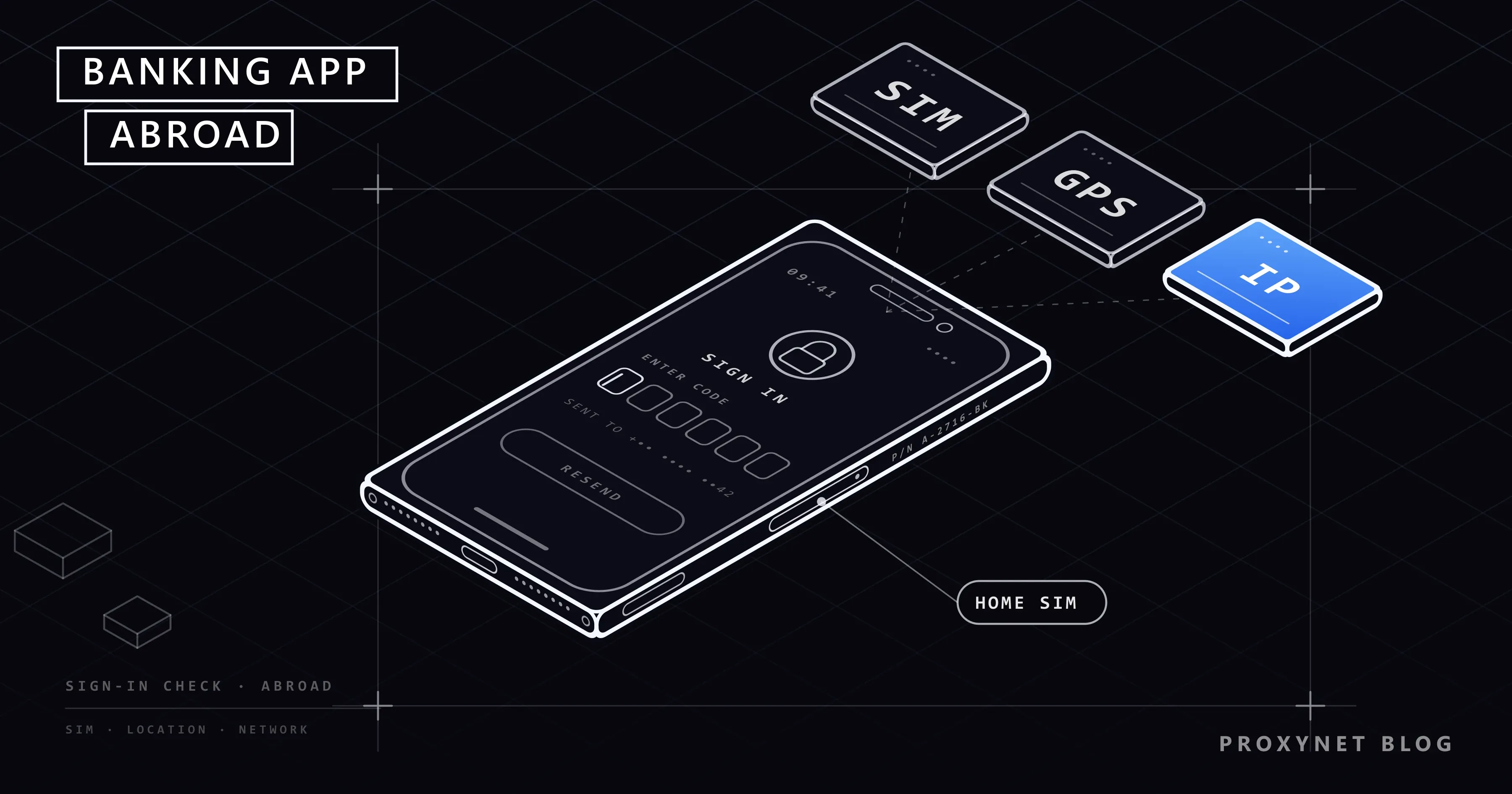
You land in another country and open your bank's app to check a payment. It asks for a verification code that never arrives, or opens and then refuses the sign-in. Later you set up a new phone abroad, search the app store for your bank, and the listing says the app is not available in your country or region. Your account and password have not changed. What changed is how the app, the phone and the bank see your location.
This post covers the five usual reasons a banking app stops working abroad: the app store region, the SMS code, the bank's location checks, the phone's security state and sanctions rules. For each one you get the official fix, a pre-trip checklist and a note on when a home-country IP address matters. Nothing here explains how to get around a bank's security checks; the aim is to work with them.
Why does a banking app stop working when you travel?
At home, your bank sees the same picture every day: the same phone, the same SIM card, the same home connection, the same country. Abroad, almost every part of that picture changes at once.
The app is tied to a country through the app store you downloaded it from. Your sign-in code is tied to your phone number, which depends on your home carrier. Your connection is tied to an IP address, the number that identifies your connection on the internet, and that address now belongs to a network in another country. If too much has changed, the bank's fraud system stops the sign-in until you prove it is you.
Which checks run when you open the app?
Banks do not publish their security rules, so nobody outside the bank can say exactly why a sign-in was refused. The general order is similar across most banks:
- The app starts. It checks its own version and, on many phones, whether the phone has been modified.
- The app connects to the bank. The bank looks up the country and network owner of your IP address in an IP database. Why those databases sometimes get the location wrong is covered in Why Is My IP Location Wrong?.
- The bank compares the device. A phone already registered to your account is trusted more than a new one.
- The bank scores the risk. A new country on a known phone might pass; a new country on a new phone usually gets extra checks.
- The bank asks for a second factor. An SMS code, a push confirmation in the app or a card reader. If this step cannot reach you, the sign-in stops here.
- The bank applies its country rules. Some features, or the whole service, may be off for certain countries because of the bank's policy or the law it follows.
| What you see | Likely cause | First thing to try |
|---|---|---|
| "Not available in your country or region" in the app store | Your store account is set to another country, or the bank lists the app only at home | Check the store account's country; do not install a copy from elsewhere |
| The verification code never arrives | Home SIM off, roaming off, or SMS not delivered | Allow roaming on the home line or switch to in-app confirmation |
| The app opens but sign-in fails | The fraud system flagged the new country or network | Try mobile data instead of Wi-Fi, then call the bank |
| The app closes right after opening | Old app version or failed device security check | Update the app; do not bank on a modified phone |
| "Service not available in this location" | Bank policy or sanctions rules | Call the bank; the phone cannot fix this |
How do you fix the app store region problem?
A bank chooses which countries its app is listed in, and many list it only in their home market. If your store account is still set to your home country, you can download and update the app from anywhere. The trouble starts when you set up a new phone abroad with a local store account, or when you move and change your store country.
The fix is a store account from the bank's home country, not a copy of the app from somewhere else. U.S. Bank's page on using mobile banking outside the U.S. warns that an app downloaded from a foreign app store may not work properly. A banking app from an unofficial website is worse: you cannot know whether the file is the bank's app at all.
On an iPhone. Apple's page on changing your Apple Account country or region gives the path: Settings, tap your name, Media & Purchases, Country/Region. Before you can switch, you have to spend any store credit, cancel subscriptions that block the change and possibly leave a Family Sharing group. You may also need a payment method from the new country.
On an Android phone. Google's page on changing your Google Play country gives the path: Play Store, your profile picture, Settings > General > Account and device preferences > Country and profiles. You must be in the new country, have a payment method from there, and then wait at least 90 days before changing again.
If you are only travelling, leave the store country alone. When the store shows a "not available" message instead of the download button, This Item Isn't Available in Your Country: What to Do explains what it means and which options are legitimate.
How do you keep verification codes reaching you abroad?
The one-time code is the most common reason people are locked out abroad. The bank sends it by SMS to the number on file, which belongs to your home SIM. If that SIM is out of the phone, switched off or not allowed to roam, the text has nowhere to go.
- Keep the home SIM active. Most phones accept two lines, often a physical SIM plus an eSIM, a SIM you download instead of insert. Buy a travel eSIM for data and leave the home SIM on for texts. You choose the data line under Settings > Cellular (iPhone; called Mobile Service or Mobile Data in some regions) or Settings > Network & internet > SIMs (Android).
- Check roaming for texts. Ask your carrier before you travel whether receiving texts abroad needs roaming turned on, and what it costs.
- Switch to in-app confirmation. Many banks let you approve sign-ins with a push message in the app, which only needs an internet connection. Set it up at home, because the switch itself often needs an SMS code.
- Keep a backup. Backup codes, a card reader or a second registered device, if your bank offers them.
If the code still does not arrive, do not keep requesting new ones; many banks lock the method after several attempts. Call the bank instead.
Why does the bank ask for extra checks when you travel?
From the bank's side, your trip looks like a stolen password: a sign-in from a new country, on an unfamiliar network, at an unusual hour. The fraud system cannot tell a holiday from an attacker, so it asks for more proof. How banks read these signals is the subject of our post on why a bank flags a suspicious login location.
Some habits make this worse. Hotel Wi-Fi is shared by strangers and may carry a poor reputation. Mobile data can place you in a distant city, because carriers route traffic through a few central points; CGNAT is part of the reason. A free VPN switched on "for safety" gives the bank a data-center address shared by thousands of people, exactly what fraud systems watch for. Our post on the "VPN or proxy detected" error explains that side.
What helps: sign in once at home before you leave, use mobile data rather than public Wi-Fi for banking, and turn off any VPN before you open the app.
What about modified phones and sanctions?
The phone's security state. Banking apps often check that the phone has not been modified. On Android, apps can use Google's Play Integrity API to check that they are the genuine app, installed from Google Play, on a genuine certified device. A rooted Android phone or a jailbroken iPhone may fail such checks, and the app closes. The fix is an unmodified phone with current updates, not a tool that hides the change.
Sanctions and country rules. A bank must follow the law where it operates, including sanctions. A bank in the United States, for example, follows the rules of the Treasury's Office of Foreign Assets Control, which restrict services in certain countries and regions. From such a place, the bank may block sign-ins, payments or the whole app. That is a legal obligation, and nothing on your phone should be used to get around it. Ask the bank what is possible from where you are.
Before you travel: a checklist
- Update the banking app and the phone's operating system.
- Sign in once on your home connection so the phone is recently verified.
- Check your phone number and email in the bank's profile.
- Set up in-app confirmation or another backup method.
- Add a travel notice if your bank offers one in the app or on its site.
- Plan your SIMs: home SIM for texts, travel eSIM for data.
- Save the bank's international phone number somewhere outside the app.
When does a home-country IP address matter?
For a short trip, it almost never does. Your own connection, a known phone and a working second factor get most people through.
It is different for people who live abroad for years and keep an account at home. Some banks limit certain features, or web banking, to sign-ins from inside the country; others ask for extra checks every time a sign-in comes from a foreign network. For expats in that situation, a stable IP address from the home country is one way to keep sign-ins looking the same as before the move. Getting such an address is covered, with Türkiye as the example, in How to Get a Türkiye IP Address From Abroad.
Three rules come first:
- The bank's rules win. If its terms say not to sign in through a VPN or proxy, do not. Ask what it offers customers who live abroad instead.
- Dedicated, never shared. A static ISP IP is an address registered to a home internet provider that stays yours; see the ISP Proxy page. Free VPNs and public proxy lists are shared, often flagged, and hand your traffic to strangers; our post on whether free proxies are safe explains why.
- An address never replaces the second factor. The bank still decides which sign-ins need extra verification.
Available countries and cities are on our locations page, for example Türkiye.
Where this matters in everyday life
- Holidays and business trips. The checklist is enough for most trips; the bank's side is in bank suspicious login location.
- Living abroad with a home-country account. How a dedicated IP fits money-related work is on our finance page.
- Crypto exchanges. Exchanges have their own country rules, and API keys often accept only a whitelisted IP; see crypto exchange API IP whitelist.
- Sites that change by country. The general mechanism is in what is geo-blocking.
- Shared Wi-Fi on the road. The security side of public networks is on our data security page.
Common mistakes
- Removing the home SIM for the whole trip. The codes have nowhere to go.
- Installing the app from another country's store or a download site. It may not work, or may not be the bank's app.
- Turning on a free VPN before banking. It adds a shared, flagged address to an already unusual sign-in.
- Requesting code after code. Repeated requests can lock the method; call the bank after two failures.
- Blaming the IP address first. An old app version or a wrong phone number on file is more common. See IP fraud scores for what an address says.
Decision guide
| Your situation | Recommendation |
|---|---|
| Going on a short trip | Run the checklist; keep the home SIM on for texts |
| The code does not arrive abroad | Allow roaming on the home line or use in-app confirmation; call the bank after two failures |
| New phone abroad, app missing from the store | Use a store account from the bank's home country; no unofficial downloads |
| The app says the service is not available where you are | Call the bank; this may be a legal restriction |
| You live abroad and every sign-in triggers extra checks | Ask the bank first; if its terms allow it, a dedicated home-country IP can keep sign-ins consistent |
Frequently asked questions
Why can't I find my bank's app in the app store abroad?
The store shows apps for the country your store account is set to, and many banks list their app only at home. If your account is still set to your home country, the app stays visible wherever you are.
Can I receive bank SMS codes while roaming?
Usually, if roaming is allowed on your home line and the SIM is on. Settings and charges depend on your carrier. In-app confirmation avoids the question because it only needs internet.
Should I tell my bank before I travel?
It does no harm where the option exists. Checking your phone number and backup methods before you leave is the more useful step.
Will a VPN fix my banking app abroad?
Usually not, and it can make things worse. Most VPN addresses belong to data centers and are shared by many users, which fraud systems treat with caution.
Is it allowed to use a home-country IP address for my bank?
That depends on your bank's terms, so read them or ask. Where sanctions apply or the bank forbids it, do not do it.
What should I do if I am completely locked out abroad?
Call the number printed on your card or listed on the bank's official website, with your ID ready. The bank can verify you through its own process and reset the sign-in method.
Summary
A banking app that fails abroad is usually reacting to the app store region, an SMS code that cannot reach you, the bank's fraud checks, the phone's security state or a country rule the bank must follow. Most of this is solved before you leave: keep the home SIM reachable, set up in-app confirmation, update the app and save the bank's number. For people who live abroad and bank at home, a dedicated home-country address can keep sign-ins consistent, but only within the bank's rules and never in place of its checks. The address types and countries we offer are on our proxy services page.


