A free proxy list, a setup sheet from your IT department and the help page of a browser extension all show an address that ends in the same number: 8080. A week later you install Jenkins on your laptop, and it refuses to start because port 8080 is already in use. The same number is in your way twice, and neither message says what it means.
This guide explains what 8080 is registered for, why proxies and development servers both pick it, and what 3128, 1080, 443, 8000 and 8888 mean. It then separates the two "cannot connect" cases and shows how to find the program that holds 8080.
What is port 8080?
A port is a number that tells a computer which program should receive a connection. The IP address finds the computer, and the port finds the program on it. The general idea is covered in TCP vs. UDP; this post is about specific numbers.
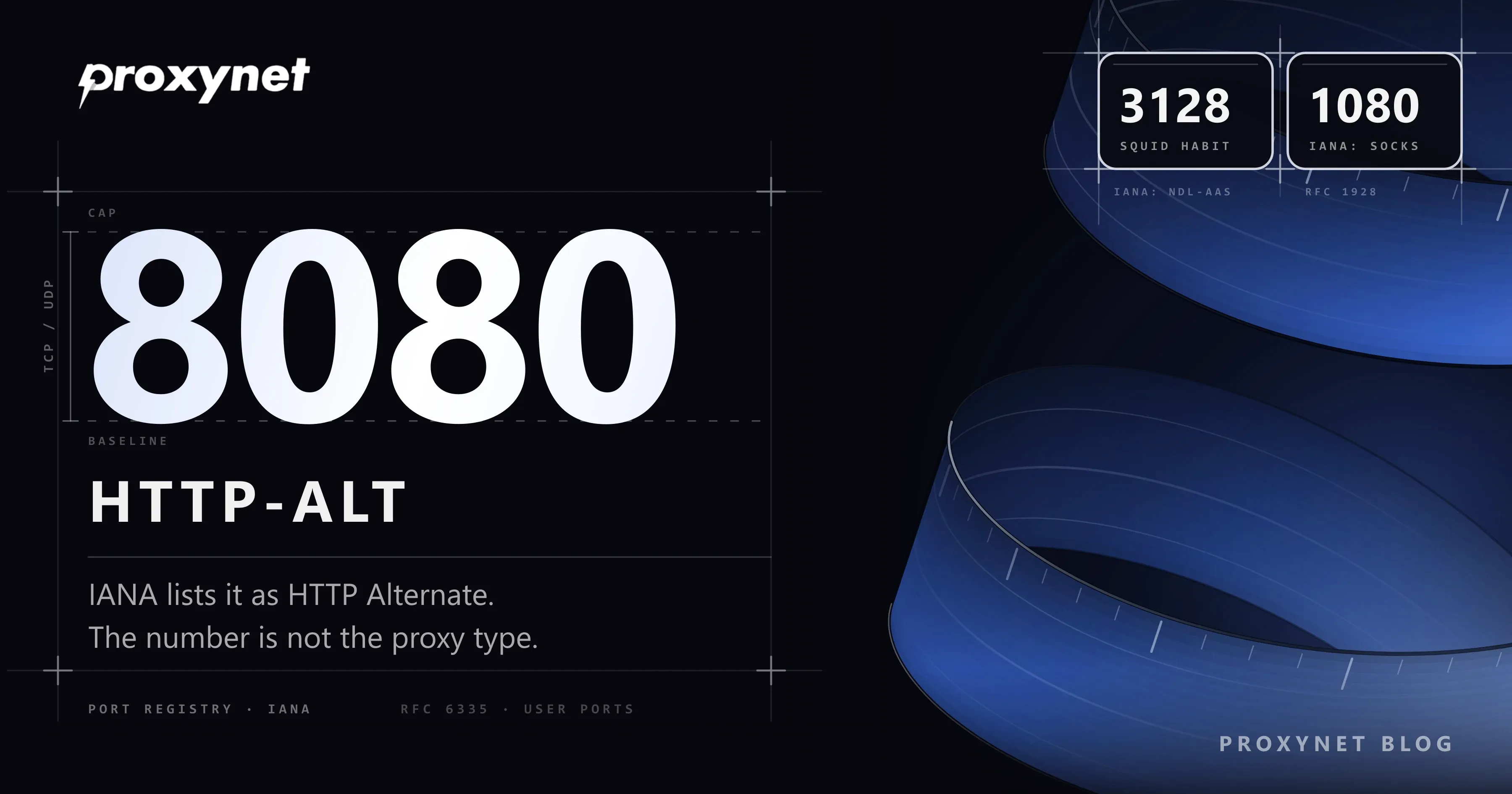
The official list is kept by IANA (Internet Assigned Numbers Authority). In the IANA port registry, 8080 is registered for TCP and UDP as http-alt, described as "HTTP Alternate (see port 80)". Some websites claim 8080 has no official assignment; the registry shows otherwise.
RFC 6335 splits port numbers into three ranges. Ports 0 to 1023 are System Ports, where 80 and 443 live. Ports 1024 to 49151 are User Ports, also assigned by IANA; 8080, 3128 and 1080 sit here. Ports 49152 to 65535 are dynamic and never assigned.
Why is 8080 both a proxy port and a second web server port?
Only one program can listen on a given port at a given IP address. If one web server already holds port 80, a second one has to pick another number, and 8080 reads as "the other 80".
Permissions push the same way. On Linux, binding to a port below 1024 needs a permission called CAP_NET_BIND_SERVICE, which in practice means root (capabilities(7)). A program meant to run as a normal user takes a number above 1023, and 8080 is the obvious one for web traffic.
Jenkins listens on 8080 unless you set another port with --httpPort. Tomcat's RUNNING.txt names 8080 as the HTTP port it tries to take at startup. Docker's documentation uses -p 8080:80 as its example, which passes port 8080 on your computer to port 80 inside the container (Docker port publishing).
HTTP proxies speak HTTP too, so many listen on 8080 as well. This is a habit, not a rule: nothing in the registry ties 8080 to proxies.
How does the port number at the end of an address work?
The port decides which door your connection knocks on:
- No port in the address. An
http://address goes to port 80 and anhttps://address to port 443. RFC 9110 sets these defaults, which is why you rarely see the numbers. - A port after a colon.
example.com:8080reaches the same server, but the program listening on port 8080 answers. - localhost:8080.
localhostis the device you are using, so this reaches a program on your own computer. - A proxy setting. With a proxy address and port set, the browser sends every request to that port first, and the proxy passes it on.
- Nobody listening. If no program listens on the port, the computer refuses the connection. Most "cannot connect" messages start here.
Common proxy ports and what they mean
IANA assigns a number to a service but does not stop anyone from using it for something else, so the table keeps the registry and daily practice apart.
| Port | IANA registration | Where you see it | What it tells you about a proxy |
|---|---|---|---|
| 80 | http | Default for http:// addresses | Very little; ask the provider |
| 443 | https (HTTP over TLS) | Default for https:// addresses | A proxy can listen here too; useful on strict networks |
| 1080 | socks | SOCKS servers, following RFC 1928 | Usually SOCKS5; not for the HTTP proxy box |
| 3128 | ndl-aas (Active API Server Port) | Squid's suggested configuration | Probably a Squid-style HTTP proxy; the registration is not Squid's |
| 8000 | irdmi | Python's test server, some proxy providers | Only what the provider says |
| 8080 | http-alt (HTTP Alternate) | Jenkins, Tomcat, Docker examples, many HTTP proxies | Often an HTTP proxy, but not guaranteed |
| 8888 | ddi-tcp-1 (NewsEDGE server) | Various local tools | Only what the provider says |
What is port 3128?
3128 is the number most people link with Squid, an open-source caching proxy that schools and companies run. Squid's http_port documentation lists no default value, suggests http_port 3128 and says Squid normally listens on 3128. The number spread through that sample configuration.
In the IANA registry, 3128 belongs to ndl-aas, which has nothing to do with Squid. A 3128 in a school or office proxy setting most likely means Squid or a similar HTTP proxy, but only the network admin can confirm it. Such a proxy works for the people on the network: a forward proxy (Forward Proxy vs Reverse Proxy). Installing Squid on your own server and opening 3128 only to allowed IP addresses is covered in our Squid proxy setup guide.
Ports 1080 and 443: SOCKS and encrypted web traffic
RFC 1928, the SOCKS5 standard from March 1996, says the SOCKS service is conventionally located on TCP port 1080, and IANA lists 1080 as socks. An address that ends in 1080 is most likely a SOCKS server (What Are SOCKS5 Proxies?), and it does not belong in the HTTP proxy box of Windows or a browser. SOCKS5 Proxy is our product for this traffic, and the comparison with HTTP is in SOCKS vs. HTTP Proxy.
443 is the default port for https:// addresses, so almost every secure page uses it, and a proxy can listen on it as well. That matters on restricted networks: some office and school firewalls let traffic out only to ports 80 and 443, and a proxy on 8000 or 8080 then times out (Proxy vs Firewall). For web traffic, HTTPS Proxy is the type that browsers and the Windows proxy setting understand directly.
What do ports 8000 and 8888 mean?
Neither is registered for proxies. IANA lists 8000 as irdmi and 8888 as ddi-tcp-1, and the 8888 entry notes that unauthorized use of the port has been reported. On a developer's computer, 8000 often comes from Python, whose built-in web server listens on it by default. Proxy providers use these numbers by their own choice; in the examples on this blog, our HTTP endpoint is pr.proxynet.io:8000.
Does the port number decide the proxy type?
No. The software listening on the port decides the type; the number is only a label the provider picked. One provider can offer HTTP and SOCKS5 on the same host through different ports: in our examples, pr.proxynet.io:8000 is HTTP and pr.proxynet.io:1080 is SOCKS5.
Type a SOCKS5 port into the Windows HTTP proxy box and the server closes the connection. When we pointed an HTTP proxy setting at a local SOCKS5 port, Chrome showed ERR_EMPTY_RESPONSE and curl reported Proxy CONNECT aborted. The diagnosis is in Proxy Server Not Responding, and where your provider shows each port is in What Is a Proxy Server Address and How to Find It.
"Port 8080 already in use" and "unable to connect": two different cases
First work out which side you are on: connecting to a proxy, or starting a program on your own computer.
You use a proxy that ends in 8080
The browser could not reach a proxy at that address and port. Copy the address, port and proxy type from your provider's dashboard again, and check that your plan is active. Try the same settings over your phone's hotspot to see whether the local network blocks the port. The full checks are in Proxy Server Not Responding.
A program on your computer cannot get port 8080
Messages such as "Port 8080 was already in use", "address already in use" or EADDRINUSE mean another program holds the port, and one port takes one program at a time. The usual causes:
- An old copy is still running in the background after you closed its window.
- A service starts with Windows. The Jenkins and Tomcat installers can register a service that takes 8080 at boot.
- A Docker container holds it. A container started with
-p 8080:...keeps the port for as long as it runs. - Your code editor still runs your project's server in a terminal you forgot about.
There are two ways out: stop the program that holds the port once you know what it is, or move the new program to another number such as 8081. In Jenkins that is the --httpPort option; in Tomcat it is the 8080 in conf/server.xml, which RUNNING.txt tells you to change when the port is taken.
Advanced: which program is using port 8080?
This section is for readers comfortable with a command window; you can skip it. The commands only look at your own computer.
# Windows (Command Prompt): the last column is the process ID (PID)
netstat -ano | findstr :8080
tasklist /FI "PID eq 1234"

# macOS and Linux
lsof -i :8080
In the netstat output, find the line with LISTENING, for example TCP 0.0.0.0:8080 0.0.0.0:0 LISTENING 6508. The last number is the PID of the program that holds the port. Put the PID in place of 1234 in the tasklist command to see the program's name, or find it in the PID column of the Details tab in Task Manager. Microsoft's netstat reference describes the -o option that adds the PID.
On macOS and Linux, lsof -i :8080 lists the program name and PID (lsof manual); a service running under another account may only appear with sudo. Check what a program is before you close it: an unknown PID may be a database another app needs.
Use cases
- Entering a proxy in the browser: address and port go into separate boxes (Windows and Chrome proxy settings).
- Proxy settings on a Linux server: the proxy URL carries the port, while curl ignores
no_proxyentries written with one (Linux proxy settings). - Proxies in code: libcurl assumes port 1080 when a proxy address has no port (PHP web scraping).
- Checking a new proxy: test the address and port outside the browser first (how to test a proxy).
- Office and school networks: a 3128 or 8080 in the network settings usually points to a forward proxy run by IT (Squid proxy setup).
- Local Python scripts: a script that cannot reach
localhost:8000prints a long error (max retries exceeded error).
Common mistakes
- Treating every 8080 as an HTTP proxy. The number is a habit; the dashboard tells you the type.
- Typing a SOCKS port into the HTTP box. A 1080 address in the Windows proxy setting ends with a closed connection.
- Adding
:8080to the address box. When there is a separate port box, the address box takes only the host name or IP. - Trusting an
IP:8080line from a free list. Nobody tells you who runs those servers or what they record (Are free proxies safe?). - Turning the firewall off to fix a port conflict. A conflict is between two programs on your computer; the firewall plays no part.
- Believing IANA gave 3128 to Squid. The registry lists 3128 as
ndl-aas.
Decision guide
| Need | Recommendation |
|---|---|
| Your provider gave you a port and you are unsure where it goes | Enter it with its proxy type; see how to find your proxy address |
| The browser cannot connect to a proxy ending in 8080 | Compare address, port and plan with the dashboard; then Proxy Server Not Responding |
| Jenkins, Tomcat or Docker says port 8080 is in use | Find the program with the advanced commands; stop it or move to 8081 |
| A proxy on 8000 or 8080 times out at work or school | The network may allow only 80 and 443; ask the admin (Proxy vs Firewall) |
| A game or messaging app needs SOCKS | Use a SOCKS port such as 1080 with SOCKS5 Proxy |
| You want to run a service at home on 8080 for others | That is port forwarding on the router (TCP vs. UDP) |
You found an IP:8080 line on a free list | Send no passwords or personal data through it (Are free proxies safe?) |
Frequently asked questions
What is the difference between port 8080 and port 80?
Port 80 is the default for http:// addresses, so a browser uses it without being told. Port 8080 is the registered alternate for the same traffic and must be written in the address, as in example.com:8080. The traffic is the same HTTP; only the door differs.
How do I open port 8080?
"Opening a port" means two different things. If a program on your computer must accept connections from other devices at home, allow it in the Windows firewall. If people on the internet must reach it, you also need a port forwarding rule on your router. Using a proxy needs neither, because your computer starts the connection outward; the router steps are in TCP vs. UDP.
What does localhost:8080 mean?
It is the program listening on port 8080 of the device you are using, such as a local web server, the Jenkins dashboard or an app in a container. Another device cannot use the same address, because there localhost points to that device.
Are ports 8000 and 8888 proxy ports?
Not by registration: IANA lists 8000 as irdmi and 8888 as ddi-tcp-1. Some providers still use them, and that is fine. The port your provider gives you is the one that works.
What is port 443, and can a proxy run on it?
443 is the default port for https:// addresses. A proxy can listen on 443 like on any other port, which helps on networks that only allow traffic out to 80 and 443. Ask your provider whether they offer it.
Is it safe to leave port 8080 open?
An open port is as risky as the program behind it. A development server or admin panel reachable from the internet on 8080, or a proxy without a password, lets strangers use it. Keep local tools local, remove router forwarding rules you no longer need, and protect anything you expose with a password.
Summary
Port 8080 is registered with IANA as http-alt, the alternate port for web traffic, which is why development servers and HTTP proxies both use it. The number never decides the proxy type: 3128 is a Squid habit, 1080 is the registered SOCKS port, and the port in your provider's dashboard is the one to enter. For a "cannot connect" message, first decide whether you are connecting to a proxy or starting a program on your own computer, because the fixes differ. If you need proxies with separate HTTP and SOCKS5 ports, see our proxy services.