


































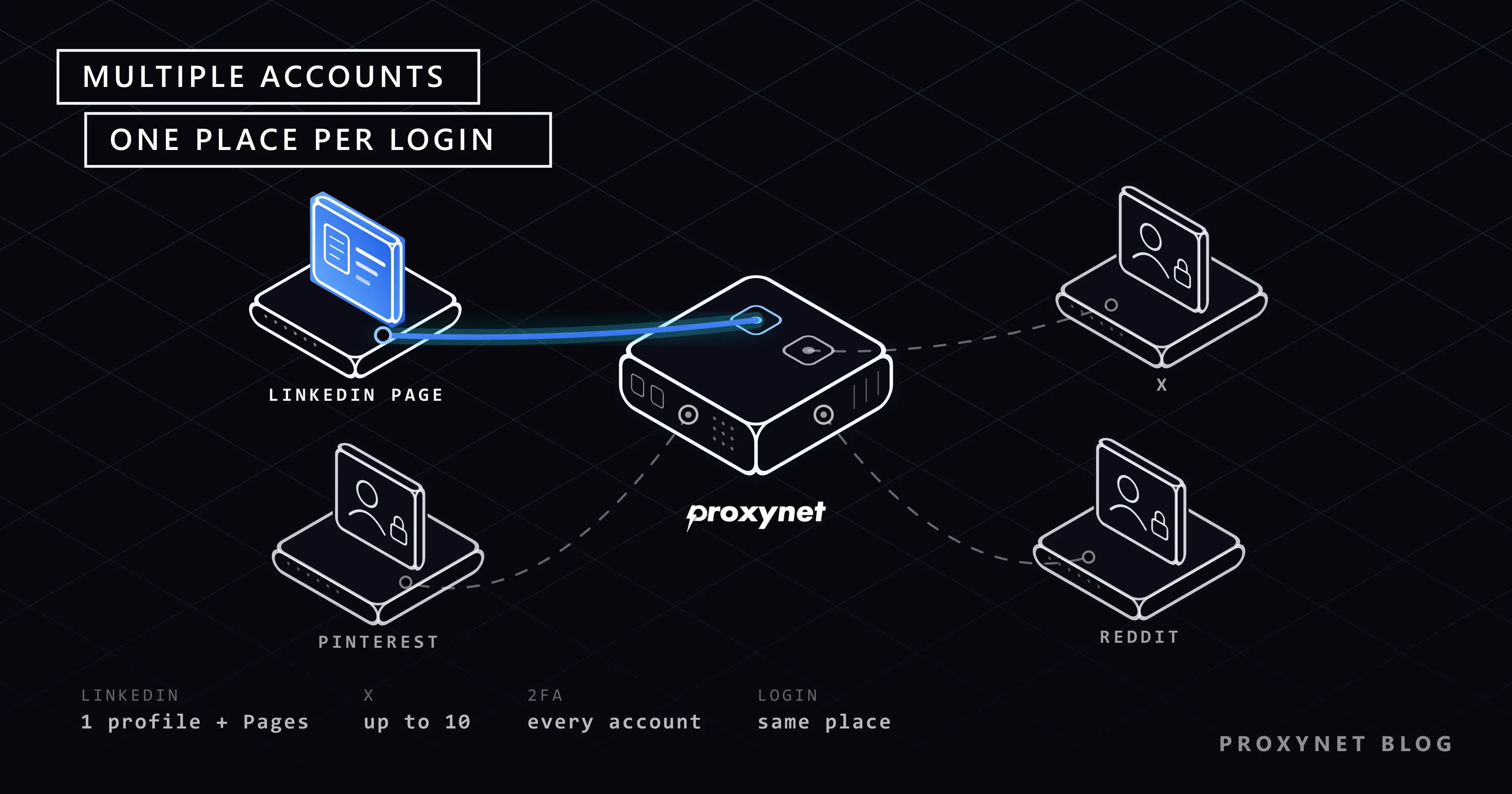
You are a freelance designer. You have your own LinkedIn profile, an X account for your work, a Pinterest board for your portfolio and a Reddit account where you answer questions in a design community. Then a small bakery hires you to run its LinkedIn Page, and a second client asks you to look after its X account. Within a month you have eight logins, verification codes arriving on two phones and a notes file full of passwords.
This post is for freelancers, small business owners and part-time social media managers in that position. We cover the written rule of each platform (LinkedIn, X, Instagram, Threads, Pinterest and Reddit) as it stood on 27 September 2026, the built-in tools for handling several accounts, how to keep the logins secure, and the narrow case where a separate browser profile and a fixed connection per client make sense. Everything here is about real accounts: your own, and accounts you manage with the owner's permission.
Is it allowed to have multiple social media accounts?
On most platforms, yes. The rule is rarely about the number of accounts; it is about what they are for. A personal profile, a business account and a hobby account are normal. A group of accounts that like each other's posts to look more popular is not.
Here is what each platform's own text says:
- LinkedIn. Section 2.1 of the LinkedIn User Agreement says you will have only one LinkedIn account, in your real name, and that accounts registered on behalf of others break the terms. A business gets a LinkedIn Page, not a second profile.
- X. X's authenticity policy allows up to ten accounts for different, non-duplicative purposes. Posting the same content from several accounts, or using them to boost each other, counts as platform manipulation.
- Instagram. Several accounts per person are normal, and one app can keep several of them logged in. The limit and the client-access routes are in How to Manage Multiple Instagram Accounts.
- Threads. Meta's help page on adding and switching between multiple Threads profiles describes how to keep several profiles in one app.
- Pinterest. The Community Guidelines ban inauthentic accounts, accounts created in bulk, and running multiple accounts to manipulate the platform. A personal account and a business account are fine.
- Reddit. Reddit's help page on creating multiple accounts says you are welcome to have more than one, even with the same email address. The hard line: never vote on the same post or comment with two of your accounts.
What counts as a "duplicate" or "manipulative" account?
An account is a problem when it exists to make something look bigger than it is: extra votes, extra likes, the same post repeated from several profiles, or a new account opened after a ban (called ban evasion). A simple test: if a stranger found out that one person runs both accounts, would they feel misled? A bakery's Page and the baker's personal profile pass. Five "customers" praising the bakery do not.
How do multi-account logins look from the platform's side?
Every platform runs a login security check to stop someone who has stolen a password. Here is why a busy social media manager can trip it without doing anything wrong.
- You log in. The platform records the device, the browser and the IP address. An IP address is the number your internet connection shows to every site; it also reveals roughly which city you are in.
- It compares with the past. An account usually opened from a laptop in Lisbon is now opened from a new phone in another country.
- It looks at the address. Many unrelated accounts logging in from one address in a short time make the address itself look odd.
- It asks for proof. A code by email or text, a "suspicious login" warning or a temporary lock.
- It remembers. Once you confirm, that device and place become part of the account's normal pattern.
This is protection, not a penalty. The lesson is to keep each account's pattern stable: same people, same devices, same place. The warnings are explained in Social Media Login From Another Country, and the LinkedIn version in LinkedIn Account Restricted.
Built-in tools for each platform
Before you install anything, use what the platforms already give you, free and within the rules.
| Platform | Multiple accounts allowed? | Built-in way to manage them | Where the line is |
|---|---|---|---|
| One personal account per person | LinkedIn Pages and Showcase Pages with admin roles | A second personal profile, or one made for someone else | |
| X | Up to 10, each with a different purpose | Account switcher in the app | Duplicate content, accounts boosting each other, ban evasion |
| Yes, several per person | Account switcher; Meta Business Suite for clients | Fake accounts, automated follows and likes | |
| Threads | Yes, several profiles | Profile switcher in the app | Same rules as Instagram |
| Yes, real accounts | Connected accounts | Inauthentic accounts, bulk creation, manipulation | |
| Yes, openly welcomed | Separate logins or browser profiles | Voting on the same post with more than one account |
LinkedIn: one profile, many Pages
LinkedIn separates people from organisations. You have one personal profile. A company or client gets a LinkedIn Page, and a brand inside it can get a Showcase Page. You manage them from your own profile through roles.
LinkedIn's help page on Page admin roles lists three: super admin (full control, including adding admins), content admin (posting) and analyst (viewing performance). The client keeps super admin and adds you as content admin from the Page's admin view, under Settings > Manage admins > Add admin. No password changes hands, and when the work ends the client removes your role in one click.
X, Instagram and Threads: the account switcher
On X, tap your profile picture; the add and switch account options are at the top of the menu. On Instagram, the switcher sits under your username on your profile. On Threads, press and hold the profile icon at the bottom of the screen. For client work on Instagram, the client should give you access in Meta Business Suite instead of a password; our Instagram guide walks through it.
The most common accident is posting to the wrong account. Before you press post, look at the name at the top.
Pinterest and Reddit
On Pinterest's website, click the arrow next to your profile picture, choose Add Pinterest account and log in to the other one. Pinterest's page on connecting accounts notes that switching only works in the same browser session; clear your cookies or change device and you log in again. A shop should use a business account, which adds analytics and ad tools.
Reddit has no Page system, so most people log out and back in, or keep each account in its own browser profile. If Reddit refuses to load at all on a work or school network, that is a different problem, covered in Reddit Blocked by Network Security.
Scheduling tools
A scheduling tool (a service that queues posts and publishes them at set times) saves a lot of switching. Good ones connect through each platform's official permission screen; a tool that asks for the raw password is a warning sign.
How do you keep many accounts secure?
More accounts mean more doors. Three habits cover most of the risk.
A password manager. An app that creates a long, unique password for every account and fills it in for you. Most can also share a login with a teammate without showing the password in a chat.
Two-factor authentication on every account. Two-factor authentication (2FA) means the platform asks for a second proof after the password, usually a six-digit code from an app on your phone. For client accounts, the client sets it up and keeps the backup codes; an authenticator app can often be linked to more than one phone so both of you can generate codes.
Separate recovery emails. If every account resets its password through your personal inbox, losing that inbox means losing all of them. The client's account keeps the client's email; your business accounts use your business email.
When do separate browser profiles and a fixed IP help?
For most freelancers, the built-in tools are enough. The exception is a small agency with clients in different countries, where several people log in to the same client account directly.
Picture a client in Germany whose Pinterest account has always been opened from Germany. Your designer logs in from Türkiye, your account manager from Spain, the client from Berlin. To Pinterest, that is one account in three countries in one week, which is exactly what a stolen account looks like. Location-based checks like this are explained in What Is Geo-Blocking?.
Two things fix the pattern:
- A separate browser profile per client. Chrome and Firefox both let you create profiles, each with its own cookies and saved logins. Multi-profile (antidetect) browsers do the same for teams; we describe them neutrally in What Is an Antidetect Browser?. If your team is choosing one to keep client profiles separate, Best Antidetect Browsers - 2026 compares the main tools. The tool keeps things organised; it does not exempt anyone from the platform's rules.
- One stable connection per client. A proxy is a server that sits between your computer and the website and sends your traffic out from its own address. Set one in client A's profile and the account is always opened from the same address, whoever is logged in. A ISP Proxy gives you a fixed address that stays yours; it comes limited to the target site you choose, with access to all websites as an optional add-on. A Residential Proxy with a sticky session keeps one address for a set time, in the country and city where the client's account normally lives.
A rotating address that changes on every request does the opposite: the account appears somewhere new at every login. For Meta accounts specifically, see our Instagram proxy page.
Why shared and free proxies are a bad idea here
Free proxy lists and free VPNs put you on addresses that many strangers use at the same time, some of them for spam, and your login passes through a server run by someone you do not know. Both risks are covered in Are Free Proxies Safe?. Data center addresses belong to servers, not homes, so a bakery's account opened from one looks unusual.
Use cases
- Freelancer with a few clients. Each client adds you as content admin on their LinkedIn Page. Our LinkedIn proxy page covers teams that need a steady login location.
- Small business with several brands. One Page per brand and one X account per brand with a clear purpose. See X proxy for when a fixed address matters.
- Online shop on Pinterest. A business account for the shop, a personal account kept separate. See Pinterest proxy for teams in several countries.
- Community manager on Reddit. A personal account and a clearly labelled brand account that never vote together. The Reddit proxy page covers checking how a subreddit looks from another region.
- Creator on Instagram and Threads. Both profiles in one app, switched with a long press. The Threads proxy page covers teams posting from several places.
- Agency with clients abroad. A browser profile and a stable connection per client, with admin roles wherever possible. Our social media proxy page brings these scenarios together.
Common mistakes
- A second LinkedIn profile for your business. It breaks the User Agreement. Create a Page.
- Passwords in a chat or notes file. Anyone who sees the chat has the password. Use a password manager's sharing feature.
- Turning off 2FA because "the code goes to the client". Link a second phone to the authenticator app instead.
- One inbox as every account's recovery email. Lose it and every account is at risk.
- Accounts supporting each other. Liking, reposting or upvoting your own posts from your other accounts is what the platforms call manipulation.
- A new connection at every login. A VPN that picks a random server each day makes a stable account look like it keeps moving.
- Treating a proxy as a permission slip. A fixed address only keeps logins consistent. Fake accounts and bought followers break the rules from any address.
Decision guide
| Your situation | What to do |
|---|---|
| You want a presence for your company on LinkedIn | Create a LinkedIn Page and manage it from your own profile |
| A client wants you to run their LinkedIn Page | The client keeps super admin and adds you as content admin |
| You run two or three accounts of your own on X, Instagram or Threads | Use the in-app account switcher |
| You post daily for several clients | A scheduling tool connected through official permission screens |
| A team logs in to the same client account from different countries | One browser profile and one stable connection per client |
| You want a second Reddit account for a brand | Allowed; keep its votes separate from your personal account |
Frequently asked questions
Can I have two LinkedIn accounts?
No. The User Agreement allows one personal account per person, in your real name. For a business or a client, use a LinkedIn Page and an admin role.
How many X accounts can one person have?
Up to ten, according to X's authenticity policy, as long as each has a different, non-duplicative purpose. Accounts that post the same content or boost each other count as manipulation.
Is it against Reddit's rules to have an alt account?
No. Reddit says you are welcome to create several accounts, even with one email address. Voting on the same post or comment with more than one of them is what is forbidden.
Can I log in to several accounts from the same Wi-Fi?
Yes. Everyone in the same home or office shares one address. What stands out is many unrelated accounts logging in from one address in a short time and behaving alike.
Do I need a proxy to manage multiple social media accounts?
Usually not. For your own accounts, or client accounts reached through admin roles, the built-in tools are enough. A stable connection per client helps when a team in several places logs in to the same account directly.
What should I do if an account gets locked after I switched devices?
Confirm the code sent to the email or phone on the account, then check the active sessions list in the security settings and remove any you do not recognise. From then on, log in from the same device and place.
Summary
Each platform sets its own rule: one LinkedIn profile plus Pages through admin roles, up to ten X accounts with different purposes, alt accounts on Reddit without shared voting. Use the built-in tools first, give every account its own password, 2FA and recovery email, and open each account from the same device and place. If your team handles client accounts from several countries, a browser profile and a stable address per client keeps the logins consistent; our proxy services cover that setup.


