


































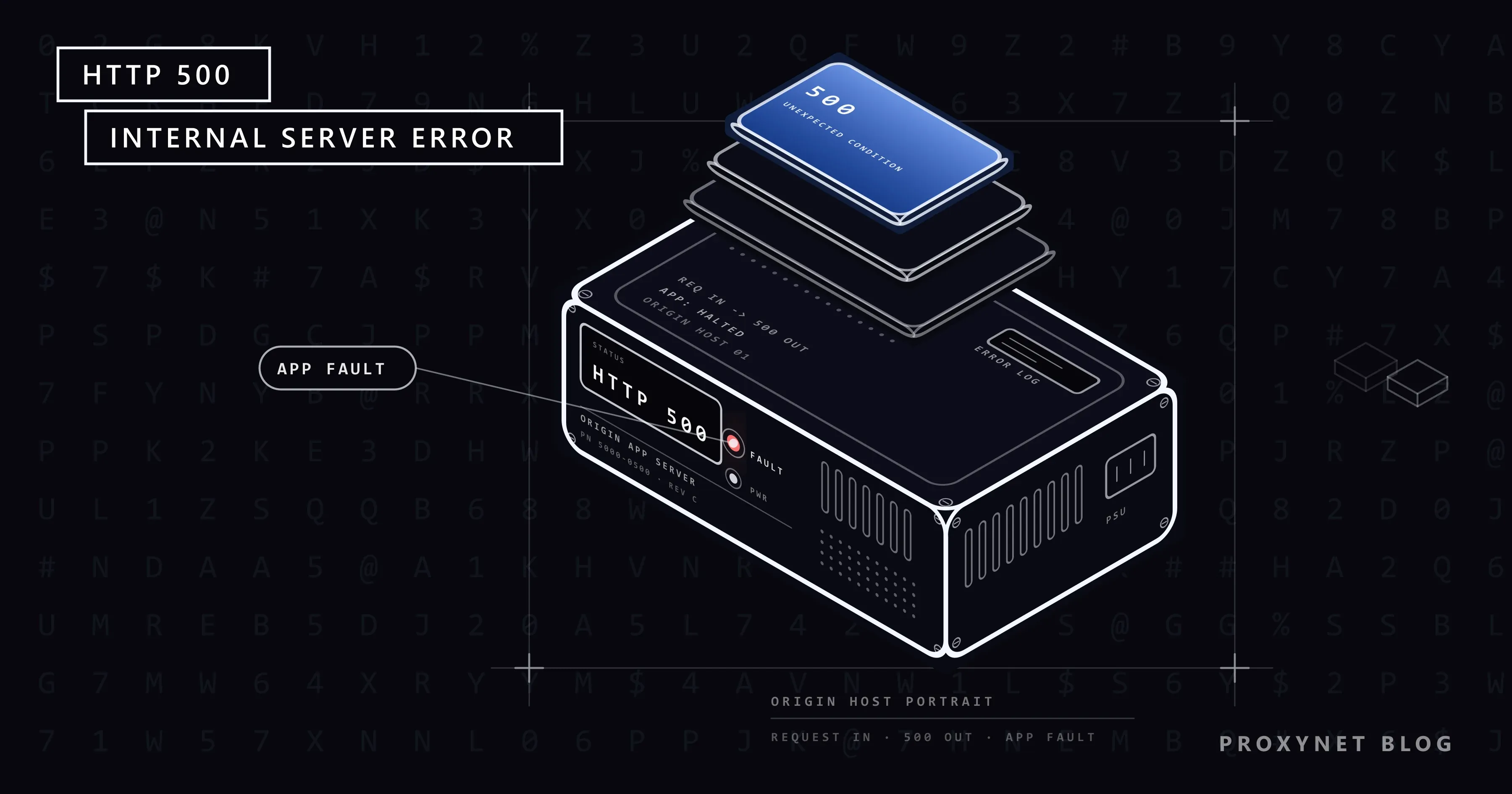
You press the button to pay for an order and, instead of the next page, you get a nearly blank screen: "500 Internal Server Error" in bold, with "nginx" under it. On another site Chrome draws its own page, "This page isn’t working", with "HTTP ERROR 500" at the bottom. Inside an app the words differ, such as "The call failed on the server; see server log for details", but the number is the same.
Below: what the code means and why it says so little, who produced the page you see, how a 500 differs from 502, 503 and 504, and what visitors, site owners and scripts should do about it.
What does 500 Internal Server Error mean?
The HTTP standard defines the code in one sentence: the server "encountered an unexpected condition that prevented it from fulfilling the request" (RFC 9110, section 15.6.1). Every code that starts with 5 is a server error, meaning the server knows it is at fault; 500 is the one it uses when no more specific code fits.
That is why the message says so little. The web server, the program that accepts connections, such as nginx or Apache, handed your request to the application that builds the pages, and somewhere in that work the application failed. The web server only knows that no usable page came back, so it answers 500; the detail went into an error log that only the site's operator can read.
Who sent the page you are looking at?
The look of the error page tells you which program gave up and how much of the site is still running.
| What you see | Who sent it | What it tells you |
|---|---|---|
| The site's own design, an apology, sometimes a request ID | The application | It runs and caught its own error; the ID points to the log entry |
| A white page, "500 Internal Server Error", "nginx" or "Apache" under it | The web server | The application crashed or sent nothing usable |
| "This page isn’t working", "example.com is currently unable to handle this request.", "HTTP ERROR 500" | Chrome | The 500 came with an empty body; the browser drew its own page |
We checked the last row with a small test server on our own computer that answers every request with status 500 and no page, opened in Chromium 145: exactly those lines, with our host's name in the middle one, and a Reload button. The heading and the host line are Chromium's strings (error_page_strings.grdp); "HTTP ERROR 500" is added by the code and never translated.
How does a 500 happen, step by step?
- Your browser sends the request with the address, your cookies and any form data.
- The web server passes it to the application that builds pages on the fly; static files it serves itself.
- The application fails midway: an unhandled error, a silent database, a bad configuration line, a script over its memory limit.
- Something answers 500: the application's own page if it caught the error, the web server's generic page or an empty response if it crashed.
- Your browser shows what it got, or its own "This page isn’t working" screen if the body was empty.
What is the difference between 500, 502, 503 and 504?
All four are server errors, but they name different failing parts. A 500 says the application itself failed; 502, 503 and 504 describe a gateway, the server in front of the application (a reverse proxy, a load balancer or a CDN) that forwards visitors' requests.
| Code | Which part failed | Typical cause | What a visitor can do |
|---|---|---|---|
500 | The application | Code error, bad config, no memory, database down | Reload once, then report |
502 | The gateway got an invalid answer, or none | Application stopped or crashed | Wait a minute, reload |
503 | The server cannot serve right now | Overload, maintenance | Wait, check the status page |
504 | The gateway waited too long | Slow application, long request | Try a lighter page later |
The same crash can show as either code: if the application dies before answering and nginx sits in front of it, nginx reports a 502; if the application catches the error and replies itself, you see a 500. 502 Bad Gateway Error: What It Means and How to Fix It covers the gateway side.
Is a 500 error your fault?
Almost never, and never because of your connection: the request arrived. Your request can still be the trigger, such as a form value the code did not expect or a very large upload; the bug is the site's, but it fires only for you until the site fixes it. A stale cookie or login session can also confuse an application, which is why deleting the site's cookies sometimes clears a 500 that reloading does not.
A proxy or VPN does not cause a 500 either: the error is produced after the request reached the site, so a different IP address will not make it go away.
What can you do as a visitor?
- Reload once, then wait a few minutes. Press F5 or the Reload button on Chrome's error page; after that you only add load to a struggling server.
- Try another page of the same site. If the home page loads but the checkout fails, the site is up and one feature is broken.
- Try the site on your phone over mobile data. If it fails there too, the failure is global and nothing on your computer will change it. Switching exits with a proxy or VPN is the same test; with Residential Proxy you can repeat it from another country in a minute.
- Check the site's status page. Larger services announce outages there; an app that keeps showing a 500 is hitting the same outage through its API.
- Delete the site's cookies, but only when the error survives a wait and follows you across pages. In Chrome on a computer: More > Delete browsing data, choose a time range, tick Cookies and other site data, then Delete data (Google's steps). It signs you out of sites, so leave it for last.
- Report it with the exact address, the time, what you clicked and any request ID printed on the page.
Restarting the router, changing DNS servers or reinstalling the browser do nothing here: they act on the part of the trip that already worked.
If it is your site: how do you find the cause?
A 500 is deliberately vague for visitors, but it is never vague in the log. Work through these in order; most 500s end at the first three.
- Read the error log first. Apache calls its error log the first place to look when a problem occurs; the
ErrorLogdirective sets its location, usually a file namederror_logon Unix (Apache logging documentation). nginx writes tologs/error.logby default, PHP to its ownerror_logfile or the web server's log. Find the minute of the 500:PHP Fatal error: Allowed memory size of 134217728 bytes exhaustedis a memory problem, Apache'sPremature end of script headersa script that died before sending a page, and a stack trace names the file and the line. - Undo the last change. A 500 that starts right after an update, a deploy or a config edit is that change until proven otherwise; roll back first.
- Plugins and themes. WordPress's guide to the Internal Server Error says to deactivate all plugins and switch to a default theme (Common WordPress errors); if the site comes back, re-enable them one at a time.
- The
.htaccessfile. On Apache this per-folder configuration file is read on every request, so one bad line breaks every page. The WordPress guide calls a corrupted.htaccessthe most likely cause: rename it to.htaccess_oldand, if the site loads, regenerate it from Settings > Permalinks. A directive not permitted byAllowOverride, or a syntax error, produces a server error with the reason in the log. - PHP limits. PHP stops a script that allocates more than
memory_limit(128M by default) and ends one that runs longer thanmax_execution_time(30 seconds by default on a web server). Raise the limit inphp.inior the host's PHP settings, but treat a steadily growing need as a bug. - Permissions and dependencies. The web server runs as its own user: a script it cannot read or a folder it cannot write into ends in a 500 rather than a clear message. So does a database that is down, an expired API key or certificate, or a full disk; those sit in the application's own log.
- Your hosting panel. On shared hosting the panel exposes the log: in cPanel the Errors interface under Metrics lists up to 300 of the most recent entries. If they point to the server itself, or every site on the server fails, open a ticket with the host with the time, the URL and the log lines.
Google's crawlers slow down on 5xx errors and eventually drop URLs that keep failing, so a lingering 500 costs rankings. A monitor that fetches a few key pages every minute warns you first; checks from a couple of fixed, dedicated Datacenter Proxy addresses can be allowlisted on the server and kept out of your error statistics.
How should a script or scraper handle a 500?
Treat a 500 as temporary but not free: retry a few times with growing pauses, then give up on that address.
- Cap the retries and grow the pause. One second, then two, then four, and stop after three or four tries; a loop that hammers the same address makes the outage worse.
- A 500 under load means slow down. If the site starts returning 500s while your crawler runs at high concurrency, lower the number of parallel requests. Never switch IP addresses to push through: the application fails for everyone.
- Log the response body. A JSON error, a request ID or a stack trace says whether the failure is yours (a bad parameter) or theirs, and tells a real 500 from a block: a 403 or a 429 with a challenge page is a decision about your traffic, not a server fault. 429 Too Many Requests and Rate Limit Errors Explained covers those.
The example below applies the rules with Python's Requests library. We ran it against our local test server, whose /flaky page returns 500 twice and then 200, and whose /text page always returns 500 (Python 3.13, Requests 2.34):
import time

import requests

URL = "http://127.0.0.1:18500/flaky"  # our local test server; put the page you need here
PROXIES = None  # or {"http": "http://user:pass@pr.proxynet.io:8000", "https": "http://user:pass@pr.proxynet.io:8000"}
ATTEMPTS = 4  # a cap: a 500 that lasts is the site's problem, not yours


def fetch(url):
    wait = 1.0
    for attempt in range(1, ATTEMPTS + 1):
        r = requests.get(url, proxies=PROXIES, timeout=20)
        if r.status_code in (403, 429):
            raise RuntimeError(f"{url}: HTTP {r.status_code} is a block or a rate limit, not a server error")
        if r.status_code < 500:
            return r
        print(f"attempt {attempt}: HTTP {r.status_code} {r.reason}, body: {r.text.strip()[:60]!r}")
        if attempt < ATTEMPTS:
            time.sleep(wait)
            wait *= 2  # 1 s, 2 s, 4 s
    raise RuntimeError(f"{url}: HTTP 500 after {ATTEMPTS} attempts, skip it and come back later")


r = fetch(URL)
print(f"HTTP {r.status_code}: {r.text.strip()}")
Output for /flaky:
attempt 1: HTTP 500 Internal Server Error, body: '{"error":"database connection lost"}'
attempt 2: HTTP 500 Internal Server Error, body: '{"error":"database connection lost"}'
HTTP 200: ok
For /text, four attempts are printed and the script ends with:
RuntimeError: http://127.0.0.1:18500/text: HTTP 500 after 4 attempts, skip it and come back laterThrough a proxy, fill in PROXIES with the address from the endpoint builder; the logic does not change, because the 500 comes from the target. Which codes to retry and which to stop on, from 403 to 504, is in HTTP Status Codes in Web Scraping: 403, 407, 429, 503.
Where you might run into a 500
- A plain "500 Internal Server Error" with "nginx" under it on a small site, often right after an update of its CMS or PHP.
- Inside an app such as Discord or a banking app, whose screens call the service's own API and show the number it returned.
- The message "The call failed on the server; see server log for details" in a Java web app: the fixed text the GWT framework sends with a 500 when a server call fails.
Common mistakes
- Reloading every second. The application is already failing; more requests slow it further and hide the moment it recovers.
- Owners: raising
memory_limitwithout reading the log. A higher limit hides a leak for a week, then the 500 is back. - Owners: showing the stack trace to visitors. A debug mode left on in production prints file paths and database details on the error page.
- Scrapers: rotating IPs on a 500. The site fails for every address; retry with pauses or skip the page.
Decision guide
| Your situation | What to do |
|---|---|
| One page shows a 500, the rest of the site works | Reload once, try again in a few minutes, report the page |
| The whole site fails on your phone too | The site is down; wait or check its status page |
| Your site, right after an update or deploy | Roll back, then read the error log |
| Your site, the log says "Allowed memory size" | Raise memory_limit once, then fix the code that needs it |
| Your script gets 500s from one site | Retry 3-4 times with growing pauses, then skip and lower concurrency |
Frequently asked questions
Is a 500 internal server error my fault?
No. The code means the site's own software failed while handling your request; your connection and browser did their part. Your input can trigger an existing bug, but fixing it is still the site's job.
How long does a 500 error last?
There is no fixed time. A restart or a short database hiccup clears in seconds; a bad update or a broken .htaccess file lasts until the owner notices and fixes it.
What does "500 Internal Server Error nginx" mean?
nginx is the web server program in front of the site, and the page is its generic error page: the application behind nginx failed and nginx had no proper answer to pass on.
What does "The call failed on the server; see server log for details" mean?
It is the fixed text that the GWT framework, used by some Java web applications, sends with status 500 when a request to the server throws an error. Only the site's operators can read the log it refers to; for you it is an ordinary 500.
Why does Discord or another app show a 500 error?
Apps fetch their data through the service's API, and when it answers 500 the app shows the number. The outage is on the service's side; check its status page and try later.
Does clearing cookies fix a 500 error?
Sometimes, when the application chokes on a stale cookie or session. Try it only after reloading and waiting; most 500s are on the server, and clearing data does nothing for them.
Summary
A 500 Internal Server Error means the site's application hit a problem it could not handle, and the server sent a generic error instead of the page. Visitors reload once, wait and test from another device; owners read the error log and work back through the last change, plugins, .htaccess, PHP limits and permissions; scripts retry with growing pauses and never push through with new addresses. The proxy types are compared on our proxy page.


