


































Puppeteer is a Node.js library that lets you drive Chrome from code: it opens pages, fills out forms, takes screenshots, and waits for dynamic content to load. It's used in many jobs, from end-to-end tests to report generation. But as automation grows, most teams run into the same obstacle: CAPTCHA.
This article isn't about "solving" CAPTCHA — it's about understanding why it shows up and preventing it from triggering unnecessarily in legitimate automation. CAPTCHA is the site owner's way of saying "I'm not sure about this traffic"; reading that signal correctly is always more sustainable than racing against it. At the end you'll find a working Puppeteer setup, a checklist, and things not to do.
CAPTCHA types and how they trigger
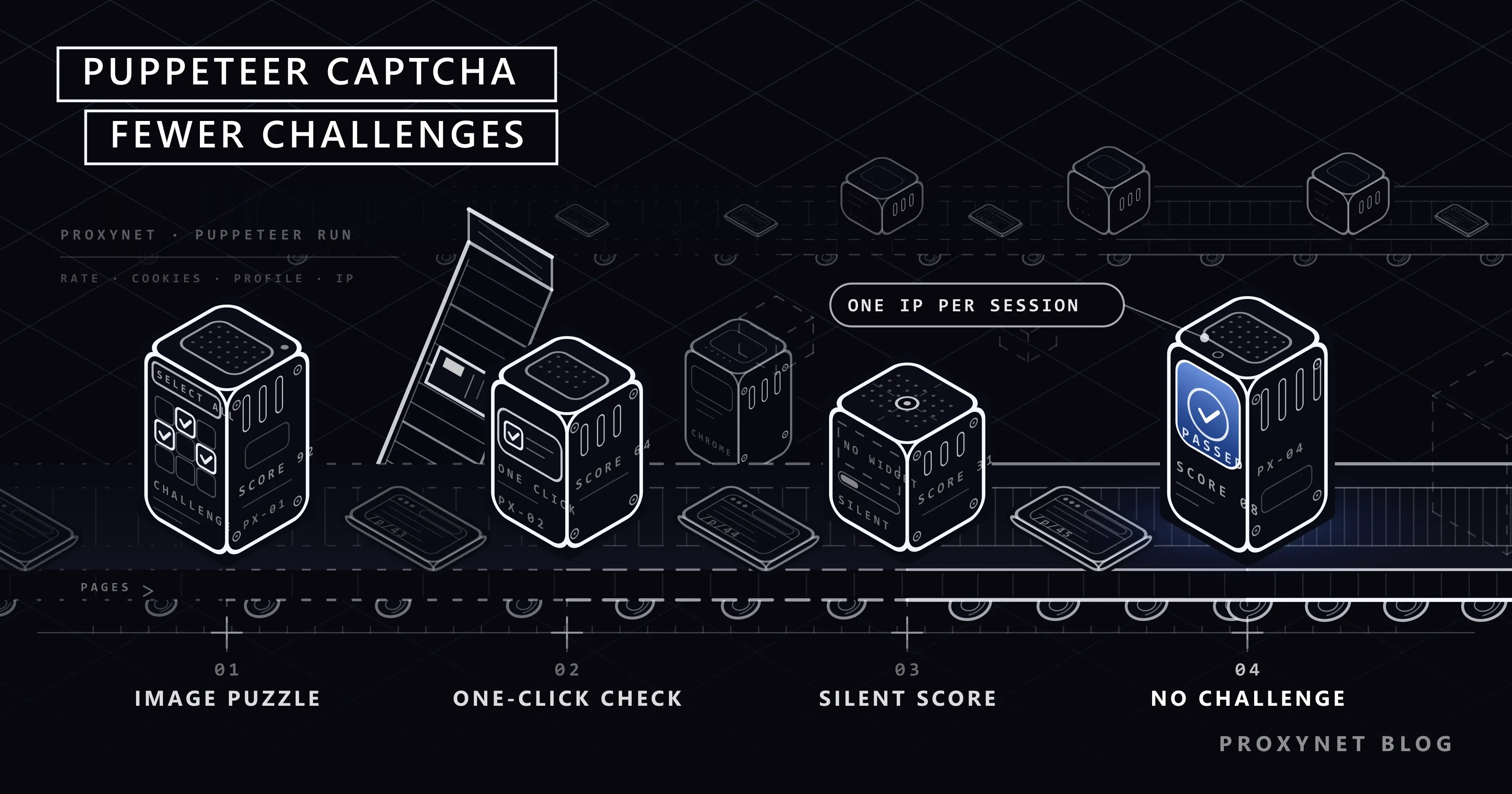
Most CAPTCHAs you'll run into today aren't the "select the traffic lights in the image" screen. There are three common forms:
- Invisible verification. The browser environment and behavior are scored in the background as the page loads; the user sees nothing. If the score is low, a visible step follows.
- One-click confirmation. An "I'm not a robot" checkbox or a lightweight confirmation like Cloudflare Turnstile. It passes with one click for most real users.
- Visual or interactive puzzle. A step requiring human effort, shown when the score is very low.
These three forms are different stages of the same scoring system. In other words, CAPTCHA isn't "appeared" or "didn't appear" — it's which threshold your score crossed. Every precaution that keeps the score low is what keeps you from ever reaching the visible step.
Why does CAPTCHA appear?
Modern bot protections don't look at a single rule; they score many signals together. In Puppeteer sessions, the factors that raise this score the most are:
1. The IP address's type and reputation
If a request is coming from a data center IP, it's considered more suspicious from the start compared to a request from an ordinary home user. A large number of sessions opening from the same IP in a short time, or the address having been abused before, raises the score even further. We explained the difference between IP types in our Residential vs. Datacenter Proxy article.
2. Request rate and pattern
People read pages, scroll, and wait. A session opening dozens of pages per second, doing the exact same click in the exact same duration on every page, doesn't resemble human behavior. Even a fixed-interval wait is a pattern; human waits are irregular.
3. Headless browser tells
A browser opened with automation can carry tells at default settings that give it away. The navigator.webdriver property being true is the most widely known of these; this property exists standard to indicate a browser under automation. Unrealistic window sizes (Puppeteer's default is 800×600), missing browser features, and headless-specific User-Agent values also stand out.
4. An inconsistent profile
A browser using an IP from Istanbul with en-US language and a New York time zone; or a single session with a fingerprint that changes on every request. Signals contradicting one another is more suspicious than any single one on its own. We covered how a fingerprint is formed in our What Is Browser Fingerprinting? article.
5. No session history
A browser opened fresh on every run, with no cookies at all, looks like a user visiting the site for the first time. This isn't a problem on its own; but combined with other signals it raises the score. The cookie of a session that has already passed a verification lowers the score on later visits.
6. Behavioral analysis
Some protections look not just at the entry moment but at cursor movement and interaction consistency throughout the session. We covered this newer-generation approach in detail in our Cloudflare Precursor article.
Causes and countermeasures in one table
| Cause | Signal | Legitimate countermeasure |
|---|---|---|
| Data center IP | ASN type, IP reputation | Residential or ISP proxy |
| High rate | Request frequency, fixed interval | Variable waits, low concurrency |
| Headless tells | navigator.webdriver, default window | Realistic window, current headless mode |
| Inconsistent profile | IP location vs. language/time zone conflict | Set the profile to match the IP |
| History-less session | Empty cookies, new profile | Persistent userDataDir |
| IP change within a session | Same cookie, different address | Sticky or fixed IP |
How can you legitimately reduce CAPTCHA?
The common goal of the measures below is not to hide your automation, but to make sure it doesn't create unnecessary suspicion.
Lower the rate and spread out requests
This is the most effective and cheapest measure. Add variable waits between page transitions, limit the number of open tabs at once, and spread the work across different times of day. Reducing the load on the target site means both fewer obstacles for you and less cost for the other side.
const bekle = (enAz, enCok) =>
  new Promise((coz) => setTimeout(coz, enAz + Math.random() * (enCok - enAz)));

for (const url of urls) {
  await page.goto(url, { waitUntil: "domcontentloaded" });
  // process the page
  await bekle(2000, 6000);
}
Preserve sessions and cookies
Use a persistent user data directory instead of opening a new profile on every run. This way, cookies and previously passed verifications are preserved across sessions:
import puppeteer from "puppeteer";

const browser = await puppeteer.launch({
  userDataDir: "./profile-1",
});
If you're managing multiple accounts or tasks, use a separate directory for each; profiles getting mixed up produces the signal that a large number of accounts is being managed from a single device.
Keep the profile consistent
Make the browser's language, time zone, and window size match the location of the IP you're using. Don't change these values during the same session:
const page = await browser.newPage();
await page.setViewport({ width: 1366, height: 768 });
await page.emulateTimezone("Europe/Istanbul");
await page.setExtraHTTPHeaders({ "Accept-Language": "tr-TR,tr;q=0.9" });
Pick the window size from values common on real devices; an unusual resolution stands out on its own.
Use a single IP per session
A proxy is given to Puppeteer through Chrome's launch argument. If authentication is needed, page.authenticate is used:
import puppeteer from "puppeteer";

const browser = await puppeteer.launch({
  args: ["--proxy-server=http://pr.proxynet.io:8000"],
});

const page = await browser.newPage();
await page.authenticate({ username: "kullanici", password: "parola" });

await page.goto("https://httpbin.org/ip", { waitUntil: "networkidle2" });
console.log(await page.evaluate(() => document.body.innerText));

await browser.close();
What matters here is that the IP doesn't change during the session. The IP address changing partway through a logged-in session is one of the most common causes of CAPTCHA. In these kinds of flows, Sticky Proxy keeps the same IP for a set duration; ISP Proxy is more stable for long, account-based sessions. On protected sites, a Residential Proxy coming from real user addresses raises less suspicion than data center IPs.
Don't block unnecessary resources
Blocking images and stylesheet files to save bandwidth is a common habit. But a "browser" that never loads any images doesn't resemble a real user, and some protections use this absence as a signal. If traffic cost is the concern, blocking only large media files (video, large images) is a more balanced middle ground.
Head to the official source when possible
If the target site offers an API, browser automation may not be needed at all. APIs are faster, use fewer resources, and you won't run into CAPTCHA. If you're testing your own site or a client's site, asking the site owner to exempt your test traffic in the protection rules is the cleanest solution.
Full example: a consistent Puppeteer setup
A setup that brings the measures above together, works with a proxy, and waits variably between pages:
import puppeteer from "puppeteer";

const bekle = (enAz, enCok) =>
  new Promise((coz) => setTimeout(coz, enAz + Math.random() * (enCok - enAz)));

const browser = await puppeteer.launch({
  userDataDir: "./profile-1",
  args: ["--proxy-server=http://pr.proxynet.io:8000", "--window-size=1366,768"],
  defaultViewport: { width: 1366, height: 768 },
});

const page = await browser.newPage();
await page.authenticate({ username: "kullanici", password: "parola" });
await page.emulateTimezone("Europe/Istanbul");
await page.setExtraHTTPHeaders({ "Accept-Language": "tr-TR,tr;q=0.9" });

const urls = ["https://httpbin.org/ip", "https://httpbin.org/headers"];

for (const url of urls) {
  await page.goto(url, { waitUntil: "domcontentloaded", timeout: 30000 });
  console.log(url, (await page.evaluate(() => document.body.innerText)).slice(0, 80));
  await bekle(2000, 5000);
}

await browser.close();
In this setup the IP is fixed for the whole session, the profile is persistent, the time zone and language match the IP's location (Türkiye), and there's a human-like, irregular wait between pages.
What you shouldn't do
- Using CAPTCHA-solving services. Services that have people or models solve CAPTCHAs and feed the result back into automation specifically target a protection the site owner deliberately put in place. It violates many sites' terms of use and can create legal risk.
- Relying on detection-evasion plugins. Plugins that claim to hide automation tells are in a constant chase with protection providers. A method that works today may not work tomorrow; building your workflow on top of it isn't sustainable.
- Increasing rate when blocked. CAPTCHA is a warning. Responding with more requests usually ends with the IP getting fully blocked.
- Changing IP on every request while keeping the same session. The address constantly changing while the cookie stays the same is a more suspicious pattern than simply changing the IP on its own.
We covered which data can be collected under which conditions in our Is Web Scraping Legal? article.
What should you do when CAPTCHA appears?
If you're still seeing CAPTCHA despite these measures, use it as a diagnostic opportunity:
- Note which page it appears on. The login page, a listing, a detail page? This shows where the protection is concentrated.
- Change the IP and repeat the same flow. If the CAPTCHA disappears, the problem is IP reputation; if it persists, it's the profile or the rate.
- Cut the rate in half. If the ratio drops, the threshold is rate-based.
- Compare the profile to a real browser. If you don't see CAPTCHA on the same site with a normal Chrome, automation tells are the deciding factor.
These four steps reveal which signal is raising the score in a few tries. Testing one variable at a time saves time compared to blind trial and error.
Are other tools better than Puppeteer?
Selenium, Playwright, and Puppeteer are fundamentally in the same position against CAPTCHA; all of them drive a real browser from code and are subject to the same signals. Switching tools doesn't eliminate the causes above. For the Python-ecosystem counterparts, see our Selenium, Using a Proxy with SeleniumBase, and Undetected ChromeDriver articles. We compared the other factors affecting language choice in our Web Scraping: JavaScript or Python? article.
Frequently asked questions
Does headless mode increase CAPTCHA?
The old headless mode carried tells that were easier to distinguish from a normal browser. Chrome's current headless mode is much closer to a normal browser. Still, running headless can affect the score when combined with other signals.
Does a proxy fully prevent CAPTCHA?
No. The right IP type lowers the suspicion score, but other signals like request rate, profile inconsistency, and behavior continue to matter. The IP is only one part of the solution.
Is changing the IP on every request a good idea?
Yes, for independent page fetches that don't need a session; Rotating Proxy is suitable for this. In logged-in or multi-step flows, the IP needs to stay fixed for the whole session; otherwise the odds of CAPTCHA increase.
Can I use a SOCKS5 proxy in Puppeteer?
Yes. It's given in the form --proxy-server=socks5://server:port. But Chrome doesn't support username/password authentication for SOCKS5; if you're going to use SOCKS5, you'll need IP authorization from the proxy panel. The tested setup, including the whitelist step and a separate proxy per browser context, is in Puppeteer Proxy Setup: Authentication, Rotation and SOCKS5.
Does CAPTCHA appear less in mobile site automation?
The mobile view alone doesn't lower the score. If you're using a mobile profile, the IP also being mobile provides consistency; a desktop IP with a mobile profile is a contradiction. We explained the difference in mobile traffic in our Residential vs. Mobile Proxy Differences article.
Is proxy usage different between Puppeteer and Playwright?
The logic is the same: the proxy address is given when the browser is launched, and credentials are defined with a separate call. In Playwright, this setting is done in a single object with launch({ proxy: { server, username, password } }).
In short
Behind CAPTCHA in Puppeteer there is usually IP type, request rate, headless browser tells, and an inconsistent profile. Lowering the rate, preserving sessions, keeping the profile consistent with the IP's location, and using a fixed IP per session significantly reduce CAPTCHA in legitimate automation. Finding the cause with a single-variable test when CAPTCHA appears is much faster than blind trial and error. Trying to bypass the protection is both fragile and risky. You can find suitable IP types for your automation projects in our proxy solutions.


