You look at a pair of running shoes on a shop's website once, close the tab and forget about it. For the next two weeks the same shoes appear beside a news article, before a YouTube video and between Instagram posts. Nobody at the shop is watching you; a chain of cookies, pixels and account data has put you on a list of people who "might buy running shoes", and every ad slot you load asks that list first.
This post explains how ad targeting works, what switching it off changes and what it does not, and then walks through the settings one by one: Google and YouTube, Facebook and Instagram, X, iPhone, Android and the browser itself. Every menu path below comes from the company's own help page.
What are targeted ads?
Targeted ads, also called personalised or interest-based ads, are ads chosen for you from what a company knows or guesses about you, rather than from the page you are looking at. A running-shoe ad on a running blog is contextual: it fits the page. The same ad on a recipe site, two weeks after you looked at the shoes, is targeted: it fits you.
The data behind targeting comes in three kinds: what you give a company directly, such as your age and the searches and likes in your account; what other sites and apps report about your visits; and what the platform infers from both, such as "interested in running". Each company has its own switch, and none covers the others.
How does ad targeting work?
Ad targeting works by linking what you do in different places to one identifier, then matching that identifier to an advertiser's audience when an ad slot opens.
- You use a signed-in service. Your searches, watch history, likes and the details you entered at signup are stored in your account. This is first-party data: the platform collected it itself.
- Other sites report your visits. A shop's page can carry a tracking pixel, a tiny invisible image or script from an ad platform, or a third-party cookie, a cookie set by a company other than the site in your address bar. Both tell the ad platform "this browser looked at running shoes".
- Apps use the phone's advertising ID. An advertising ID is a resettable number the phone gives apps so that ad networks can recognise the device across apps without knowing the phone number or serial.
- Advertisers upload customer lists. A shop can send a platform its newsletter list in hashed form (scrambled so the plain address is not sent); the platform matches it against its own users and shows the shop's ads to the matches.
- The platform builds interest categories. It groups people into segments such as "runners" or "new parents" from all of the above.
- An ad auction picks the ad. When a page with an ad slot loads, advertisers whose audience includes you bid, and the winning ad is shown.
| Signal | Where it comes from | What limits it |
|---|---|---|
| Account activity | Searches, likes, follows, signup data | The platform's ad settings |
| Visits to other sites | Pixels, third-party cookies | Off-site activity settings, cookie blocking |
| App activity | The phone's advertising ID | Delete the ID (Android), tracking off (iPhone) |
| Customer lists | Email or phone matched by the platform | The platform's partner-data setting |
| Location | IP address, device location | Location permission; rough location stays |
What does turning off personalised ads actually do?
Turning off personalised ads changes which ads you see, not how many. Google, Apple and Meta each say so in their help pages: Google says you will still see ads, Apple says the switch "may not reduce the number" of ads, and Meta says preferences affect which ads appear, not their number.
What changes is the basis for choosing them. With personalisation off, Google chooses ads from context: the time of day, the topic of the page, your current general location, the video you just watched or the search you just typed. It also deletes the topics and brands you had adjusted in My Ad Center. Ads still reflect where you are and what you are doing right now; they stop reflecting what you did last month.
How do you turn off personalised ads on Google and YouTube?
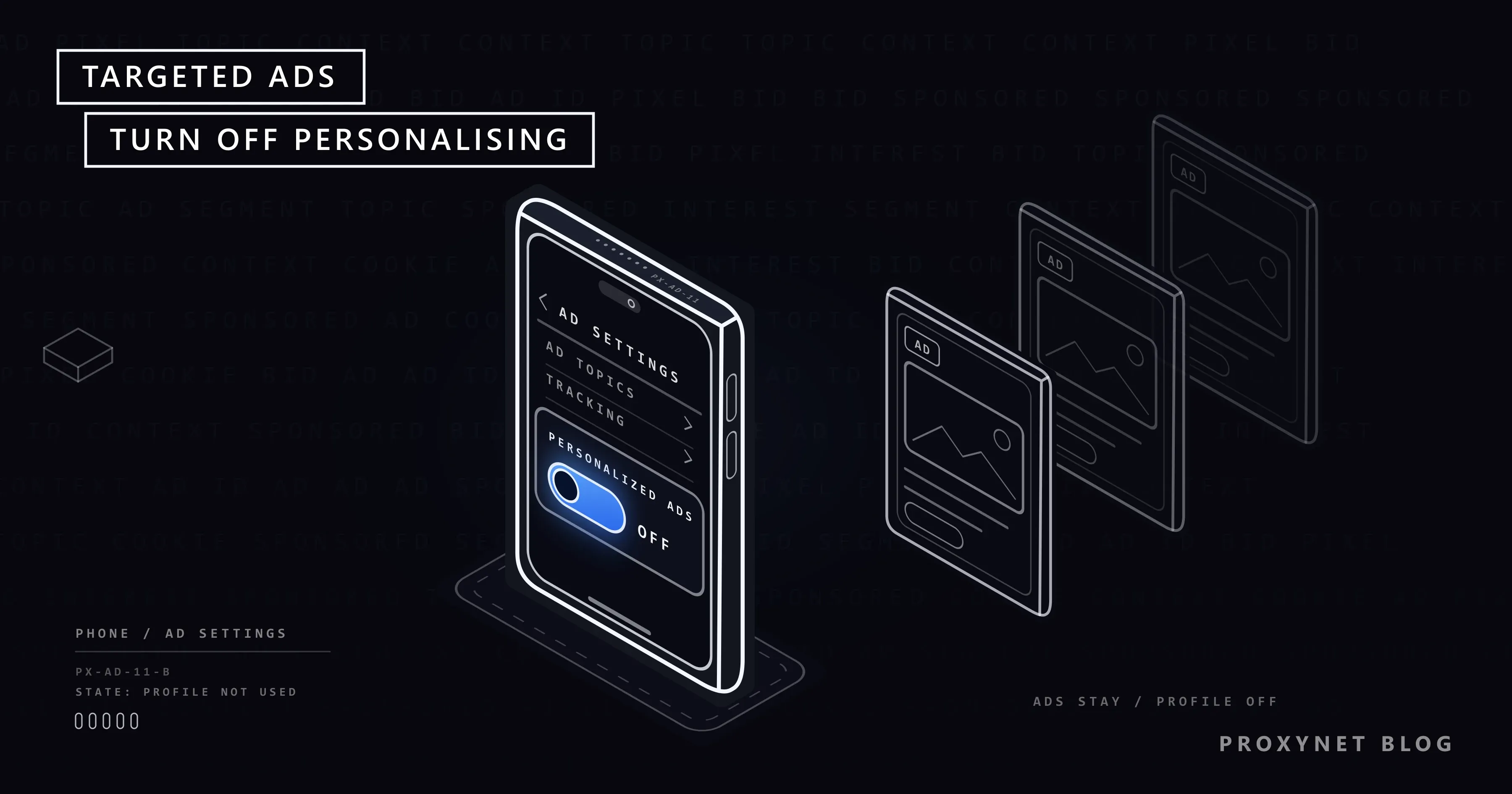
Use My Ad Center: while signed in to your Google Account, one switch covers ads on Google Search, YouTube and Google's other services on every device where you are signed in.
- Open My Ad Center (myadcenter.google.com) while signed in.
- Next to Personalized ads, select Off.
- Confirm your choice.
In the YouTube app, tap your account icon, then Settings, and under Privacy choose Google ad settings; it opens the same My Ad Center page. Google's My Ad Center help page lists exactly what changes once the switch is off, including that ads on partner sites and apps are no longer personalised.
If you use YouTube or Search without signing in, the setting lives in the browser or app instead. In the signed-out YouTube app it is under Settings > History & Privacy > Allow personalized ads. Repeat it on each device and browser you use while signed out.
How do you stop targeted ads on Facebook and Instagram?
Meta's help pages describe no single off switch for personalised ads; you control them in Ad preferences, which covers Facebook and Instagram together when both profiles are in the same Meta Account. On Facebook:
- Click your profile picture, then Settings and privacy > Settings.
- Open Meta Account (some people still see Accounts Center) and then Ad preferences.
- In the Customize ads tab (on some accounts Manage ads), open Ad topics > See all and choose See less for topics you do not want.
- Under Advertisers you saw ads from, choose an advertiser and Hide ads.
The more important setting is the one about other websites. Under Meta Account > Your information and permissions > Activity from other businesses, you choose whether Meta may show you ads based on what partner businesses send about your activity on their sites and apps. Turning it off cuts the route by which other businesses' sites, apps and stores report your activity to Meta for ads; ads can still be based on what you do on Facebook and Instagram themselves.
In the Instagram app, tap your profile picture, then the menu in the top right, then Meta Account > Ad preferences. Meta's Ad preferences help page notes that the tab names differ between accounts and that changing preferences affects which ads you see, not how many. In the European Region and the UK, Meta also offers a paid subscription without ads as an alternative to using its apps free with ads.
How do you turn off personalised ads on X and other apps?
On X, open the Ads preferences settings and turn off Personalized ads. X says this stops it from combining your activity with data from its partners for interest-based ads, but you will still see ads based on your signup information and what you post, follow and click on X.
Most other apps with ads, from short-video apps to news apps, have a similar switch in their own privacy settings, usually in a section about ads or personalisation. Labels change between versions, so if you cannot find it, search the app's help pages for "personalized ads".
How do you stop targeted ads on an iPhone?
On an iPhone, two settings matter: one for Apple's own ads and one for every other app.
- Apple's ads: go to Settings > Privacy & Security > Apple Advertising and turn off Personalized Ads. This covers the ads Apple shows in the App Store, Apple News and Stocks. View Ad Targeting Information on the same screen shows what Apple uses.
- Other apps: go to Settings > Privacy & Security > Tracking and turn off Allow Apps to Request to Track.
The second setting is App Tracking Transparency. Since iOS 14.5, apps must ask permission before tracking you across other companies' apps and websites. According to Apple's support page, with the switch off you no longer get those prompts, every request is treated as if you had tapped Ask App Not to Track, and apps cannot read the device's advertising identifier. The list under Tracking also lets you change your answer for each app you allowed earlier.
How do you stop targeted ads on Android?
On Android, delete the advertising ID. Without it, apps cannot link your activity across apps through that number; Google says apps that ask for it receive a string of zeros.
- Open Settings and find Ads. On many phones it is under Privacy > Ads; on others under Google > All services > Ads.
- Tap Delete advertising ID and confirm.
On the same Ads screen, Ads privacy holds three more switches: Ad topics (interest topics the phone can share with apps), App suggested ads and Ad measurement. Turn off the ones you do not want. Deleting the ID does not touch your Google Account setting, so also turn off personalised ads in My Ad Center as described above.
Resetting is different from deleting. A reset gives the phone a new advertising ID and starts its history again; a delete removes the ID and does not create a new one.
How do you limit ad tracking in your browser?
In the browser, block third-party cookies and turn on Global Privacy Control; together they cut the most common way ad companies follow you from site to site. A third-party cookie lets an ad company recognise the same browser on every site that embeds its ads, which is how the running shoes followed you. Our guide to what cookies are explains how first-party and third-party cookies differ and where each browser stands.
- Chrome: Settings > Privacy and security > Third-party cookies > Block third-party cookies. A few sites, such as some embedded chat or comment boxes, may break; add them under Sites allowed to use third-party cookies.
- Firefox: Settings > Privacy and security > Additional protections, then tick Tell websites not to sell or share my data.
That Firefox box sends Global Privacy Control (GPC), a signal that asks every site you visit not to sell or share your data. Mozilla's GPC help page says it works as a "Do Not Sell" request under the laws of some US states, such as California, Colorado and Connecticut, and that sites elsewhere may ignore it. It is a request, not a blocker. Brave and the DuckDuckGo browser send it by default.
Why do the ads you see depend on your country?
Ads change by country because almost every campaign is targeted by location, and your IP address gives your rough location even when every personalisation switch is off. The same video page shows a different ad in Berlin than in Madrid, and some ads run only in one city.
That is also why advertisers check their own campaigns from the places they target. A brand running a campaign in ten countries wants to see what a viewer in each of them actually gets: the right creative, the right language, a legitimate page next to it. Teams doing ad verification load the page through a connection in each target country and city and record what appears. It is a quality check on the advertiser's own ads, and it changes nothing for the people who see them.
Where you meet targeted ads
On search results pages and video sites. In social feeds and stories. In free mobile apps that show banner or video ads. On news and recipe sites that fill their ad slots through ad exchanges. In shopping sites' "sponsored" product listings. On smart TVs and streaming services with ad-supported plans.
Common mistakes
- Expecting fewer ads. The settings change which ads you see, not how many.
- Changing one company and stopping there. Google's switch does nothing for Meta, X or your phone's apps; each needs its own setting.
- Changing settings while signed out and assuming it follows you. Signed-out choices stay in that browser or app; sign in or repeat them on each device.
- Resetting the Android advertising ID instead of deleting it. A reset gives the phone a fresh ID that apps can start profiling again.
- Clearing cookies once and calling it done. New cookies arrive on the next visit. Blocking third-party cookies is the lasting step, and some trackers switch to browser fingerprinting, which recognises a browser by its settings instead of a stored cookie.
- Leaving "activity from other businesses" on. It is the setting that connects your shopping on other sites to your social feed.
Decision guide
| Your situation | What to change first |
|---|---|
| Ads follow you on YouTube and Google | My Ad Center: Personalized ads off |
| Ads on Facebook and Instagram reflect sites you visited | Activity from other businesses off |
| Instagram shows too much of one topic | Ad preferences: Ad topics > See less |
| Apps on your iPhone show "related" ads | Allow Apps to Request to Track off |
| Apps on your Android phone do the same | Delete advertising ID |
| Ads follow you on news sites | Block third-party cookies; turn on GPC |
| You check your own campaigns per country | Ad verification from each target location |
Frequently asked questions
Why do I still see ads after turning off personalised ads?
Because the setting turns off personalisation, not advertising. The ads you see afterwards are chosen from context: the page or video you are on, the search you typed, the time of day and your rough location.
Does a VPN or a proxy stop targeted ads?
No. Changing your IP address changes the location ads are aimed at, but targeting based on your account, your cookies and your phone's advertising ID continues as before; once you sign in, the platform knows who you are whatever the IP. A Residential Proxy gives a page a home connection in another country, which is why advertisers use it to see their campaigns as local viewers do, but it is not a privacy setting.
Does incognito mode stop targeted ads?
Only partly. A private window starts without your cookies and deletes them when you close it, so a shopping visit in one private session does not follow you to the next. Your IP address still shows, and if you sign in to a service, its targeting applies again.
Does an ad blocker stop targeted ads?
An ad blocker hides most ads and many tracking scripts in the browser where it is installed, so it reduces both the ads and the data collected there. It does not change your settings at Google or Meta and does not work inside most phone apps, so the settings in this post still matter.
How do I see why I am seeing an ad?
Most platforms add a menu to each ad, usually three dots or a small "i", with an explanation of why it was shown and options to hide the ad or the advertiser. On an iPhone, Settings > Privacy & Security > Apple Advertising > View Ad Targeting Information shows the data Apple used for its own ads.
Do I have to change these settings on every device?
For signed-in settings, no: Google's My Ad Center setting applies wherever you are signed in to that Google Account, and Meta's Activity from other businesses applies to all profiles in the same Meta Account. Phone settings, such as the iPhone tracking switch and the Android advertising ID, belong to each phone. Signed-out and browser settings belong to each browser.
Summary
Targeted ads come from a chain: your account activity, pixels and third-party cookies on other sites, your phone's advertising ID and customer lists that advertisers upload. You cannot turn ads off, but you can cut most of that chain with one setting per company, one per phone and two in the browser. Ads will keep coming, chosen by the page you are on rather than by the shoes you looked at last week.