You press "Forgot password?" for the third time this month, and the site refuses the new password because you used it before. Or you use one password for your email, your bank and a shop that leaked its customer list last year. A password manager solves both problems: it keeps a different strong password for every account, so the only thing you have to remember is how to unlock it.
This post explains what a password manager is, how it encrypts and fills in passwords, the three kinds you can choose from and how safe they are. It also shows where Google and Apple keep the passwords your phone or browser has already saved. Built-in managers are named because you probably have one already; there is no ranking of apps here.
What is a password manager?
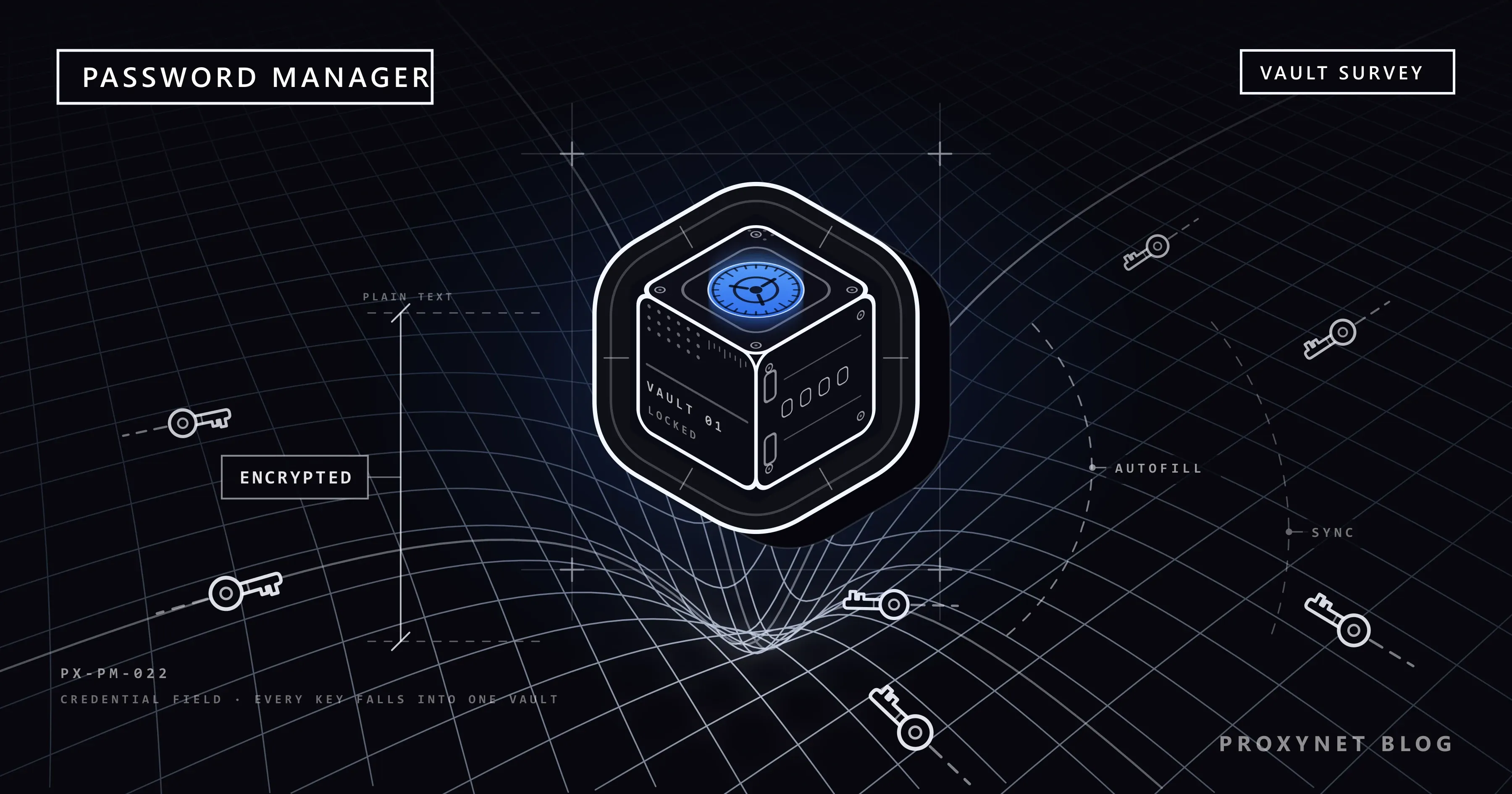
A password manager is software that keeps your usernames and passwords in one encrypted store, usually called a vault, and enters them for you when you sign in. You no longer need to remember each password, so each one can be long, random and used on a single site only.
The vault opens in one of two ways. A standalone app asks for a master password, one long password that is now the only one you need to know; the UK's National Cyber Security Centre (NCSC) calls it the primary password. A built-in manager relies on accounts you already have: you sign in to Google or Apple once, and your phone's screen lock, fingerprint or face unlocks the passwords from then on.
The point is to end password reuse. When one password guards several accounts, a leak at any of those sites exposes all of them, because attackers run leaked email and password pairs against other login pages automatically. What Is Credential Stuffing? describes how those attacks work.
How does a password manager work?
A password manager works in six steps, from unlocking the vault to checking what is inside it:
- You unlock it. With the master password, or with the screen lock, fingerprint or face of a device that is signed in to your account.
- It keeps the vault encrypted. Encryption scrambles the data with a key, and without that key the stored copy is unreadable. Who holds the key decides how private the vault is.
- It syncs. An encrypted copy goes to the provider's servers, so the same passwords appear on your phone and your computer when both are signed in to the same account.
- It creates passwords. On a sign-up form it offers a long random password and saves it straight away; Chrome calls the option Use strong password on a computer and Suggest strong password on Android.
- It fills them in only on the right site. Each password is tied to the web address where it was saved. A copy of your bank's login page on a look-alike address gets no offer to fill, which is why the NCSC lists autofill as a defence against phishing.
- It checks them. It compares your saved passwords with passwords published in known data leaks and flags the weak and reused ones.
Editing a saved password inside the manager does not change it on the website: you change it on the site and let the manager save the new one.
What types of password manager are there?
There are three kinds, and the difference is mostly about which devices and browsers they follow you to:
| Type | Examples | Suits | Watch for |
|---|---|---|---|
| Built into the browser | Google Password Manager in Chrome, Microsoft Password Manager in Edge | One browser on all devices | Tied to that browser's account |
| Built into the system | Apple Passwords app, Google Password Manager on Android | One platform's devices | Extra steps on other brands' devices |
| Standalone app | Third-party apps for every system | Mixed devices, sharing with family or a team | A separate master password to protect |
The NCSC says that letting your browser or device save passwords is safe on your own devices and the easiest option. Third-party managers help when you mix browsers and devices, because a browser's own manager may not follow you there.
The built-in ones reach further than their names suggest: Google's passwords open in any browser at passwords.google.com, and Apple offers an iCloud Passwords app for Windows PCs. Before choosing a standalone app, check in its documentation who holds the encryption key, whether it supports two-step verification and whether you can export your data if you leave.
Is a password manager safe?
For most people, yes: a password manager is far safer than reusing passwords or keeping them in a notes app, but it puts everything behind one door, so that door has to be strong.
The vault is only as strong as what unlocks it. Make the master password long, new and used nowhere else; a few random words work well. Turn on two-step verification, a second check such as a code or a prompt on your phone, for the account behind the vault: your Google Account, Apple Account or the app's own account. Then, as the NCSC puts it, even a criminal who knows the primary password still cannot get in.
Who holds the encryption key matters. Apple states that passwords in iCloud Keychain are end-to-end encrypted even under standard data protection: Apple does not have the keys and cannot help you recover them if you lose access to your account.
Google Password Manager encrypts passwords in transit and on its servers, but by default the key sits in your Google Account, which lets Google open them for passwords.google.com and Password Checkup. Its optional on-device encryption leaves the key with you instead; Google warns that it cannot be removed once set up, and that losing the key can mean losing the passwords. Many standalone apps say they encrypt the vault with a key derived from your master password, so the company cannot read it.
A breach at the provider is not the end of the vault. If the company's servers are broken into, the attacker gets encrypted vaults. A long master password keeps them locked; a short one can be guessed on the attacker's own computers, where no login limit slows the guessing. If your provider reports a breach, change the master password, then your most important passwords.
An infected device beats any vault. Malware running on an unlocked computer or phone can read what you type and what the manager fills in. The NCSC notes that browser-stored passwords are only as secure as your devices and accounts, so keep automatic updates on and never save passwords on a shared or public computer.
Where are my saved passwords? Google and Apple
Passwords saved by Chrome or an Android phone are in Google Password Manager, and passwords saved on an iPhone, iPad or Mac are in Apple's Passwords app; the paths below open each one.
Chrome on a computer
Open Chrome and select More (the three dots at the top right) > Passwords and autofill > Google Password Manager. Pick a site under Passwords and select the eye icon, Show password, to see it. Passwords saved while you were signed out of Chrome stay on that computer only; Google's Chrome help explains the difference.
Android phone
In Chrome, tap More > Settings > Autofill and passwords > Google Password Manager. Without Chrome, open the Settings app and search for Password Manager. The Google Password Manager app, if you installed it, is only a shortcut to the same list in your Google Account.
Any browser: passwords.google.com
Go to passwords.google.com and sign in with your Google Account. You see the passwords and passkeys saved to that account, from any browser, including Safari on an iPhone.
iPhone and iPad
On iOS 18 or later, open the Passwords app, unlock it with Face ID, Touch ID or your passcode, choose All and tap the website or app. On iOS 17 or earlier, go to Settings > Passwords. If an entry is missing, Apple's guide suggests checking Deleted and making sure iCloud Keychain is turned on.
Mac
On macOS Sequoia, open the Passwords app and sign in with Touch ID or your user password. On macOS Sonoma or earlier, choose the Apple menu > System Settings > Passwords, or in Safari choose Settings > Passwords.
Microsoft Edge
Select the three dots > Settings > Passwords and autofill > Microsoft Password Manager, then the arrow next to a password and the eye icon. It works with a personal Microsoft account profile, and Windows may ask for your device PIN or password first.
Where do passkeys fit in?
Passkeys live in the same password manager as your passwords. A passkey is a sign-in key that replaces the password: your device keeps the secret half and offers it only to the site it was created for, so there is nothing to type into a fake page. Google Password Manager, Apple's Passwords app and Microsoft Password Manager all store passkeys and sync them between your devices.
The NCSC now recommends a passkey as the first choice wherever a site offers one, and a strong, unique password with two-step verification everywhere else. What Is Phishing? explains why a passkey cannot be handed to a copied login page.
How do password checkups and breach alerts work?
A password checkup compares your saved passwords with passwords published in known data leaks and flags the weak and reused ones; you then change each flagged password on its own site.
- Chrome: More > Passwords and autofill > Google Password Manager > Checkup. Chrome can also warn you while you browse; the setting is Warn you if a password was compromised in a data breach, under Settings > Privacy and security > Security > Standard protection.
- Any browser: passwords.google.com > Go to Password Checkup > Check passwords.
- iPhone: the Security section of the Passwords app. Alerts about leaked passwords are switched on in Settings > Apps > Passwords > Detect Compromised Passwords.
Change a flagged password on the real site first, then everywhere you reused it. If the alert names a service that leaked your data, What Is a Data Breach? covers the other steps, from bank statements to phishing follow-ups.
Where do proxy and API passwords belong?
Work credentials belong in the vault too, and they are the ones most often left lying around. A proxy username and password ends up in a shared spreadsheet, a chat message or a script's source code, where anyone who can open the file can copy it. Keep it in your team's password manager and let scripts read it from an environment variable, a setting held outside the code. Where a tool cannot store a password at all, IP whitelist authentication removes the need for one: every Proxynet product, the ISP Proxy included, accepts either username:password or a whitelist of up to 10 IP addresses.
Where you meet password managers
In the "Save password?" prompt your browser shows after you sign in. In the row of suggestions above your phone's keyboard on a login screen. On a sign-up form, as an offer to use a strong password. In an alert that a saved password appeared in a data leak. At work, in a company vault that IT manages. At home, when you share a household login, such as the energy supplier's website, with family through Google's family group sharing or Apple's Shared Groups.
Common mistakes
- Reusing an old password as the master password. If it leaked once, it unlocks everything now.
- No two-step verification on the account behind the vault. For built-in managers that is your Google Account or Apple Account.
- Saving passwords on a shared or public computer. The next person to sit down inherits them.
- Leaving an exported password file on the disk. Google's import help warns that anyone who uses the device can open that file and read the passwords; delete it once the import is done.
- Ignoring checkup warnings. A password flagged as leaked is already on lists that attackers use.
- Typing a password by hand when the manager does not offer it. On a page you expected to recognise, that silence is a warning sign: check the address before you type.
- Keeping recovery codes only inside the vault. If you lose access to the vault, you lose the codes with it.
Decision guide
| Your situation | What to do |
|---|---|
| You use Chrome on every device | Google Password Manager, with 2-Step Verification on your Google Account |
| You only use Apple devices | The Passwords app with iCloud Keychain turned on |
| You mix Windows, Android and Apple devices | Google Password Manager or a standalone app |
| You share logins with family | Google family group sharing or Apple Shared Groups |
| Only you should hold the key | iCloud Keychain, Google on-device encryption or a standalone app |
| A team shares proxy or API logins | A shared work vault; IP whitelist for tools that cannot store one |
Frequently asked questions
What happens if I forget my master password?
It depends on who holds the key. Where only you hold it, as with iCloud Keychain or Google's on-device encryption, the company cannot reset the vault for you, so set up recovery options before you need them: Apple lets you recover with a device passcode, a recovery contact or a recovery key. For built-in managers without that extra layer, recovering your Google Account restores the passwords, and the NCSC notes that many standalone apps offer password hints or emergency access through a trusted contact.
Is the browser's password manager enough?
For many people, yes, as long as it runs on your own devices and the account behind it has two-step verification. A standalone app is worth it when you switch between browsers and systems often, or need to share passwords with a team.
Can a password manager be hacked?
Like any software, it can be attacked, but whoever reaches the provider's servers gets encrypted vaults that a long master password keeps closed. The bigger risk is your own device, where malware can read passwords as they are filled in, so keep it updated and act on breach notices.
What is the Google Password Manager PIN?
It is a PIN that Google Password Manager creates when you first make a passkey on a computer, iPhone or iPad. You enter it to use your passkeys on a new device, and Google says it makes sure no one, Google included, can access your encrypted data. To change or reset it, go to Chrome's Google Password Manager > Settings > Change Google Password Manager PIN.
Is a password manager better than writing passwords down?
Usually. The NCSC accepts a notebook in some cases, for example when a relative helps you manage your accounts, as long as the passwords are strong and the notebook is kept somewhere only trusted people can reach. A notebook cannot check a site's address before you type, warn you about leaked passwords or fill a 20-character password without typos.
Do I still need a password manager if I use passkeys?
Yes. Passkeys are stored in a password manager, and many sites still ask for a password or keep one as a fallback next to the passkey. The manager keeps both in one place and syncs them to your other devices.
Summary
A password manager keeps a strong, different password for every account in an encrypted vault and fills it in only on the site it belongs to. It is safe when the door to it is strong: a long master password or a well-protected Google or Apple Account, two-step verification and an up-to-date device. You probably have one already: Google Password Manager in Chrome, on Android and at passwords.google.com, or the Passwords app on an iPhone or Mac. Run its checkup today and replace the passwords it flags. If your team also looks after proxy logins, our proxy services page compares the products those logins are for.