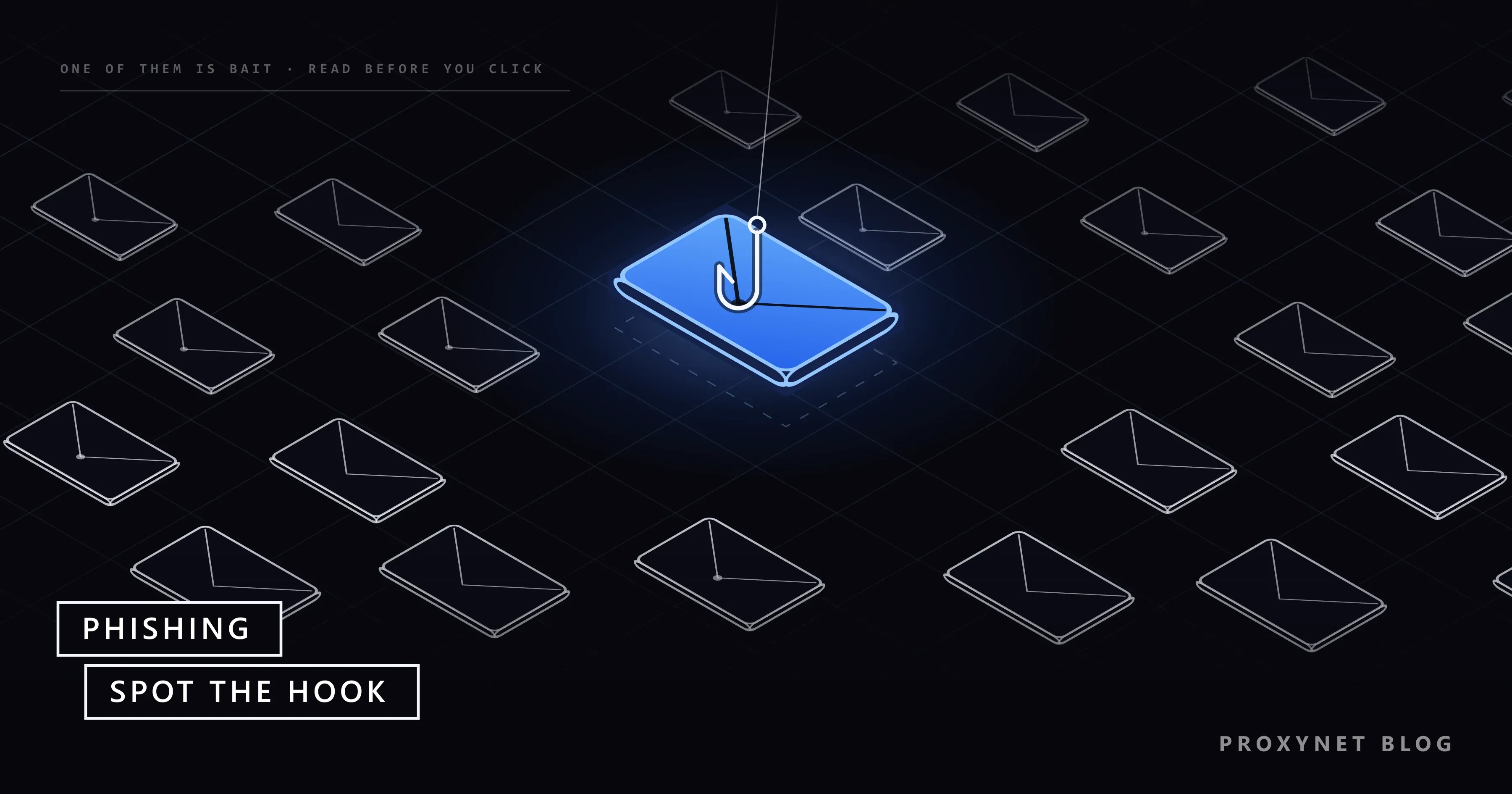
A text message says a parcel could not be delivered and asks for a small redelivery fee. The link opens a page in the courier's colours with a card form, and nothing about it looks broken. That is the point: the page belongs to someone who wants the card number, and the fee never existed.
This post explains what phishing is, how an attack runs, the main types, the signs that give a message away, why passkeys stop most of it, and what to do if you clicked. It is written for the person on the receiving end; there is no attacker recipe here.
What is phishing?
Phishing is a form of social engineering: the attacker does not break into a system but persuades a person to open the door. The UK's National Cyber Security Centre (NCSC) describes it as criminals using scam emails, text messages or phone calls to trick their victims; CISA, the US cybersecurity agency, adds that the bait usually looks as if it came from someone you trust.
The spelling plays on "fishing": a lure goes out to many people, and the sender waits for someone to bite. The catch is one of four things: your login details, your card or bank data, a one-time code that completes a login, or a click that installs malware, software made to spy on or damage your device.
How does a phishing attack work?
- A pretext. The sender picks a story that fits the moment: a parcel, a tax refund, a locked account, an unpaid invoice, a shared document.
- The lure is sent. An email, text or direct message carries a link, an attachment or a phone number to call; on a phone call, the voice itself is the lure.
- The hook. The link opens a copy of a real login or payment page, the attachment asks you to "enable content", or the caller asks you to read out the code that just arrived.
- The data is captured. Whatever you type goes to the sender. Some phishing pages pass your input on to the real site through a reverse proxy, so the login appears to work while the attacker keeps the session cookie the site returns; What Is Session Hijacking? explains why that cookie alone opens the account.
- The data is used. The password is tried on the real site and on others, the card is charged, or your account sends the same lure to your contacts.
What types of phishing are there?
| Type | How it reaches you | What it asks for |
|---|---|---|
| Email phishing | A mass email | A login on a fake page, an attachment |
| Spear phishing | A message written for you | The same, with real details about you |
| Whaling | A message to an executive | A payment, confidential files |
| Smishing | SMS or a messaging app | A small fee, a link to "fix" an account |
| Vishing | A phone call or voicemail | A code, card details, a transfer |
| Quishing | A QR code | Card details on a fake payment page |
| Consent phishing | A real sign-in screen for an unknown app | Access to your mailbox or files |
Spear phishing and whaling are the targeted versions. The NCSC says the attacker uses information about your staff or company to make the message persuasive, and calls whaling spear phishing aimed at a "big phish" such as a board member.
Smishing and vishing move the trick to the phone; CISA defines them as social engineering through SMS and through voice. They often work together: a text warns of a suspicious payment, and the "fraud team" at the number it gives asks for a code.
Quishing hides the link in a QR code. The US Federal Trade Commission (FTC) has warned about codes stuck over the real ones on parking meters and about QR codes in unexpected emails and texts that lead to a copied site.
Consent phishing steals no password. Microsoft describes it as tricking users into granting permissions to a malicious cloud app; the consent screen is genuine, so the address bar looks right. The giveaway is the request, such as an unknown "document viewer" that wants to read and send your mail; the fix is to remove the app from your account's connected apps.
How do you recognise a phishing message?
A phishing message pushes you to act before you think, so pressure is the first sign; an address that does not belong to the organisation is the second. The NCSC lists five signs: authority (a message claiming to be from someone official), urgency (a short deadline or a threatened fine), emotion (panic, fear, hope or curiosity), scarcity (something in short supply) and current events (tax season, a big news story).
Then check the details:
- The sender's address, not the display name. The name can read "Bank Support"; the domain after the @ is what counts.
- Look-alike domains. A name one letter off, or with the real brand at the start of a longer address, is a common disguise; What Is Typosquatting? shows how to read one.
- A link whose real address differs from its text. On a computer, hover over it; on a phone, press and hold to preview it.
- An unexpected attachment, especially one that asks you to enable content. Office on Windows blocks macros in files from the internet by default, so instructions to unblock them are a warning in themselves.
- A payment out of pattern: a supplier's "new" bank account, gift cards, an urgent transfer for a manager who cannot be reached.
- A request for a code. The FTC puts it plainly: "Anyone who asks you for your account verification code is a scammer."
- Clean grammar proves nothing. CISA notes that AI tools now write polished messages.
When in doubt, contact the organisation through a route you already know, such as its app or the number on your card, never the link or number in the message.
Why do passkeys resist phishing?
A passkey cannot be typed into a fake page: your device offers it only to the site it was created for, so a copy of the login page on another domain receives nothing it can use. A passkey is a sign-in key stored on your phone, computer or password manager; the website keeps only a public half. The FIDO Alliance explains that a passkey is only presented to the site it was registered with.
Codes and push prompts beat a password alone, but a phishing page can collect them too. CISA's phishing-resistant MFA fact sheet describes the classic case: a fake login portal where the victim enters the username, the password and the 6-digit code from an authenticator app. Its ranking, with a password-only row added:
| Sign-in method | Can a phishing page capture it? | Also open to |
|---|---|---|
| Password only | Yes | Reuse on other sites |
| SMS or voice code | Yes, relayed at once | SIM swap, phone-network interception |
| Authenticator app code | Yes, relayed at once | Nothing else in CISA's list |
| Push prompt without number matching | You can be talked into approving | Push bombing: prompts until you tap Accept |
| Passkey or security key (FIDO/WebAuthn) | No | Nothing in CISA's list |
CISA calls this kind of sign-in "the gold standard" and adds that any multi-factor authentication (MFA) is better than none. A password manager gives passwords a similar check, since it fills a form only on the domain where the password was saved.
What should you do if you clicked a phishing link?
If you only opened the page and typed nothing, close it, delete anything it downloaded and run a security scan. If you typed a password, a code or a card number, act now, in this order:
- Change the password on the real site, reached by typing the address or opening the app. If you used the same password elsewhere, change it there too, because a captured password gets tried on other services; What Is Credential Stuffing? covers that step.
- Sign out of all other sessions from the account's security settings, check the recovery details, forwarding rules and connected apps, and add a passkey where offered.
- Call your bank on the number printed on your card if you entered card or bank details; the NCSC and the FTC both advise it.
- Scan the device if you opened an attachment or installed anything. On a work device, tell your IT team straight away.
- Report the message, as below. If you lost money, report it to the police as fraud.
How do you report phishing?
Use the report button in your email app first, then your country's reporting service; both feed the filters and block lists that protect other people.
- Gmail on a computer: open the message, click More next to Reply, then Report phishing.
- Outlook.com: select the message, then Report > Report phishing. Reporting does not block the sender; block them separately if the messages continue.
- United Kingdom: forward suspicious emails to report@phishing.gov.uk and scam texts to 7726, as the NCSC's reporting pages explain.
- United States: the FTC asks you to forward phishing emails to reportphishing@apwg.org, forward phishing texts to SPAM (7726) and report the scam at ReportFraud.ftc.gov.
- Elsewhere: your national cybersecurity agency or CERT (computer emergency response team) usually runs a reporting form.
- At work: use the company's report button or forward the message to the security team, not to colleagues.
How do organisations defend against phishing?
Organisations stack layers, because no filter catches every message. The NCSC groups them in four: make it hard for phishing to reach users (mail filtering, email authentication), help users spot and report it without blame, limit the damage of a click (MFA, password managers, patched devices), and respond quickly.
Security teams also check reported links before blocking them. Some phishing pages show the fake login only to visitors who look like the target, such as a home connection in the targeted country, and a blank page to everyone else. Analysts therefore open the link in an isolated browser, never with real credentials, through a Residential Proxy exit in that country and city.
For a lure sent by text, the page may show itself only on a mobile network; a Mobile Proxy gives the analyst a real carrier address for that one check. It is a few page loads per link, made to document and report the page, never to fill it in.
Where you meet phishing
In personal and work inboxes. In text messages about parcels, road tolls, tax refunds or bank alerts. On calls from a "fraud team" or "technical support". In social media messages promising a prize or a job. On QR codes stuck to posters and parking meters. At work, in invoices, shared-document notices and messages that seem to come from the boss.
Common mistakes
- Trusting the logo and the display name. Both are free to copy; the domain is not.
- Trusting the padlock. HTTPS means the connection to that domain is encrypted, not that the domain belongs to your bank.
- Calling the number in the message to check it. That number belongs to the sender.
- Reading out a code to a caller. A code that arrives during a call you did not start is the attack itself.
- Deleting without reporting. The report is what gets the page blocked for the next person.
Decision guide
| Your situation | What to do first |
|---|---|
| A suspicious message, nothing clicked | Report it with your app's button, then delete it |
| You clicked but typed nothing | Close the page; scan if anything downloaded |
| You typed a password | Change it on the real site and wherever you reused it; end other sessions |
| You gave card or bank details | Call your bank on the number from your card |
| You read a code out to a caller | Change the password, end sessions, tell the provider |
| You approved an unknown app | Remove it from your account's connected apps |
| You check reported links for a company | Isolated browser, a residential or mobile exit in the target country, no real credentials |
Frequently asked questions
Can you get hacked just by opening a phishing email?
Rarely. Reading a message in an up-to-date mail app is generally safe; the harm starts when you click, open an attachment or reply with information. A flaw in an outdated mail app can occasionally be triggered by a message alone, so keep it updated.
Is phishing illegal?
Yes. Phishing leads to fraud and to unauthorised access to other people's accounts, and both are crimes in most countries; the exact offence depends on local law. A simulation a company runs on its own staff is training, not an attack.
What is the difference between phishing and spam?
Spam is unwanted bulk messaging, usually advertising; it is annoying, but it does not pretend to be someone you trust. Phishing pretends to be a trusted sender in order to take something from you: a password, a payment or a click.
What is a phishing test at work?
A phishing test, or simulation, is a harmless fake phishing email that a company sends its own staff to train them to spot and report the real thing. Clicking one usually leads to a short training page, and the NCSC advises organisations not to reprimand staff who click. If unsure whether a message is a test, report it anyway.
What is phishing-resistant MFA?
It is a second sign-in step that a fake site cannot capture or pass on. In practice that means FIDO/WebAuthn sign-in with passkeys or hardware security keys, plus smart-card sign-in in some organisations. SMS and app codes are far better than a password alone, but a phishing page can relay them.
Can antivirus or a VPN protect you from phishing?
Only in part. Security software and the browser's warning lists block known phishing pages, but a page set up an hour ago may not be on any list yet. A VPN changes the network path and cannot tell a fake login page from a real one; reading the address and using passkeys cover the gap.
Summary
Phishing is a disguise, not a break-in: someone poses as a sender you trust to get a password, a code, a payment or a click. Slow down when a message pushes you, read the sender's domain and the link's real address, and never read out a code. If you typed something, change the password on the real site, end other sessions and report the message. Passkeys take away what most phishing pages collect: a password and a code that work anywhere. Brands that watch for copies of their own login pages will find the setup on our brand protection page.