A rival's new campaign has been in your feed all week: the same headline, a free-delivery offer, a short video with a discount code. Your manager wants to know what else they are running, since when, and in which countries. You can answer most of that in a quarter of an hour without a paid tool, because the large ad platforms publish the ads they carry in public libraries that anyone can search.
This post shows how to search the Meta Ad Library, the Google Ads Transparency Center, LinkedIn's Ad Library and TikTok's Commercial Content Library, and what each one shows and hides. It also covers spend and targeting, a simple tracking routine, why creatives cannot be reused, and how to see an ad the way a customer in another city sees it.
Why look at your competitors' ads?
A competitor's ads show what they are prepared to pay to say: the message they lead with, the offer, the format and the page they send people to. Weak ads get switched off, so the ones that keep running say more than a website does.
The message tells you which benefit they think wins customers, the offer shows the discounts and bundles they use to close the sale, and the format (video, carousel, plain text) shows where their production budget goes. The aim is to find your own angle, not a copy: if every competitor shouts about price, a clear message about service may stand out more.
What is an ad library?
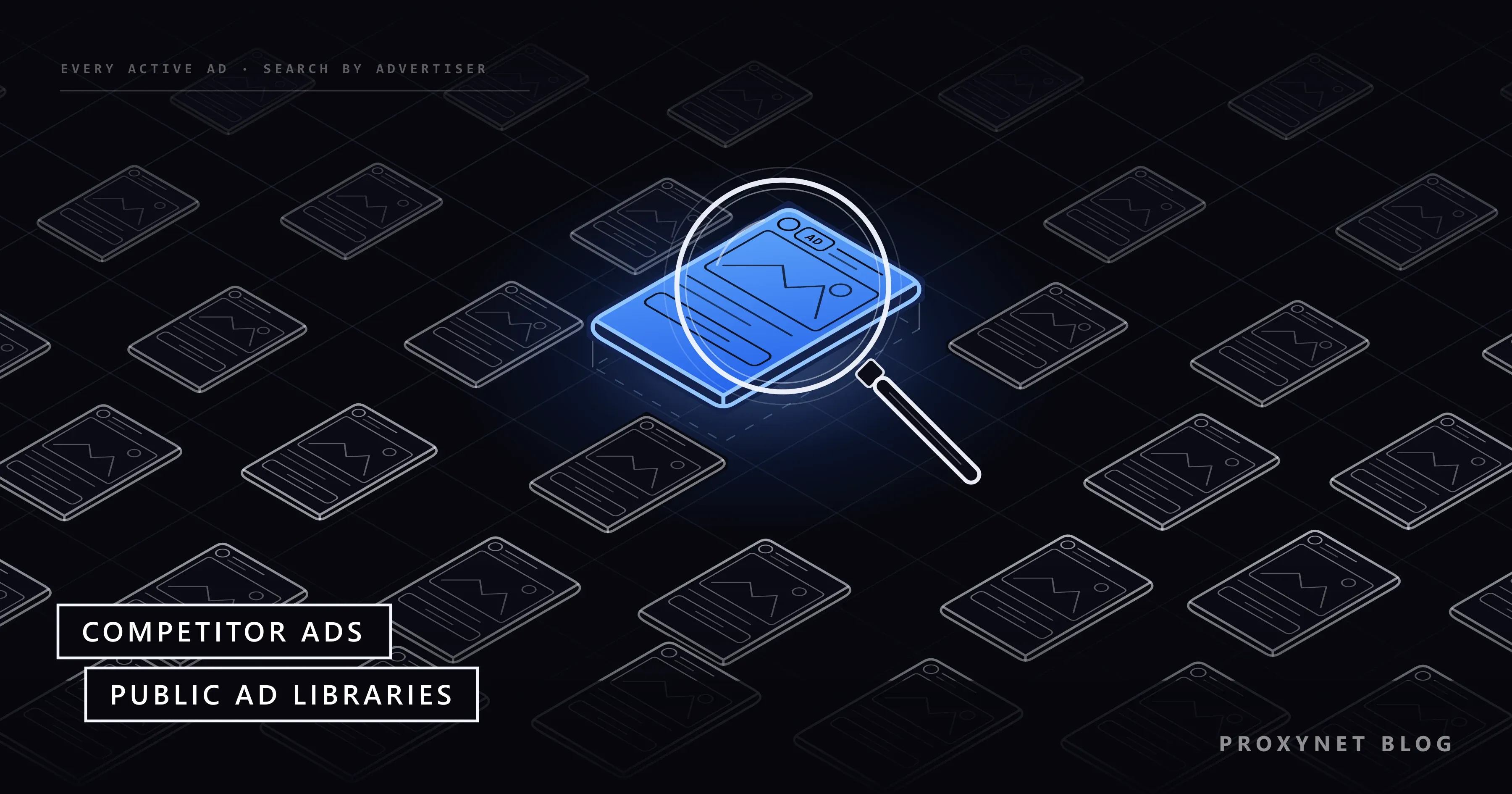
An ad library is a public, searchable archive in which an ad platform publishes the ads that run on it, with the advertiser's name and the dates they ran. You need no advertising account to search one, and the advertiser does not choose which of its ads appear.
In the European Union this is a legal duty. Article 39 of the Digital Services Act requires very large online platforms and search engines to keep a searchable ad repository for as long as an ad runs and for one year after it last appears, showing the ad, who paid, the dates, the main targeting parameters and how many people it reached. That is why a library shows more about an ad seen in France than about one seen only in the United States.
How do you find a competitor's ads, step by step?
You collect every name the competitor advertises under, search each library by advertiser or website, then narrow the results by country and date.
- List the names: brand, Facebook page, Instagram account, website domain and product names. Large companies often advertise from several pages or regional accounts.
- Pick the library for each channel: Meta for Facebook and Instagram, Google for Search and YouTube, LinkedIn for business audiences, TikTok for short video.
- Set the country. Libraries filter by where an ad was shown, so choose the markets you compete in.
- Search by advertiser or website, not only by keyword. A keyword search returns every ad that mentions the word.
- Open the ad details for the start date, the versions and, for European ads, targeting and reach.
- Record what you found with the ad's ID or link and the date you looked.
- Repeat on a schedule, because most libraries drop ordinary ads soon after they stop running.
How do you search the Meta Ad Library?
Open the Meta Ad Library, choose a country, set Ad category to All ads and type the competitor's name in Search by keyword or advertiser. It covers Facebook, Instagram, Messenger, WhatsApp, Threads and Audience Network, Meta's network of partner apps. We searched it on 17 November 2026 without signing in.
The library holds every ad currently running on Meta's apps. Ads about social issues, elections or politics stay searchable for seven years. Ads that ran anywhere in the EU stay for a year, as do UK ads that ran after 1 July 2025; any other commercial ad disappears once it stops. Meta says a new ad appears within 24 hours of its first impression, the first time it is shown to someone.
After the first search, Filters offers Language, Advertiser, Platform, Media type, Active status and Impressions by date. Choose the competitor's page under Advertiser to drop unrelated ads, and Instagram under Platform to see only Instagram ads.
Each result card shows Started running on with a date, the platform icons and, where it applies, This ad has multiple versions: one ad tested with different images or texts. See ad details opens About the advertiser, Advertiser and payer and Transparency by location. On a commercial ad shown across Europe, that last section listed the targeted locations, age range and gender setting, an estimated EU reach and a breakdown by country, age and gender, but no spend.
Every ad has a Library ID, and the address facebook.com/ads/library/?id= followed by that number opens it again later, which makes it the thing to save.
How do you search the Google Ads Transparency Center?
Go to adstransparency.google.com, type the competitor's name or website in the search box, then narrow the results by region, date, platform and format. The filters read Any time, All platforms (Google Search, YouTube, Google Shopping, Google Maps, Google Play) and All formats (text, image, video).
Google's Ads Transparency Center FAQ says the center includes ads from verified advertisers for one year after they were last shown; in Europe and Türkiye it also includes unverified advertisers, and election ads stay for up to seven years. Information can take 48 to 72 hours to appear, and at most five common variations of each ad are shown.
Search by website as well as by name. When we searched a software company's domain, the center noted that several advertiser accounts had ads pointing to it; a name search alone would have missed some.
The region you pick changes the detail. With the region set to anywhere, a text ad showed only Last shown and Format. With France selected, the same ad added First shown, a Topic (labeled by Google), a range for Times shown and an Audience selection block marking which kinds of targeting were used: demographics, geographic locations and contextual signals. Impression ranges appear with a 90-day delay. One limit matters: the center shows static previews, and Google states that it is not meant for checking landing pages or click-throughs.
How do you find competitor ads on LinkedIn and TikTok?
On LinkedIn, open the Ad Library at linkedin.com/ad-library and search by Company or advertiser, Payer, Keyword, Country and Date. LinkedIn's help page on the Ad Library says it covers ads that ran after 1 June 2023 and keeps each for a year after its last impression. For ads targeted to the EU, More adds impression ranges and targeting, and LinkedIn's FAQ extends that to Brazil. No account is needed.
TikTok's version is the Commercial Content Library at library.tiktok.com. Under Find ads on TikTok, choose an Ad target country and an Ad published date, then type an Advertiser name or keyword. Its country list covers Europe and a few other markets, including the UK, Switzerland and Türkiye; ads shown only elsewhere are not in it.
The library's FAQ says it holds ads published from 1 October 2022, kept for a year after they were last shown. Ads shown in the European Economic Area add reach and targeting; UK, Swiss and Türkiye ads show only the content and basic information.
How do the ad libraries compare?
| Library | What you see | Main filters | Main limit |
|---|---|---|---|
| Meta Ad Library | Active ads on Facebook, Instagram and other Meta apps | Country, advertiser, platform, media type, date | Stopped commercial ads vanish outside the EU and UK |
| Google Ads Transparency Center | Ads on Search, YouTube, Shopping, Maps and Play | Region, date, platform, format | Five variations at most; no landing pages |
| LinkedIn Ad Library | Ads run since June 2023 | Advertiser, payer, keyword, country, date | Targeting only for EU and Brazil ads |
| TikTok Commercial Content Library | Ads shown in Europe, the UK, Switzerland and Türkiye | Country, date, advertiser or keyword | Other countries are not covered |
What can you learn from competitor ads, and what stays hidden?
You can see what a competitor shows and for how long; you cannot see what it costs them or how well it works. The visible side covers the creative, the offer, the start date, the number of versions, the platforms and countries, and who paid. Run time is a hint: an ad running for four months is one the advertiser keeps paying for, which suggests it performs, though budgets also stay on by habit.
Four things stay hidden for ordinary commercial ads:
- Spend. Meta shows spend ranges only for social issue, election and political ads; the other three show none for commercial ads.
- Results. Clicks, conversions and return on spend are never published.
- Exact targeting. The EU detail lists the main parameters, not the full audience setup, and other regions show less.
- Search keywords. Google's center shows the ad, not the search terms it was bought on.
Any spend figure you see elsewhere for a commercial campaign is an estimate, not platform data.
How do you turn competitor ad research into a routine?
A shared sheet and a fixed day each week or month are enough for most teams. Keep one row per ad with the date you looked, platform and country, advertiser, the ad's ID or link, start date, format, number of versions, the main message and offer in a few words, and the landing page domain.
After a few weeks the sheet shows when a competitor starts its seasonal campaigns and which messages survive. When the offers are prices, compare them with what the product pages actually charge; competitor price tracking covers that side.
For larger volumes, use the official routes. Meta's Ad Library API covers political and issue ads delivered anywhere in the past seven years and ads of any type delivered to the UK or EU in the past year; access requires confirming your identity and location. TikTok's Commercial Content API is granted by application and currently holds EU data only, and Google says it offers API access to data on ads served in Türkiye. Scraping the library pages or using downloader extensions is not an official route, and Meta's terms forbid collecting data from its products by automated means without permission.
Can you reuse a competitor's ad creatives?
No. An ad library makes a creative visible, not free to use. Images, videos and copy are protected by copyright, and brand names and logos by trademark law, so republishing them, or editing them lightly and running them as your own, can lead to a takedown or a legal claim.
What you may take is the lesson, such as a short demo video beating a studio shot; write your own version from your own product. Screenshots in your sheet can also hold personal data, such as faces in testimonials or a creator's name. Keep them internal, keep only what the research needs, and handle them under the GDPR or whichever privacy law applies to you.
How do you see an ad the way a local customer sees it?
A library shows that an ad ran; it does not show the live ad in its place. Which ad won a slot on a news site in Lyon last night, which landing page variant opened and which price that page displayed are decided at the moment of the visit, from the visitor's location, device and network.
Checking that is ad verification: loading pages through real connections in the target location and recording what appears. How ad verification works with proxies walks through the workflow.
A Residential Proxy sends the request through a home internet connection in the country and city you choose, so an ad server or a landing page treats it like a local visitor. A sticky session keeps the same IP for 1 to 60 minutes, long enough for a page load and its redirects.
For campaigns bought for mobile users, a Mobile Proxy sends the request through a mobile network in the chosen country, so you see what is served to phones there.
Use this for your own campaigns and for the public pages a competitor's ads lead to, opened by their address rather than by clicking the paid ad. Do not automate Google Search to collect ads; the libraries are the permitted source.
Where is competitor ad research used?
- Before a launch: which messages the market already hears.
- Agency pitches: what a prospect's competitors run.
- Seasonal sales: when rivals start and which offers they repeat.
- Pricing teams: discount codes and bundles, spotted early.
- Brand protection: ads that misuse your brand name, reported through the platform's tools.
- New markets: who advertises in a country, and in which language.
Common mistakes
- Searching only the brand name. Pages, regional accounts and resellers advertise under other names; search the domain too.
- Reading "no results" as "no ads". The advertiser may be unverified, the ad may be new, or the country filter excludes it.
- Treating long run time as proof. It suggests an ad works; only the advertiser knows.
- Clicking a competitor's paid ads. Each click can cost them money, and a click without genuine interest is what ad platforms call invalid traffic; open the page by its address.
- Saving creatives to reuse them. Notes and IDs are research; reused images can infringe copyright.
- Looking from one country only. A European region shows more detail than "anywhere".
Decision guide
| Your question | Where to look |
|---|---|
| What runs on Facebook and Instagram now | Meta Ad Library, All ads, Advertiser filter |
| Their Search and YouTube ads | Google Ads Transparency Center, search the domain |
| Their B2B campaigns | LinkedIn Ad Library |
| Their TikTok ads in Europe | TikTok Commercial Content Library |
| Targeting and reach | Pick an EU country as the region |
| How much they spend | Not published for commercial ads |
| Many advertisers over time | A tracking sheet; Meta's API within its scope |
| The live ad and landing page in a city | Ad verification from a local connection |
Frequently asked questions
Can I see how much a competitor spends on ads?
Not for ordinary commercial ads. Meta publishes spend ranges only for social issue, election and political ads, and the other libraries show none. Run time, the number of versions and, for European ads, reach and impression ranges are the closest public signals.
How do I see a competitor's Instagram ads?
Use the Meta Ad Library, which includes Instagram. Search the competitor's name, open Filters, choose their page under Advertiser and pick Instagram under Platform. The platform icons on each card also show whether an ad ran on Instagram, Facebook or both.
Can I download ads from the ad library?
The libraries are built for viewing, not downloading, so save the ad's ID or link and your notes instead. For bulk data, the official routes are Meta's Ad Library API and TikTok's Commercial Content API within their scope; downloader extensions and scraping tools are not, and the creatives remain protected by copyright either way.
Do I need an account to use the Meta Ad Library?
No. We searched it without signing in, and LinkedIn and TikTok say the same of their libraries. Google asks you to sign in only for some age-restricted ads, and an account is needed only for API access.
Why can't I find a competitor's ads?
Usually because of a filter or a gap in coverage. The competitor may advertise under another page or domain, the country filter may exclude it, the ad may be too new (up to 24 hours on Meta, 48 to 72 on Google), or Google may skip an unverified advertiser. On Meta, a stopped commercial ad outside the EU and UK is no longer listed.
Is it legal to look at competitors' ads?
Yes. The libraries are public by design, so that anyone can see who advertises and what. What is not allowed is reusing the creatives, collecting data from the platforms against their terms, or clicking paid ads to drain a rival's budget.
Summary
Competitor ads are public: search the four platform libraries by the competitor's name and website, then filter by country and date. You will see the creative, the dates, the versions and the payer; spend and results stay hidden, and European ads add reach and targeting. Keep a simple tracking sheet, use the official APIs for volume, and never reuse the creatives. To see the live ad and landing page as a customer in a given city does, use ad verification through a local connection.