A product page you linked to last year now returns a 404. A domain you want to buy turns out to have a past nobody mentions. A competitor quietly rewrote its pricing page and you cannot remember what it said before. In each case the question is the same: what did this page look like back then? For most public pages, the Wayback Machine can answer it.
This post covers how pages get into the archive and which never do, how to open and compare old versions, how to save a page, how to list captures with the official CDX API (with a real query from 17 November 2026) and what you may do with what you find.
What is the Wayback Machine?
The Wayback Machine is the web archive of the Internet Archive, a 501(c)(3) non-profit library based in San Francisco. It lets anyone visit archived versions of web pages: you enter an address, choose a date and browse the page as it looked then. Its homepage said on 17 November 2026 that it holds more than 1 trillion web pages saved over time.
The name comes from the WABAC machine, the time machine in the Rocky and Bullwinkle cartoon. The Internet Archive began archiving the web in 1996 and opened the Wayback Machine to the public in 2001. The Archive's Wayback Machine FAQ describes its purpose as preserving the web for researchers, historians and scholars.
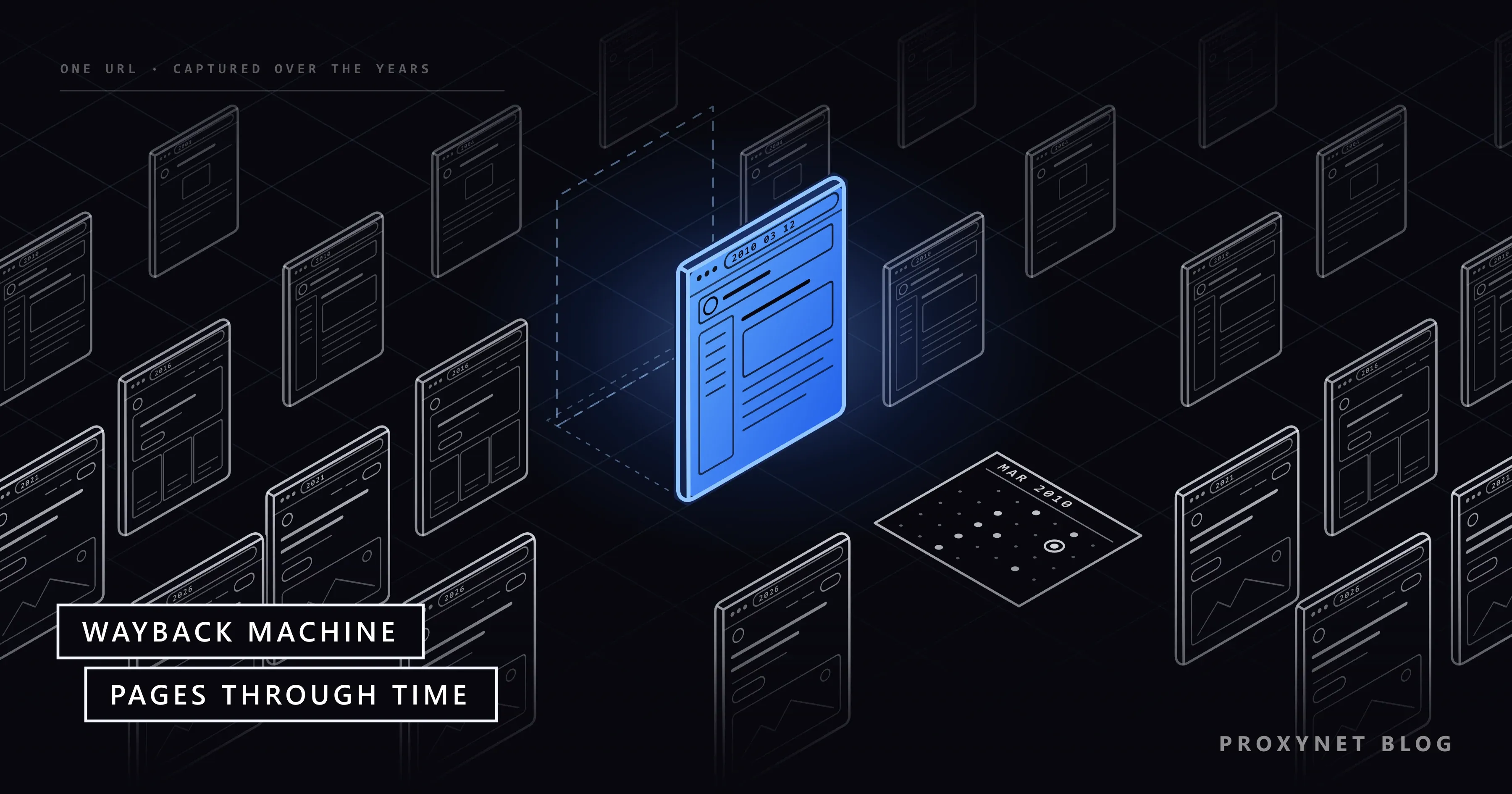
Each saved copy is called a capture or snapshot. A capture is the page as one crawler received it at one moment, identified by a 14-digit timestamp: year, month, day, hour, minute and second. A popular homepage can be captured several times a day; a small page may have one capture or none.
How do pages get into the Wayback Machine?
Pages enter the archive through automated crawls and through requests from people. A crawler is a program that downloads a page, follows its links and repeats. The Internet Archive runs its own crawls every day and receives crawls from partners; well-linked pages are found far more often than pages nobody links to.
The second route is Save Page Now, a form where anyone can ask the archive to capture one page immediately; browser extensions and the Archive's mobile apps send the same request. Institutions can also pay for Archive-It, which runs scheduled crawls of the sites they choose.
Some pages never make it in. The Archive's help pages list the main reasons:
- Pages behind a login. Anything that needs a password, such as an account area or a members-only forum, is not collected.
- Pages reached only through a form. Crawlers do not type into search boxes, so search results and filtered views are usually missing.
- Pages built by scripts. When JavaScript has to contact the original server to load content, the archived copy loses that content or breaks.
- Orphan pages. A page with no links pointing to it is hard for a crawler to find.
- Excluded sites. A site's robots.txt rules or a direct request from the site owner can keep pages out of the Wayback Machine.
Robots.txt is a plain text file at the root of a site that tells crawlers which paths they may fetch; our robots.txt guide explains how its rules are read.
How to see an old version of a website
To see an old version of a website, open web.archive.org, enter the address and choose a capture from the calendar. These are the steps as the site works on 17 November 2026:
- Enter the address. Type the full URL into the search box on web.archive.org. The box also accepts words, but that search only finds site homepages, not text inside pages.
- Pick a year. The Calendar tab lists the years that have captures; click the one you need.
- Pick a day. Days with captures are marked with dots. Their colour shows the result the crawler got: blue for a normal page (2xx status code), green for a redirect (3xx), orange for a client error such as 404 (4xx) and red for a server error (5xx). Blue is usually what you want.
- Open a capture. Hover over a day and choose a time from the list that pops up. The page opens inside the archive.
- Read the address. The capture's URL carries its timestamp, for example
https://web.archive.org/web/20020120142510/http://example.com:80/for 20 January 2002 at 14:25:10. Replacing the timestamp with*lists all captures of that address. - Compare two dates. Open the Changes tab, select two captures and click Compare. The two versions appear side by side with the differences highlighted in blue and yellow.
The Changes tab only compares what the archive happened to capture. To find out when a page changes rather than discover it months later, you need a page checked on a schedule; our guide to website change monitoring covers how that works.
The tabs on an address's page show the same captures in different ways:
| View | What it shows | Use it for |
|---|---|---|
| Calendar | Captures by year and day | Opening one past version |
| Changes | Two captures side by side | Seeing what was edited |
| URLs | Every archived address under a path | Finding old pages of a site |
| Collections | The crawl each capture came from | Checking a capture's source |
The Summary and Site Map tabs give overviews of a site's captures.
How do you save a page with Save Page Now?
To save a page, open Save Page Now, paste the address and press the button; the archive captures the page with its images and CSS and gives you a permanent link to the copy.
It saves one page at a time. It does not crawl the rest of the site and does not add the address to future crawls. The form has extra options, such as Save outlinks (also capture the pages the page links to) and Save screenshot; some of them need a free archive.org account.
A fresh capture can take a while to appear, and one saved with Save Page Now can vanish for hours or days while it moves from a near-real-time index to a long-term one. It still exists and comes back.
What do people use the Wayback Machine for?
People use the Wayback Machine to recover lost content, check history and show what a page said on a given date:
- SEO and site migrations. Old captures show which pages, titles and internal links existed before a redesign, so lost content can be restored and old addresses redirected. Green dots reveal past redirects.
- Checking a domain before buying it. Captures show whether an expired domain once hosted spam or a very different business.
- Research and journalism. Reporters cite captures to show what an organisation published, even after the page was edited or deleted.
- Fixing broken links. When a cited source disappears, a link to its capture keeps the reference readable.
- Market research. Old captures of public pricing and product pages show how an offer changed over the years.
- Legal matters. The Internet Archive has a procedure for requesting an affidavit about a capture for court.
How does the Wayback CDX API work?
The CDX API is the official way to list the captures of an address as plain text or JSON; CDX is the index format the Wayback Machine itself uses to find captures. The server is documented in the Wayback CDX Server README on GitHub, where it is still marked as a beta.
The only required parameter is url. We sent one request for example.com, limited to five rows, on 17 November 2026 at 02:34 UTC:
curl -m 20 "https://web.archive.org/cdx/search/cdx?url=example.com&limit=5"The server answered in about a second with these lines, unchanged:
com,example)/ 20020120142510 http://example.com:80/ text/html 200 HT2DYGA5UKZCPBSFVCV3JOBXGW2G5UUA 1792
com,example)/ 20020328012821 http://www.example.com:80/ text/html 200 UY3I2DT2AMWAY6DECFCFYMT5ZOTFHUCH 481
com,example)/ 20020524041628 http://www.example.com:80/ text/html 200 UY3I2DT2AMWAY6DECFCFYMT5ZOTFHUCH 481
com,example)/ 20020528114741 http://www.example.com:80/ text/html 200 UY3I2DT2AMWAY6DECFCFYMT5ZOTFHUCH 481
com,example)/ 20020529173502 http://www.example.com:80/ text/html 200 UY3I2DT2AMWAY6DECFCFYMT5ZOTFHUCH 482
Each line has seven fields: the normalised address (urlkey), the timestamp, the original URL, the content type, the HTTP status, a digest and the stored size in bytes. The digest is a fingerprint of the content, so identical digests mean identical content. Here the oldest capture of example.com is from 20 January 2002, and captures two to five share one digest: the page did not change between March and May 2002.
A few parameters make the answers smaller and more useful:
fromandtolimit the dates, written in the same format as the timestamp (from=2015&to=2016).collapse=digestdrops neighbouring captures with the same content, which leaves one row per real change.matchType=prefixlists every capture under a path, such as all pages in/blog/.
The server caps a single answer at 150,000 rows by default, and the README recommends its pagination API for large queries. The archive is free and shared, so query it gently: send one request at a time, keep limit small, and stop and slow down if you get a 429 (too many requests) or 503 (service unavailable) response.
Is it legal to use archived pages?
Viewing, linking to and citing archived pages is generally fine and free, but an archived page keeps its original copyright. A capture is a copy of someone else's work: republishing its text or images, or rebuilding a site you do not own from captures, needs the rights holder's permission.
Site owners can ask for their pages to be excluded. The Archive's removal page asks for an email to info@archive.org with the URLs, the time period to exclude and the period during which you controlled the site; the team reviews each request and promises no outcome in advance. Copyright claims go through its copyright policy.
Public pages can contain personal data, and the Archive's FAQ says so. Archives of public profiles and posts exist, but finding them does not make the information free to collect or reuse: the platform's terms and privacy laws such as the GDPR in the EU or KVKK in Türkiye still apply. The Wayback Machine is a library of the public record, not a tool for looking into individuals.
Are there alternatives to the Wayback Machine?
The Wayback Machine is not the only web archive. Many national libraries archive their own country's websites, often with captures the Wayback Machine lacks, and their access rules differ from library to library. Archive.today is a separate service that saves single pages on request and keeps its own copies.
For research that needs millions of pages at once rather than one page on one date, a different kind of archive fits better: Common Crawl publishes a monthly crawl of the web as free data files. Our post on what Common Crawl is explains how its datasets differ from the Wayback Machine's viewer.
Why can an archived page differ from what visitors see today?
An archived page shows the version one crawler received at one moment, from one network location. Many sites change prices, currency, language, products or consent banners by the visitor's country, so the capture holds whichever version matched the crawler's address, which may not be the one your customers see.
To see what a page shows visitors in a given country today, you have to load the live page from that country. A Residential Proxy with country and city targeting sends your request through a home connection in the place you choose, so you see your own localized pages, or a public competitor page, as a local visitor does.
Price checks and localization audits like this are market research on the live web; the archive answers the historical question. Proxies have no place in front of the Wayback Machine itself: it is free to browse, and its limits keep it working for everyone.
Common mistakes
- Assuming every element has the same date. A missing image or link is filled from the closest date the archive has, or from the live web. Check the timestamp in each address before treating a detail as evidence.
- Reading a missing page as proof. No capture does not mean the page never existed; it may have been behind a login, unlinked or excluded.
- Using it as a backup. The Archive's terms do not cover backups, and nothing guarantees your site was captured. Keep your own copies.
- Hammering the CDX server. Thousands of parallel requests slow the shared service for everyone and end in 429 errors. Use
collapse, small limits and pagination.
Decision guide
| Your need | Best option |
|---|---|
| See how a page looked on a past date | The Calendar tab |
| See what changed between two dates | The Changes tab |
| Keep a citable copy of a page now | Save Page Now |
| List every capture of an address | The CDX API, slowly |
| Find a site's old pages | The URLs tab or a prefix query |
| Check a domain's past before buying it | Captures from several years |
| See a page as visitors in another country see it today | The live page through a local IP |
| Keep your site out of the archive | An exclusion request by email |
| Bulk web text for research or AI | Common Crawl |
Frequently asked questions
Is the Wayback Machine down?
If web.archive.org does not load for anyone, the problem is on the Archive's side and the only fix is to wait. If one capture fails, try another time or date. A 429 error means too many requests in a short time and a 503 means the service is busy; in both cases, wait and retry slowly.
How do I save a page to the Wayback Machine?
Open web.archive.org/save, paste the page address and press the save button; you get a permanent link to the capture. The Archive's extensions for Chrome, Firefox and Safari and its mobile apps do the same from the page you are on.
Can I remove my site from the Wayback Machine?
You can ask. Email info@archive.org with the URLs, the time period to exclude and the period during which you controlled the site. The Internet Archive reviews each request and does not guarantee the result in advance.
Is it legal to use the Wayback Machine?
Yes, browsing, linking to and citing archived pages is generally fine. Reusing what you find is different: the pages keep their copyright and may contain personal data, so copying needs permission and personal data falls under laws such as the GDPR or KVKK.
Why is a page missing from the Wayback Machine?
A page is missing when no crawler reached it or the archive was told to leave it out: a login or form in front of it, no links to it, robots.txt rules, an owner's exclusion request or script-built content. Since early 2026 some news publishers have also blocked the Wayback Machine over AI-scraping concerns, so their newer articles may be absent.
Can I see a site's old SEO data in the Wayback Machine?
Partly. Captures show what was on the page: titles and meta descriptions (in the page source), headings, internal links and redirects, and robots.txt files when they were captured. They do not show rankings, traffic or backlinks, which were never part of the page; for your own site, that history is in Google Search Console.
Summary
The Wayback Machine is the Internet Archive's free archive of public web pages, built from crawls and pages people save with Save Page Now. Enter an address and pick a date to see a page as it was captured, use the Changes tab to see what was edited, and use the CDX API when you need the list of captures as data. It cannot show pages behind logins, much script-built content or excluded sites, and each capture is one crawler's view at one moment. Use it to recover, check and cite; respect copyright and privacy before reusing anything; and look at the live page from the right country when the question is about today.