

































You open a web app, a shop's checkout or a video service's page in Chrome and get a grey screen instead: "This site can't be reached", a line saying the webpage "might be temporarily down or it may have moved permanently to a new web address", and ERR_HTTP2_PROTOCOL_ERROR at the bottom. Sometimes the page loads halfway instead, a script or an image is missing, and the developer console says "Failed to load resource: net::ERR_HTTP2_PROTOCOL_ERROR".
The code points at HTTP/2, the protocol most secure sites use with Chrome, and it almost always means that the site, or a device between you and it, sent something that breaks HTTP/2's rules. Below: what the code means, how a request breaks, the causes we reproduced, the fixes for visitors, what owners check on nginx, IIS and Cloudflare, and the error in Go, Node.js and Python.
What does ERR_HTTP2_PROTOCOL_ERROR mean?
It means that the HTTP/2 connection between your browser and the site received something the protocol does not allow, and the request could not be completed. HTTP/2 is the second major version of HTTP; it runs inside a TLS-encrypted connection on TCP port 443, and the server picks it during the TLS handshake with the identifier h2. Chrome and Edge are built on Chromium, whose list of network errors defines this code as error -337 with one line: "There is an HTTP/2 protocol error."
That line names the symptom, not the culprit. The HTTP/2 standard uses PROTOCOL_ERROR as its catch-all code for cases where "a more specific error code is not available", so the message says a rule was broken without saying which one. Its sibling ERR_QUIC_PROTOCOL_ERROR concerns HTTP/3 over QUIC and UDP, with different causes, covered in How to Fix err_quic_protocol_error in Chrome and Edge.
What does the error page tell you?
| Line on the screen | What it means |
|---|---|
| "This site can't be reached" | Chrome's general heading for a request that failed before a page could be shown |
| "The webpage at example.com might be temporarily down or it may have moved permanently to a new web address." | A default sentence, not a diagnosis; the site is usually up |
ERR_HTTP2_PROTOCOL_ERROR | The only specific information on the page |
We saw these lines on screen in Chromium 145. The page has no "Try:" list and no Reload button: Chromium has no dedicated text for HTTP/2 errors and falls back to its generic page. Edge shows the same code; the other codes under this heading are explained in This Site Can't Be Reached.
When the connection breaks after the server has already sent a 200 OK header, the page may appear incomplete and the developer console (F12) logs "Failed to load resource: net::ERR_HTTP2_PROTOCOL_ERROR" for the request that was cut. A 200 next to the error means exactly that: the response had started before the stream was reset.
How does an HTTP/2 request break?
- The connection starts. Chrome opens a TLS connection to port 443 and offers
h2; the server accepts, and both sides exchange aSETTINGSframe with their limits. - Requests travel as streams. Every request gets its own stream on the shared connection, carrying
HEADERSframes for the headers andDATAframes for the body. - A frame breaks a rule. RFC 9113, the HTTP/2 standard, calls a message malformed when
Content-Lengthdoes not equal the total of theDATAframes, a header value starts or ends with a space, or a connection-specific header such asConnectionorTransfer-Encodingis present. - The endpoint that notices resets the stream. A malformed message must be treated as a stream error of type
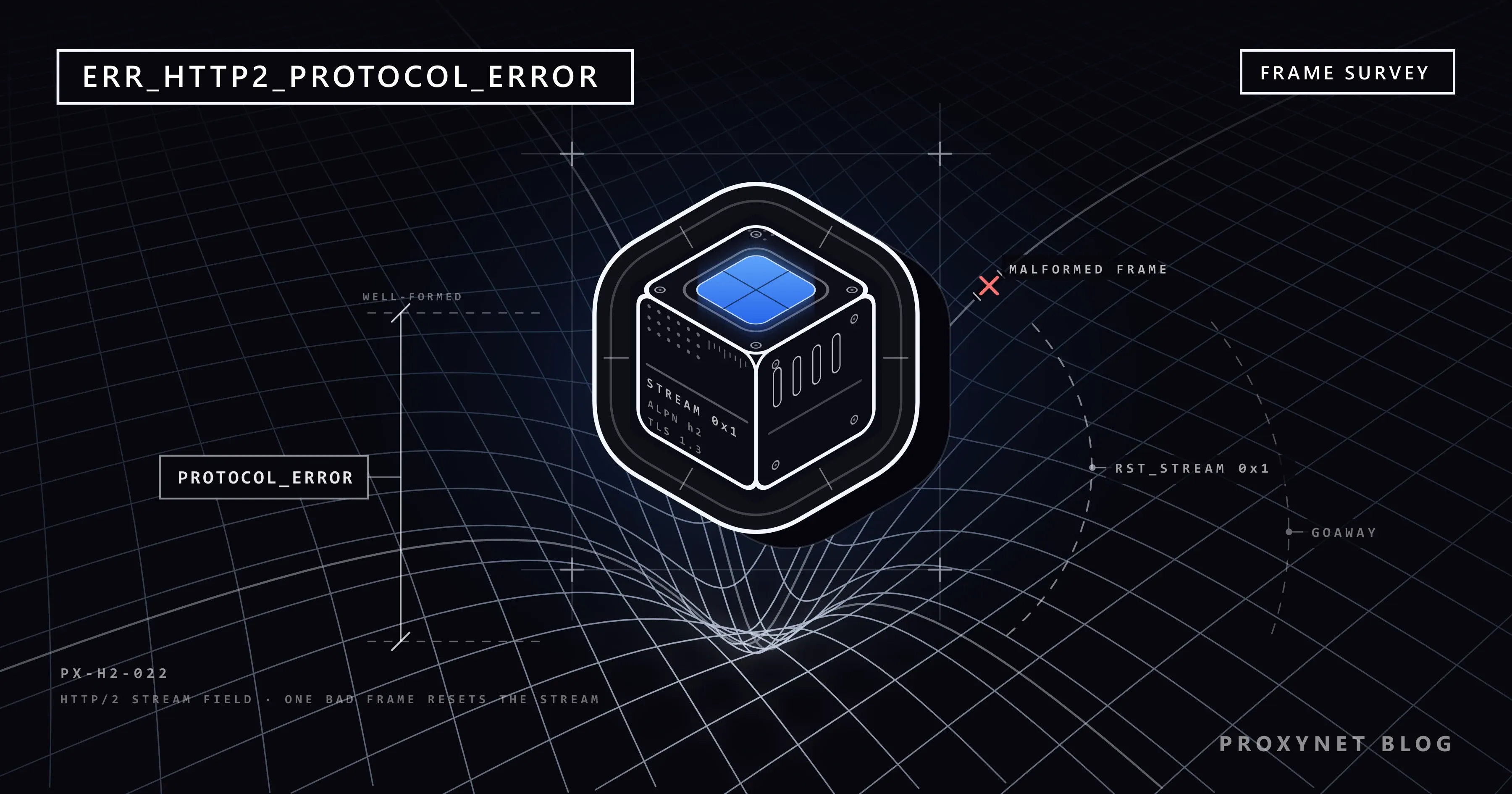
PROTOCOL_ERROR, so the endpoint sends anRST_STREAMframe; an error that corrupts the whole connection becomes aGOAWAYframe and the connection is closed. - Chrome reports -337. When Chrome receives an
RST_STREAMwithPROTOCOL_ERROR, or spots an invalid frame itself, it fails that request withERR_HTTP2_PROTOCOL_ERROR. Chromium does not retry it and does not fall back to HTTP/1.1; only the codeHTTP_1_1_REQUIREDmakes Chrome resend a request over the older protocol.
What causes ERR_HTTP2_PROTOCOL_ERROR?
| Cause | Typical sign | Who fixes it |
|---|---|---|
The site's app sends a response that breaks HTTP/2 rules: a forbidden header, a wrong Content-Length, a header value with a trailing space | One site or page, every visitor | The site owner |
| A CDN or reverse proxy rejects the origin's malformed response and resets your stream | Fails through the CDN, works from the origin | The site owner |
| Response headers above a server or CDN limit, usually from huge cookies | One site, after logging in | The owner; deleting the site's data helps now |
| An old or misconfigured HTTP/2 implementation on the server | One site, often right after HTTPS was enabled | The site owner |
| Security software, a firewall or a filter that inspects TLS and alters the frames | Many sites, on one computer or network | You, or the IT team |
| A VPN or "protection" app that routes traffic through itself | Only while the app runs | You |
On our HTTP/2 test server, Chromium 145 tolerated a Content-Length larger than the body and even displayed the truncated page, while Node.js's HTTP/2 client, Python's httpx and undici rejected the same response with PROTOCOL_ERROR; when the server reset the stream itself, Chromium showed ERR_HTTP2_PROTOCOL_ERROR at once. That is the common real-world pattern: a slightly broken response the browser would swallow is refused by a stricter CDN or load balancer in front of the site, which resets the visitor's stream.
How do you fix it as a visitor?
If other secure sites fail too, the cause is on your side; if the site also fails on your phone with Wi-Fi off, it is the site's. Reload the page after each step.
- Reload once. At the top left, select Reload this page.
- Try an Incognito window or another browser. Open More > New Incognito window; if the page loads there, switch extensions off one at a time under More > Extensions > Manage extensions.
- Disconnect the VPN and filtering apps, including apps that block ads by routing traffic through themselves.
- Pause antivirus web protection for one test. Programs that scan HTTPS traffic sit inside the encrypted connection. Switch only that feature off, reload once, then switch it back on; if the pause helped, update the program.
- Delete the site's stored data. Select More > Settings, then Privacy and security > Third-party cookies > See all site data and permissions, search for the site, select Delete and confirm with Delete.
- Update Chrome. Select More > Help > About Google Chrome, then Relaunch if it appears.
- On a work or school network, ask the IT team. A firewall that inspects traffic belongs to the organisation, and so does the fix.
On Android, update Chrome from the Play Store: tap the profile icon, then Manage apps & device, and under "Updates available" tap Update next to Chrome. To remove stored data, open Chrome, tap More > Delete browsing data, pick the data types and tap Delete data. Switch between Wi-Fi and mobile data and turn off any VPN app before you blame the site.
If it is your site: how to find the broken response
- Pin down the request. In DevTools, open the Network panel, reload, and find the request marked as failed with this error; the Protocol column, enabled by right-clicking the table header, shows
h2. - Request it twice from the command line.
curl --http2 -v https://example.com/pathandcurl --http1.1 -vwith the same URL force the two protocols and print the response headers. If HTTP/2 fails while HTTP/1.1 returns the page, the response breaks an HTTP/2 rule. Windows 11's bundled curl rejects--http2("the installed libcurl version does not support this"), so test on Linux, macOS or the server. - Compare the origin with the edge. Behind a CDN or load balancer, request the same URL from the origin directly and through the public address, and compare the headers:
Content-LengthandContent-Encoding, anyConnection,Keep-AliveorTransfer-Encodingheader, and values with trailing spaces. - Fix the response, not the protocol. Compression middleware that gzips a body after the application already set
Content-Lengthis the classic cause; let one layer compress and recompute the length. Remove connection-specific headers from application code and keep cookies small. Switching HTTP/2 off on the server is a diagnosis step for a few minutes, never the fix: the response stays malformed and the next strict client fails again. - nginx. Current versions enable HTTP/2 with
http2 on;next tolisten 443 ssl;, available since 1.25.1; the olderlisten 443 ssl http2;form is deprecated, andhttp2_max_field_sizeandhttp2_max_header_sizehave been obsolete since 1.19.7, replaced bylarge_client_header_buffers, as the ngx_http_v2_module documentation explains. - IIS. IIS 10 on Windows Server 2016 and later speaks HTTP/2 over TLS only and falls back to HTTP/1.1 for Windows authentication, according to Microsoft's HTTP/2 on IIS article; the "Protocol version" field under Logging > Select Fields shows which requests use HTTP/2. To test, Windows can switch HTTP/2 off per TLS binding with
netsh http update sslcert ... disablehttp2=enable(from thenetsh httpdocumentation, untested here). - Cloudflare. HTTP/2 is on by default on all plans, and Cloudflare's HTTP/2 page names improperly formatted origin headers and compression problems, such as gzip without an updated
Content-Length, as the usual causes on proxied sites, and suggests letting Cloudflare compress instead.
Developers and scrapers: the same error in Go, Node.js and Python
HTTP clients that negotiate h2 fail the same way as Chrome. Go's http.Server and http.DefaultTransport use HTTP/2 automatically for HTTPS (GODEBUG=http2client=0 disables the client side). In Node.js 24.22, the built-in fetch spoke HTTP/1.1 to our test server, while an undici Agent created with allowH2: true negotiated HTTP/2. In Python, httpx needs pip install httpx[http2] and httpx.Client(http2=True); HTTP/2 is off by default. Against a response whose Content-Length promised 100 bytes but delivered 5, our clients reported:
# Node.js 24.22, node:http2
response: :status=200 content-length=100 content-type=text/plain
stream error: ERR_HTTP2_STREAM_ERROR Stream closed with error code NGHTTP2_PROTOCOL_ERROR

# undici 7.30 with allowH2: true
TypeError: terminated <- ERR_HTTP2_STREAM_ERROR: Stream closed with error code NGHTTP2_PROTOCOL_ERROR

# Python httpx 0.28 with http2=True
h2.exceptions.InvalidBodyLengthError: InvalidBodyLengthError: Expected 100 bytes, received 5
Treat an HTTP/2 protocol error as a malformed response, not as a block: retry once over HTTP/1.1 to confirm, fix the server if it is yours, and report the URL and headers to the owner if it is not. Changing IP addresses does nothing; every address receives the same broken response.
A proxy rarely enters the picture. For an https:// site the client asks the proxy for a tunnel with a CONNECT request and runs TLS, with HTTP/2 inside it, end to end with the site; the proxy never sees a frame, so an HTTPS Proxy neither causes nor cures this error. Only a proxy that terminates TLS on purpose, such as a corporate inspection gateway, is an HTTP/2 endpoint of its own.
A second exit tells a global fault from a regional one: repeat the request from a Datacenter Proxy in another country; the same error there means the response is broken for everyone, a clean one points at your own network or inspection software.
Related errors
| Code | Number | What it means |
|---|---|---|
ERR_HTTP2_PROTOCOL_ERROR | -337 | An HTTP/2 rule was broken; the request was cancelled |
ERR_HTTP2_SERVER_REFUSED_STREAM | -351 | The server refused the stream before processing it; Chrome may retry |
ERR_HTTP_1_1_REQUIRED | -365 | The server asked for HTTP/1.1; Chrome resends the request over it |
ERR_QUIC_PROTOCOL_ERROR | -356 | The HTTP/3 connection over QUIC broke |
If you see ERR_SSL_PROTOCOL_ERROR instead, HTTP/2 was never reached; How to Fix err_ssl_protocol_error in Chrome and Edge covers that case.
Where you might run into it
- Web applications behind a CDN or load balancer, where one API response carries a hand-added header.
- ASP.NET and other IIS-hosted apps shortly after HTTPS was enabled, since HTTP/2 on IIS exists only over TLS.
- Pages of video services where the player's requests fail while the rest of the page loads.
Common mistakes
- Clearing the whole browser cache again and again. Only the failing site's cookies matter, and only when oversized headers are the cause.
- Fixing the system clock. A wrong date produces certificate warnings, not this code.
- Switching off QUIC in chrome://flags. That flag concerns HTTP/3; HTTP/2 has no switch in Chrome.
- Rotating IP addresses in a scraper. The response is broken for every address.
Decision guide
| Your situation | What to do |
|---|---|
| One site fails on every device and network | The site or its CDN; tell the owner, send the failing URL |
| Many sites fail on one computer | Extensions, then antivirus web protection, then VPN or filtering apps |
| Only one network shows it | TLS inspection on that network; ask whoever runs it |
| The page half-loads with console errors | The server reset a stream after a 200; the owner must check that response |
| Your site, behind Cloudflare or a load balancer | Compare the origin's headers and Content-Length with the edge's |
Frequently asked questions
How do I fix ERR_HTTP2_PROTOCOL_ERROR on Android?
Update Chrome from the Play Store, switch between Wi-Fi and mobile data, and turn off any VPN or ad-blocking app. If the site still fails on mobile data, the site or its CDN is the cause.
Why does my server log show 200 OK when visitors see the error?
Because the status line was sent and logged before the stream was reset. The application answered with 200, and then the server, a CDN or the browser found the rest of the response malformed and cancelled the stream.
Does the error happen more often on Cloudflare sites?
It is more often visible there, because Cloudflare's edge is a strict HTTP/2 endpoint between the origin and the visitor. A response a browser might tolerate from the origin directly gets rejected at the edge.
Can I turn off HTTP/2 in Chrome?
No. Chrome's settings have no HTTP/2 switch, and the QUIC flag on chrome://flags concerns HTTP/3. Test on the server side with curl --http1.1 and curl --http2; on the client side, Firefox is the quickest second opinion.
Is ERR_HTTP2_PROTOCOL_ERROR a sign that my computer is hacked?
Usually not; most cases trace back to the site's server, its CDN or security software on your computer.
Does a VPN or proxy fix ERR_HTTP2_PROTOCOL_ERROR?
Not when the site's response is broken, because the same frames reach you through any route. A VPN or an inspecting proxy is more often the cause than the cure.
Summary
ERR_HTTP2_PROTOCOL_ERROR means a frame on Chrome's HTTP/2 connection broke the protocol's rules, most often because the site or its CDN reset a request after a malformed response: a forbidden header, a Content-Length that no longer matched a compressed body, or oversized headers. Visitors test Incognito, another browser and a paused VPN or antivirus; owners compare the response over HTTP/1.1 and HTTP/2 and fix it rather than switching HTTP/2 off. For checks from several locations, the proxy types are compared on our proxy page.