

































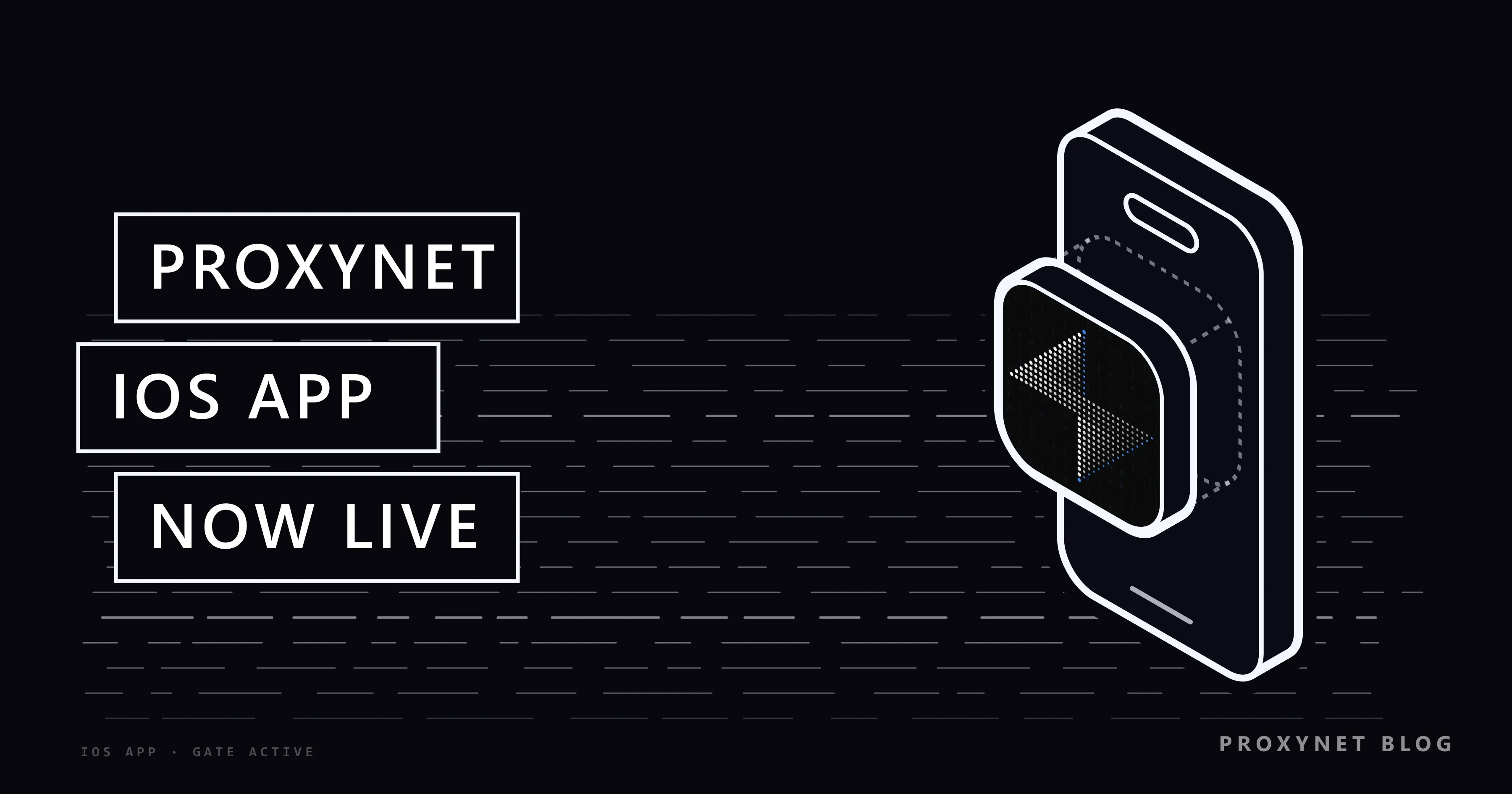
The Proxynet iOS app is now live on the App Store. Sign in with your existing account: your proxies, balance and orders are waiting on your phone.
You can download it from the App Store under the name Proxynet.io. It is free and runs on iPhone and iPad with iOS 15.1 or later.
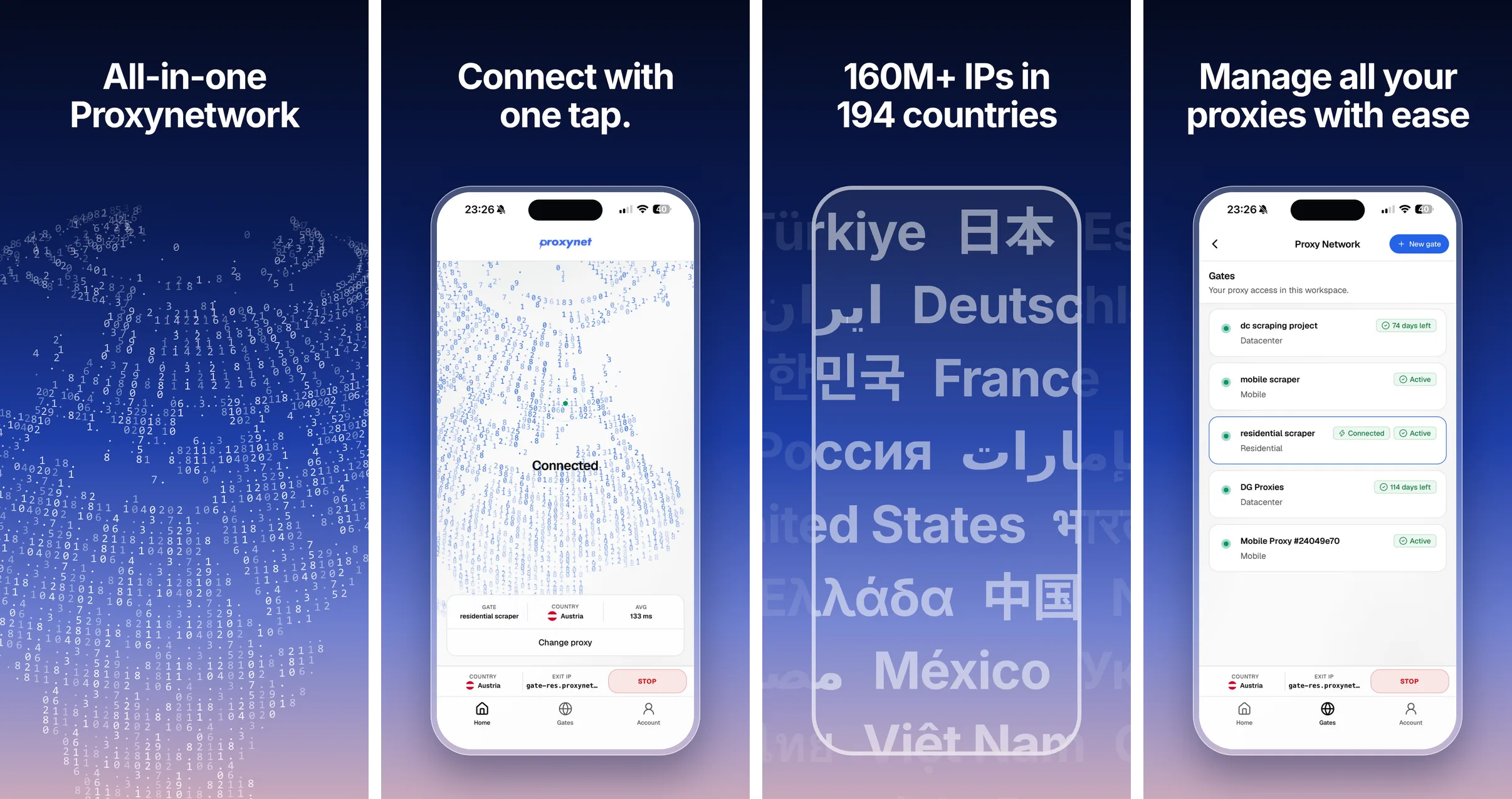
What can you do in the app?
- Connect with one tap. The proxy you pick carries traffic from every app on your phone, on Wi-Fi and on cellular data.
- Choose your location. Pick a country and city, and switch between rotating and sticky sessions.
- Watch your connection live. Exit IP, location, ping and data usage are on screen.
- Create new proxies. Set up residential, mobile, static ISP and datacenter proxies from your phone.
- Top up your balance. Payments go through Apple, and your balance never expires.
- Keep track of your orders. Switch between workspaces and check remaining days and quota.
How do you get started?
- Search for "Proxynet.io" on the App Store and download the app.
- Sign in with your Proxynet account. If you do not have one, you can create it in the app.
- Pick a gate or create a new one, then choose the country and city.
- Tap the button on the home screen to connect. The first time, iOS asks for permission to add a VPN configuration; allow it.
If you are not sure which proxy to pick, start with a Residential Proxy: websites see you as someone connecting from a home internet line. If the test has to look exactly like a phone on a carrier network, choose a Mobile Proxy.
If you want more detail on how the app works, how it differs from the iPhone's own proxy setting and how the session types behave, see iPhone Proxy App: How to Use a Proxy on Your Whole Device.
Frequently asked questions
Is the app free?
Yes, the download is free. The traffic or IPs you use come out of your wallet balance, as always.
Do I need a separate account?
No. You sign in with your existing Proxynet account. Your gates, orders and balance are shared with the dashboard.
Does it work on cellular data?
Yes. The connection stays on when the phone moves from Wi-Fi to cellular data.
Your feedback matters to us
Once you have tried the app, a short review on the App Store would mean a lot to us; early reviews help other users decide. If you have a question, you can message us on WhatsApp.