

































You set a proxy on your iPhone at home, open an IP check in Safari and see the proxy's address. Then you leave the house, the phone drops Wi-Fi and moves to 5G, and the same page shows your carrier's address again. Nothing broke. The proxy was saved with your home Wi-Fi network, and cellular data never used it.
This guide explains why iOS behaves this way, why the APN screen is not the answer, which routes do work on cellular, and how to set one up with an app. It also covers what a proxy on cellular costs in data, delay and battery, and how "mobile proxy" differs from "a proxy on mobile data". Menu names follow the current English interface of iOS.
Why doesn't the iPhone proxy setting work on cellular data?
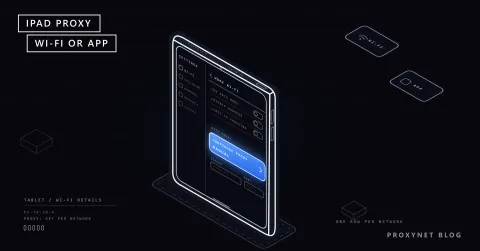
The iPhone stores its proxy setting with a Wi-Fi network, not with the phone. In Apple's Wi-Fi settings guide, HTTP Proxy sits on the details screen of the network you are connected to, next to DNS. Every Wi-Fi network has its own copy, and cellular data has none.
That is why the proxy seems to "switch off" outside. When the phone leaves your home network it loads pages over the carrier's connection, and sites see the public IP address the carrier gives you. Come back home, the phone rejoins the Wi-Fi network, and the proxy applies again.
The same gap can appear while you are still on Wi-Fi. Connectivity Assist, a switch under Settings > Wi-Fi (Apple also lets you turn it off for a single network), lets the iPhone use cellular data alongside a weak Wi-Fi connection, and that traffic does not pass through the Wi-Fi proxy. The full Wi-Fi setup, field by field, is in our guide to iPhone proxy settings.
Is there a proxy field in the iPhone's APN settings?
Not one you should use for this. An APN (access point name) is the gateway setting your carrier uses to connect the phone to its data network. If your carrier allows it, you can view these values under Settings > Cellular > Cellular Data Network; on some phones the path is Settings > Mobile Data > Mobile Data Options > Mobile Data Network.
Apple's page on viewing and editing your APN is clear about the limits. You can only see or edit the APN if your carrier permits it, and Apple advises against changing it unless your carrier or device administrator tells you to. A wrong value can cut off mobile data, and an iOS update resets manual changes unless they came from a configuration profile.
A configuration profile can carry a proxy for a cellular APN: Apple's device management reference for APN entries in the cellular payload lists a proxy server address and port among the keys. Carriers and IT teams write these profiles to make a data plan work. They are not a tool for pointing your own phone at a proxy you bought.
What are your options for a proxy on cellular?
There are four realistic routes. Three of them work on cellular, but on a personal iPhone only a device-wide app covers every app.
| Route | Who it suits | Works on cellular? |
|---|---|---|
| Wi-Fi HTTP Proxy setting | Anyone, at home or work | No, one Wi-Fi network only |
| Proxy field inside a single app | Users of that app | Yes, but only that app |
| Profile from IT (APN or global proxy) | Company-owned, managed phones | Yes |
| Device-wide proxy app | Anyone with an iPhone | Yes, all apps |
A proxy field inside one app. Some apps have their own proxy setting, separate from iOS. It works on any connection, but only that app uses it; Safari and everything else keep your carrier's IP.
A profile from your IT team. Besides APN entries, a company can push a global HTTP proxy for all of the device's HTTP traffic. Apple's device management reference says this requires supervision on iOS, which means company-owned phones enrolled in device management. If your work phone already uses a proxy everywhere, this is probably why; leave it to IT.
How does a device-wide proxy app work?
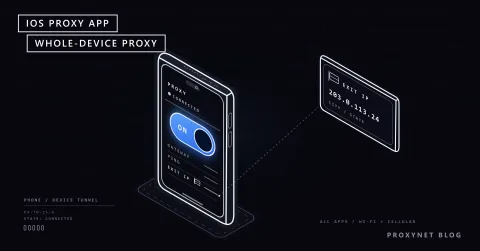
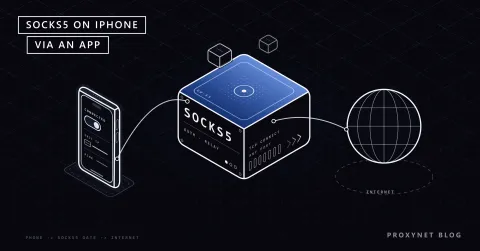
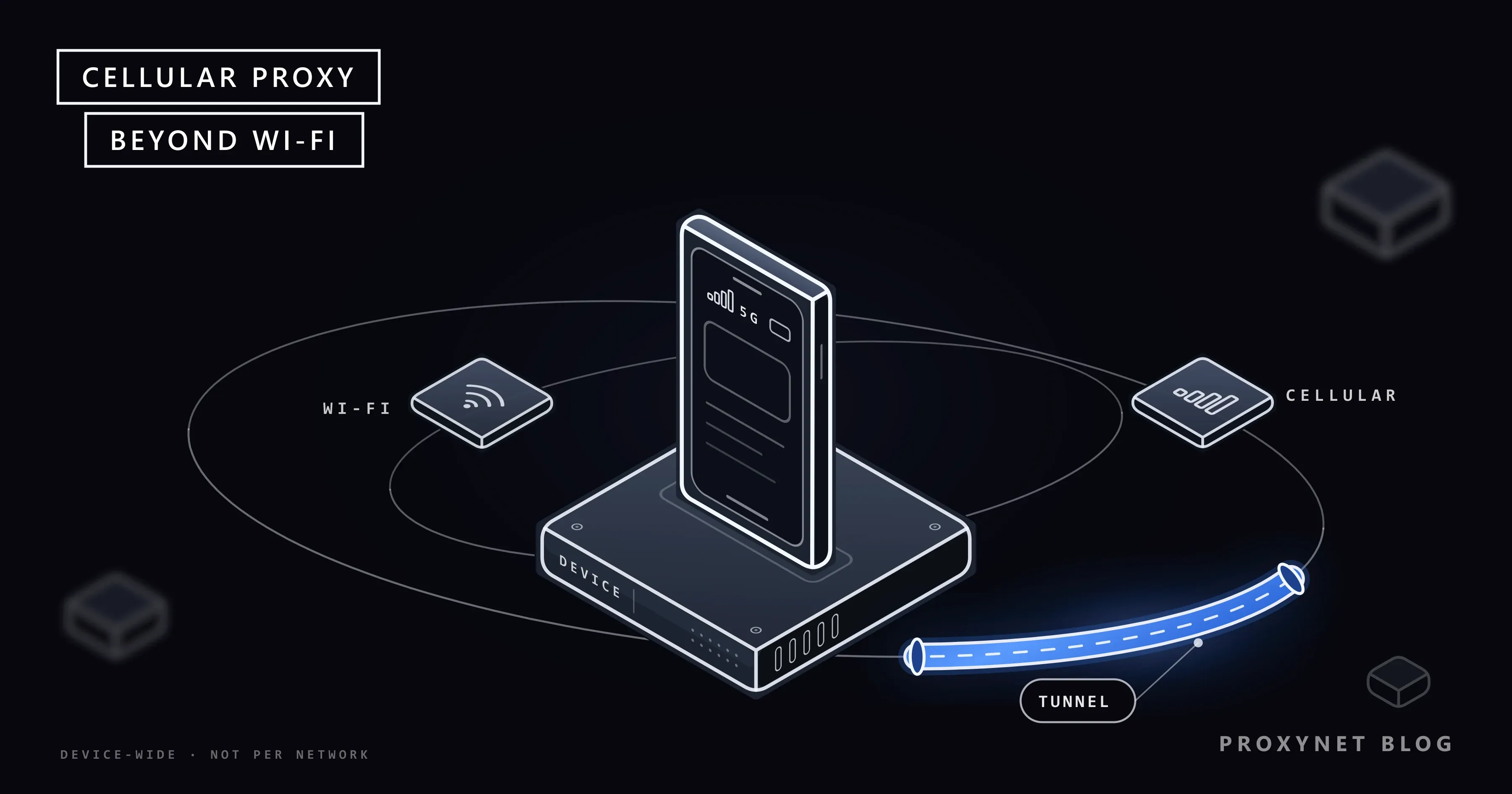
The app creates one tunnel for the whole phone with Apple's Network Extension framework and sends the phone's traffic through it to a proxy gateway. The tunnel belongs to the device, not to a Wi-Fi network, so it keeps working on cellular. The gateway forwards each request from its own exit IP, and a site you open on 5G sees that exit IP instead of your carrier's address:
- You pick a proxy in the app: a type, a location and a session mode.
- The app asks iOS to start its tunnel; iOS shows the "VPN" indicator while it runs.
- Apps on the phone send their traffic as usual, and iOS hands it to the tunnel.
- The tunnel delivers it to the proxy gateway over whatever link the phone has, Wi-Fi or cellular.
- The gateway opens the connection to the site from the exit IP and returns the answer the same way.
The "VPN" label is how iOS marks any app that uses this system tunnel. It does not mean you are using a VPN service. A proxy changes the IP address sites see; HTTPS pages stay encrypted between your phone and the site as they always are, but the app is not an encryption product.
How to use a proxy on cellular data with the Proxynet app
Our iOS app, Proxynet.io, works this way. According to its App Store listing, it routes device traffic through the gateway you select using Apple's Network Extension framework, supports HTTP and SOCKS5 proxy services, and runs on iPhone and iPad with iOS or iPadOS 15.1 or later. The download is free; you pay for proxy use from a wallet balance.
- Install the app from the App Store and sign in to your Proxynet account.
- Top up your wallet if needed. Top-ups go through Apple In-App Purchase, there is no recurring charge, and the credit does not expire.
- Pick or create a gate. Use a residential, mobile, static ISP or datacenter gate that is already on your account, or create a new residential, mobile, ISP or datacenter gate in the app.
- Choose the exit location. Browse gateways and locations and target the exit IP by country, state and city.
- Choose rotating or sticky. Rotating gives a new IP per connection; sticky keeps one IP for a set time (1-60 minutes).
- Connect with one tap. The first time, iOS asks your permission before the app can add its configuration.
- Switch to cellular data and check. Turn off Wi-Fi in Control Center. The app shows the connection state, the active gateway, the ping, and the assigned exit IP with its country flag and location. Open an IP check page in Safari as a second test.
- Disconnect when you are done, also with one tap. Sites then see your carrier's address again.
If you move between Wi-Fi and cellular while connected, check the exit IP on the app's screen afterwards; the app has a quick switch and reconnect if the connection needs a fresh start. A full tour of the app's screens is in the iOS proxy app guide.
One honest limit: the app's interface is in English only, and Apple has not verified it for Mac, so treat it as an iPhone and iPad app.
Does a proxy use more mobile data?
A proxy does not make pages bigger, but it does not make them free either. Every byte still travels over your cellular link to the proxy gateway, so it counts against your mobile plan exactly as before. The tunnel adds a little protocol traffic of its own, which is small next to images and video.
The same traffic also counts on the proxy side. Residential and mobile proxies are billed per GB you use, so a video watched through the tunnel counts twice: once against your carrier's data allowance and once against your proxy balance. Static ISP and datacenter proxies come with unlimited bandwidth, subject to the fair-use policy.
Three habits keep both meters low:
- Watch the live counter. The app shows real-time upload and download usage while you are connected.
- Use Low Data Mode. Under Settings > Cellular > Cellular Data Options > Data Mode, Low Data Mode pauses automatic updates and background tasks when the iPhone is not on Wi-Fi, as described in Apple's guide to cellular data settings on iPhone.
- Turn off cellular data for heavy apps you do not need on the proxy. The app list under Settings > Cellular has a switch per app, and Show All displays how much each one used.
Does a proxy on cellular slow down the phone or drain the battery?
Some extra delay is unavoidable, because every request takes an extra stop: the phone talks to a gateway, and the gateway talks to the site. On cellular, where the radio link already varies with signal and load, that stop adds to a delay that was never constant.
The app shows the ping to the gateway, a quick way to compare locations. An exit far from both you and the site usually adds more delay than one close to them; if you only need a country, try a few gateways and keep the fastest.
Battery use depends on the phone, the signal and the traffic, and we have not measured it, so we give no figure. The simple rule: keep the tunnel on while you need it, and disconnect when you are done.
Mobile proxy or residential proxy on a phone?
"Mobile proxy" describes where the exit IP comes from, not how your phone is connected. A mobile proxy exits through a carrier's network, the way a phone on 4G or 5G does; a residential proxy exits through home internet connections. You can use either one on Wi-Fi or on cellular data.
For most work on a phone, a Residential Proxy is enough: checking how a site, a price or a search result looks in another country or city. It also costs less per GB, which matters when the traffic is counted twice.
A Mobile Proxy fits when the site you are testing treats carrier traffic differently from home broadband, for example a mobile ad campaign or a mobile-only landing page aimed at phone users in another market. You choose the country and city of the exit IP, not a specific carrier.
What really differs between carrier networks is covered in 4G vs 5G mobile proxies.
What does a proxy on cellular change, and what stays the same?
It changes the IP address that sites and app servers see, and with it the location they estimate from that address. It does not change anything else about the phone.
- GPS stays where you are. Maps, ride-hailing and weather apps that use Location Services still see your real position. A proxy moves only the IP-based location.
- Your carrier stays the same. The status bar, signal, roaming rules and data plan are unchanged.
- Accounts stay signed in. An app that knows who you are still knows it; a new IP does not create a new identity.
- Some apps may ask you to confirm a login. A sudden IP change, or a new IP on every connection with rotating sessions, can look unusual to a service you are signed in to.
Where people use a proxy on iPhone cellular data
Store owners check how their own product pages, prices and language appear to shoppers in another country while away from the office. QA teams test an app's regional content on a real device on cellular, the way most phone users reach it. Marketers look at a mobile campaign the way people in the target city see it. Travellers who want websites to see a proxy's address rather than their roaming carrier's address use it for ordinary browsing. In each case the proxy is used within the sites' own terms.
Common mistakes with a proxy on cellular data
- Testing on Wi-Fi and assuming it works on cellular. Turn Wi-Fi off before you test a cellular setup.
- Leaving Connectivity Assist on while testing a Wi-Fi proxy. Part of the traffic may go over cellular, outside the proxy.
- Editing the APN to add a proxy. It can cut off mobile data, and an iOS update undoes the change.
- Using an IP whitelist for a phone on cellular. Carriers often share one public address among many users and change it often, so log in with a username and password where an app asks for proxy details.
- Using rotating sessions for signed-in apps. A new IP on each connection can trigger extra login checks; choose sticky for anything you are logged in to.
- Sending the whole phone through a per-IP static proxy. Static ISP and datacenter per-IP products are limited to target sites by default; browsing everything through them needs the paid "Access to all websites" add-on.
- Forgetting to disconnect. Everything the phone downloads keeps using your proxy balance until you do.
Decision guide
| Your situation | What to do |
|---|---|
| Proxy needed only at home on Wi-Fi | Use the Wi-Fi HTTP Proxy setting |
| Proxy needed on cellular, for all apps | Use a device-wide proxy app |
| Only one app needs the proxy | Use that app's own proxy field, if it has one |
| Company-owned phone | Ask IT; they can push a profile |
| Checking how sites look in another city | Residential proxy, sticky session |
| Testing a mobile campaign or mobile-only page | Mobile proxy in the target country |
Frequently asked questions
Can you set a proxy for cellular data on iPhone?
Not in the Settings app. The only manual proxy field is under each Wi-Fi network. On cellular, a proxy comes from an app that creates a device-wide tunnel, from an app's own proxy setting, or from a configuration profile installed by a carrier or IT team.
Why does my iPhone proxy stop working when I leave Wi-Fi?
Because it was saved with that Wi-Fi network. When the phone switches to cellular data, it uses the carrier's connection without a proxy, and sites see your carrier's IP address again.
Does using a proxy on cellular use more data?
Only slightly. Pages are the same size, and the tunnel adds a little extra traffic. But the traffic counts twice: on your mobile plan and, for residential and mobile proxies, on your proxy balance billed per GB.
Is a mobile proxy the same as a proxy on mobile data?
No. A mobile proxy is a proxy whose exit IP belongs to a carrier network. "A proxy on mobile data" means using any proxy while your phone is on cellular. You can run a residential proxy on cellular and a mobile proxy on Wi-Fi.
Why does the VPN icon appear when I use a proxy app?
iOS shows "VPN" for every app that routes traffic through its Network Extension tunnel. The app is still a proxy: it changes the IP address sites see, and it is not a VPN service.
Does a proxy on cellular data change my GPS location?
No. A proxy changes your IP address and the location sites estimate from it. Apps that use Location Services still get your real GPS position.
Summary
iOS keeps its only manual proxy setting under each Wi-Fi network, so cellular data never uses it, and the APN screen is not a place to add one. On a personal iPhone, a device-wide proxy app is the practical way to use a proxy on cellular: it tunnels all apps through the gateway you choose, shows the exit IP, ping and data usage, and turns off with one tap. Plan for the data counting twice, use sticky sessions for signed-in apps, and pick residential or mobile by the job, not by the connection. For the proxy types themselves, see our proxy services.