


































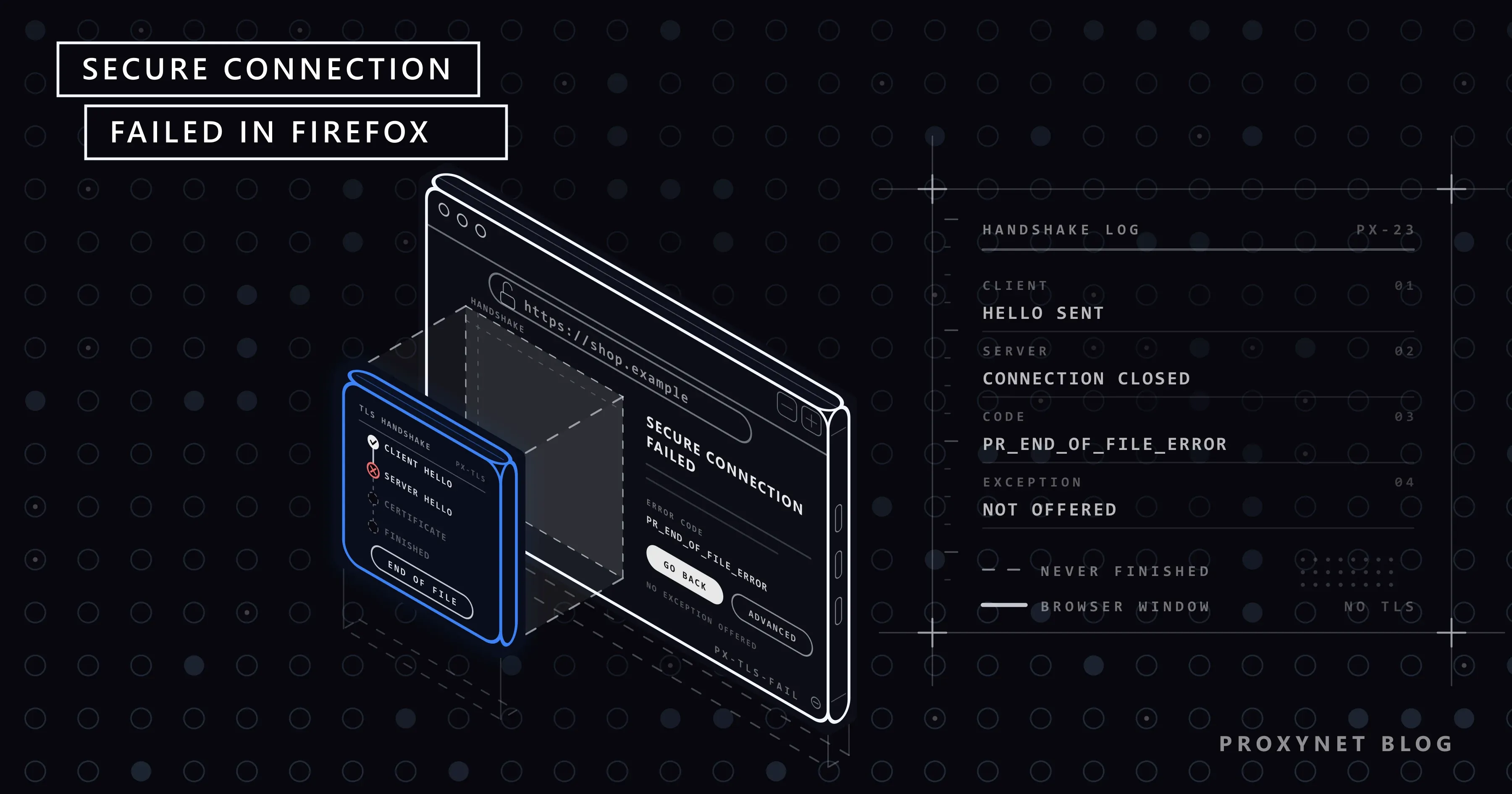
You open an online shop in Firefox and get a plain page instead: the heading "Secure Connection Failed", a sentence saying the authenticity of the received data could not be verified, and the code PR_END_OF_FILE_ERROR. Chrome on the same computer opens the shop without complaint, and reloading brings the same page back.
This guide explains the page and its error codes, how it differs from Firefox's certificate warnings, the fixes in the order worth trying, the role of proxies and networks, and what to change if the site is yours.
What does "Secure Connection Failed" mean in Firefox?
Sites whose address starts with https:// encrypt everything between browser and server with TLS (Transport Layer Security), the technology behind the padlock. Before the page travels, Firefox and the server trade a few short messages: they agree on a TLS version and an encryption method, the server presents its certificate, and both sides create the keys. This exchange is the handshake.
"Secure Connection Failed" is Firefox's page for a handshake that broke along the way. Mozilla's article on secure connection error pages says it appears when Firefox could not establish an encrypted connection, and that it offers no option to add a security exception. Without an encrypted connection, there is nothing to continue on.
What does the error page show?
These lines come from Firefox's own text files for the current release (Firefox 157) and the extended support release (ESR 153).
| Line on the screen | What it means |
|---|---|
| "Secure Connection Failed" | The heading for broken handshakes |
| "The page you are trying to view cannot be shown because the authenticity of the received data could not be verified." | No verified encrypted connection exists |
| "Please contact the website owners to inform them of this problem." | Standard advice; useful only when the site is at fault |
| "An error occurred during a connection to example.com." | Shown with some codes, followed by a short technical sentence |
| "Error code: PR_END_OF_FILE_ERROR" | The code that names how the connection ended |
Current versions show Go back (Recommended) and Advanced, which reveals the code. Older ones, such as ESR 140, show the code directly with a Try Again button. If Firefox's security settings were changed by hand, a Restore default settings button can appear for version and encryption errors.
What do the error codes mean?
The code is the most useful line on the page:
| Code | What happened | Usual cause |
|---|---|---|
PR_END_OF_FILE_ERROR | The other side closed the connection mid-handshake | A proxy, VPN, antivirus or filter; sometimes the server |
PR_CONNECT_RESET_ERROR | The connection was cut with a reset, an abrupt "stop" signal | Firewalls, network filters, antivirus, VPNs |
SSL_ERROR_RX_RECORD_TOO_LONG | Firefox received a reply that was not TLS | Plain, unencrypted HTTP where encryption was expected |
SSL_ERROR_UNSUPPORTED_VERSION | The site offers only TLS versions Firefox no longer accepts | Outdated server software |
SSL_ERROR_NO_CYPHER_OVERLAP | No encryption method in common | Outdated server, or Firefox settings changed by hand |
The two PR_ codes come from NSPR, the networking library inside Firefox, which describes them as "Encountered end of file" and "TCP connection reset by peer". They say how the connection ended, not who ended it: the server and every device in between look the same from Firefox's side.
SSL_ERROR_RX_RECORD_TOO_LONG has a misleading name. TLS sends data in records that start with a five-byte header whose last two bytes give the length, and the TLS 1.3 standard, RFC 8446, caps a record's content at 16,384 bytes. A web server answering in plain text starts its reply with HTTP/, as in HTTP/1.1 400 Bad Request. Firefox's TLS code reads the fourth and fifth characters, P/, as the length and gets 20,527 bytes. The record is not long; it is not a TLS record at all.
With SSL_ERROR_UNSUPPORTED_VERSION, Firefox adds "This website might not support the TLS 1.2 protocol, which is the minimum version supported by Firefox." Current versions show SSL_ERROR_NO_CYPHER_OVERLAP under "Be careful. Something doesn't look right." with the line "Firefox can't create a secure connection to the server at example.com." Both are server problems unless someone changed Firefox's settings.
How is it different from "Warning: Security Risk"?
Firefox shows certificate problems on a separate page. In current versions the tab says "Warning: Security Risk" and the heading reads "Be careful. Something doesn't look right."; older versions say "Warning: Potential Security Risk Ahead", and sites that always require a secure connection (HSTS) get "Did Not Connect: Potential Security Issue". The codes behind Advanced look like SEC_ERROR_UNKNOWN_ISSUER or SEC_ERROR_EXPIRED_CERTIFICATE.
Those warnings mean the handshake got far enough for the site to present its certificate, which then failed a check on its name, dates or issuer. Some offer Proceed to example.com (Risky); never use it on login, payment or email pages. The causes, from a wrong clock to Wi-Fi login pages, are in Your Connection Is Not Private Error: Causes and Fixes.
Other look-alikes point elsewhere: "The proxy server is refusing connections" means Firefox could not reach its proxy at all, and "Your Computer Clock is Wrong" means the device date makes certificates look invalid.
Is the problem Firefox, your computer, the network or the site?
Four quick tests narrow it down before you change any setting:
- Open the address in another browser on the same computer. If Chrome or Edge opens it, the cause is inside Firefox: its proxy setting, DNS over HTTPS, an extension or a changed setting.
- If every browser fails, try two or three other secure sites. Many failing sites point to antivirus, a VPN or the network.
- Open the site on your phone with Wi-Fi off. If it fails on mobile data too, the site is at fault; wait or tell its owner.
- If it works on mobile data, try another device on the same Wi-Fi. A second failure points to the network, a success to your computer.
How do you fix Secure Connection Failed in Firefox?
Reload after each step. The menu names are those of current desktop versions.
- Check Firefox's own proxy setting. Click the menu button, select Settings, then Privacy and security. In the Connection and software security section, click Advanced settings, go to Proxy settings and click Configure proxy. In the Connection Settings window, select No proxy and click OK. If the page now opens, the proxy entry was the cause; see the proxy section below. If your workplace requires a proxy, switch back to Use system proxy settings afterwards.
- Turn off DNS over HTTPS for a test. This feature sends Firefox's address lookups to an encrypted service instead of your network's DNS server, so Firefox can end up at a different server than other programs. Mozilla lists it among the causes. In Privacy and security, find DNS over HTTPS, click Advanced settings and select Off, or add the site under Manage exceptions.
- Test in Troubleshoot Mode. Click the menu button, then Help and Report > Troubleshoot Mode…, confirm with Restart and choose Open. Extensions are off in this mode. If the site loads, turn them back on one at a time under Extensions and Themes; VPN, proxy, ad-blocking and "security" extensions are the usual suspects.
- Test your antivirus. Programs with HTTPS scanning or web protection place themselves in the middle of every handshake. Update the program, then pause only that feature for one reload and turn it back on. If the pause helped, contact the program's support.
- Disconnect the VPN. If the site opens without it, try another VPN server or ask the provider.
- Update Firefox with Help and Report > About Firefox. Very old versions lack the handshake methods that servers and security software expect.
- Undo changed settings. Click Restore default settings if the page shows it. As a last resort, Help and Report > More troubleshooting information > Refresh Firefox… removes extensions and changed preferences while keeping bookmarks, passwords and history.
Clearing cache and cookies rarely helps: neither takes part in the handshake.
What does a proxy have to do with it?
On the desktop, Firefox keeps its own proxy setting. The default, Use system proxy settings, follows the operating system; on Windows that is Settings > Network & internet > Proxy and the Use a proxy server switch (Microsoft's steps). A proxy entered under Manual proxy configuration affects Firefox alone, which explains many "only Firefox fails" cases.
For an https:// site, Firefox asks the proxy with a CONNECT request to open a tunnel to the site, then runs the handshake with the site through it; the proxy only passes encrypted bytes along. The HTTPS Proxy field means "the proxy for https:// addresses", not an encrypted connection to the proxy.
If Firefox cannot reach the proxy at all, you see "The proxy server is refusing connections". If the proxy answered but the tunnel broke, you see "Secure Connection Failed": PR_END_OF_FILE_ERROR when the tunnel is closed, SSL_ERROR_RX_RECORD_TOO_LONG when something in the path answers in plain text.
Check these points:
- The host and port in HTTP Proxy belong to an HTTP proxy; a SOCKS5 address goes in SOCKS Host with SOCKS v5, and the HTTP rows stay empty.
- Also use this proxy for HTTPS is ticked, so
https://sites use the same proxy. - No free proxy, VPN app or website has asked you to install a certificate. Software that decrypts your traffic sits inside the handshake and can break it; refuse unless the certificate comes from your company's IT department.
A proper proxy gateway relays tunnels without decrypting them. That is how Proxynet works: with an HTTPS Proxy in Firefox, the handshake runs between Firefox and the site, and you install no certificate from us.
If you are setting a proxy up from scratch, Firefox Proxy Settings: Desktop and Mobile Setup Guide walks through every field of the Connection Settings window.
Why does it happen only on one network?
Schools, offices, hotels, routers with parental controls and some internet providers filter websites. A filter cannot show a block page inside an encrypted connection without a certificate your device trusts, so it may close the connection, reset it or answer in plain text. Firefox reports these as PR_END_OF_FILE_ERROR, PR_CONNECT_RESET_ERROR and SSL_ERROR_RX_RECORD_TOO_LONG.
If the site opens on mobile data but not on one Wi-Fi network, ask whoever runs that network. At work or school, the block is the owner's decision, not a fault to work around; at home, check the router's parental controls.
If it's your website: what to fix on the server
If visitors report the error and a phone on mobile data shows it too, the code points to the fix:
SSL_ERROR_RX_RECORD_TOO_LONG: port 443 answers in plain HTTP, so TLS is off on that listener, often on a load balancer or proxy in front of the site.SSL_ERROR_UNSUPPORTED_VERSIONorSSL_ERROR_NO_CYPHER_OVERLAP: the server offers only old TLS versions or encryption methods. RFC 8996 formally deprecated TLS 1.0 and 1.1 in 2021; offer TLS 1.2 and 1.3.PR_END_OF_FILE_ERRORorPR_CONNECT_RESET_ERRORfor some visitors: check the firewall, the CDN and every server behind the name.
The nginx and Apache settings, and a quick check of whether port 443 speaks TLS, are in How to Fix err_ssl_protocol_error in Chrome and Edge; Chrome reports this family of failures under that code.
A CDN or load balancer can send visitors in different regions to different servers. To see what visitors in another country get, test from an IP address there, for example through a Residential Proxy.
Common mistakes
- Looking for a way to skip the page. There is no encrypted connection to continue on.
- Lowering Firefox's minimum TLS version in about:config. It weakens every connection; the old site needs fixing, not your browser.
- Leaving antivirus scanning, DNS over HTTPS or the VPN off after a test.
- Installing a certificate that a proxy, VPN or website asks for. It hands over the key to your encrypted traffic.
Decision guide
| Situation | What to do |
|---|---|
| Only Firefox fails | Its proxy setting, DNS over HTTPS, then Troubleshoot Mode |
| Every browser fails on one computer | Antivirus HTTPS scanning, VPN, system proxy |
| Only one Wi-Fi network shows it | A network filter; ask whoever runs the network |
| One site fails on every device and network | The site's server; wait or tell its owner |
SSL_ERROR_UNSUPPORTED_VERSION | Outdated TLS on the site; only its owner can fix it |
| The page shows Restore default settings | Click it; settings were changed by hand |
Frequently asked questions
What does PR_END_OF_FILE_ERROR mean?
The connection was closed in the middle of the secure handshake, without an error message from the other side. A proxy, VPN, antivirus program or network filter is the usual cause, a misconfigured server the other. Test with No proxy, the VPN off and antivirus scanning paused.
How do I fix PR_CONNECT_RESET_ERROR?
Find out who sends the reset. If the site opens on mobile data, look at your network or computer: a firewall, antivirus web protection, a VPN or a network filter. If it fails everywhere, the site's own firewall or server resets connections, and only its owner can change that.
Why does Secure Connection Failed appear only in Firefox?
Firefox has its own proxy setting, its own DNS over HTTPS setting, its own extensions and its own encryption library, NSS. A proxy entered only in Firefox, DNS over HTTPS or a Firefox extension affects Firefox alone, while Chrome connects normally.
Can I bypass Secure Connection Failed?
No. The encrypted connection never formed, so Firefox offers no button to proceed. Typing http:// sends everything unencrypted; that is acceptable only for your own router or test server.
Does a VPN or proxy fix Secure Connection Failed?
Not when the site is broken: a VPN or proxy carries the same handshake to the same server. Turning a VPN or proxy off is often the fix, because they are a common cause.
Does Firefox on Android show the same error?
Yes, with the same heading and explanation. Switch between Wi-Fi and mobile data, turn off VPN and ad-blocking apps and update Firefox; if the site fails on mobile data too, the problem is on the site's side.
Summary
"Secure Connection Failed" means Firefox's TLS handshake with the site broke before an encrypted connection existed. The code tells you how: closed (PR_END_OF_FILE_ERROR), cut (PR_CONNECT_RESET_ERROR), answered in plain text (SSL_ERROR_RX_RECORD_TOO_LONG) or refused for old TLS. Check Firefox's proxy setting and DNS over HTTPS, test in Troubleshoot Mode, then look at antivirus, VPN and the network. A well-behaved proxy tunnel leaves the handshake untouched; our proxy page explains the proxy types and what each is for.


