
































You have had a coffee machine in your Trendyol basket for two weeks. It costs 849 today, the reviews are good, and you suspect the price will fall during the next campaign. You do not want to open the app every morning to check, and you do not want to find out a day too late that it was 699 for a weekend.
This guide covers how to follow a Trendyol price without doing it by hand: the app's own favourites and price alert, where price history comes from when the store does not show a chart, how to read a campaign price and why the cart total can differ from the product page. One section is for sellers who follow prices on Trendyol, and one short section explains when a proxy is relevant at all.
How do you track Trendyol prices?
You track Trendyol prices in three ways: with the store's own favourites and price alert, with an outside price-comparison service that keeps a history, or with your own notes. Most shoppers need only the first; the other two help when you want to know whether a price is really low.
The store's own route costs nothing and needs no extra app. Its limit is that it reports a drop, not the story behind it: you learn that the price fell, but not whether it was higher last week for a reason. An outside service fills that gap with a chart. Your own notes are the simplest history of all: a screenshot with a date, taken once a week, is enough to judge a campaign badge later.
How do you set a price alert on Trendyol?
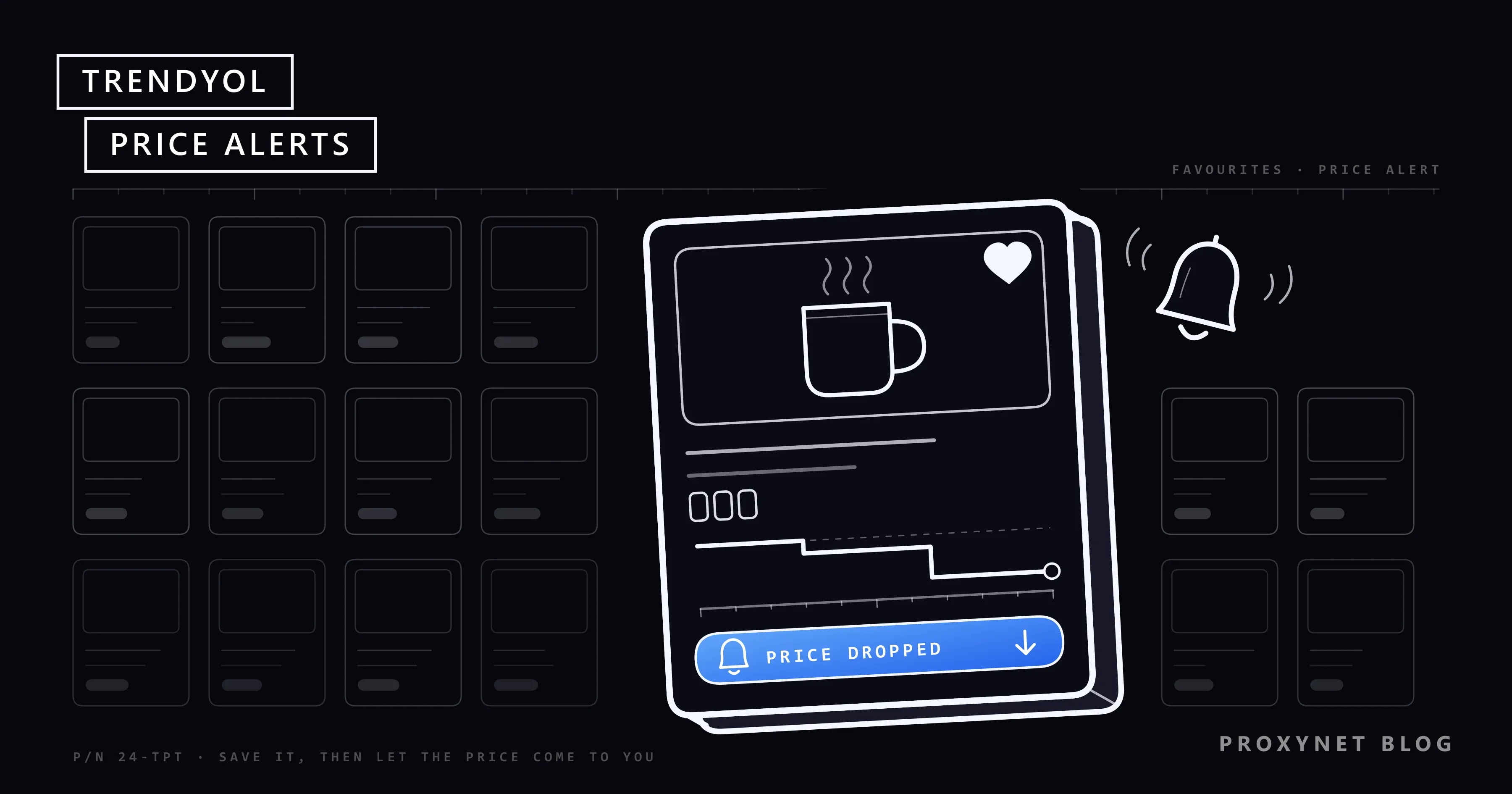
You set a price alert on Trendyol by adding the product to your favourites and making sure the app may send you notifications. Trendyol's own App Store description presents the two together: you add products you like to your favourites, and the price alert tells you when their price drops. The steps:
- Sign in to your Trendyol account. Favourites are kept with your account, so an alert can only reach you when you are signed in.
- Open the product and add it to your favourites. The list is called "Favorilerim" in the Turkish interface. Add the exact variant you want, such as the colour or size, because a different variant can have a different price.
- Allow notifications for the Trendyol app. On the phone, check that notifications for the app are switched on in the system settings; an alert that the phone blocks never reaches you.
- Keep the list short. An alert is only useful if you act on it. Ten products you would really buy are easier to follow than a hundred you saved once.
- When an alert arrives, open the product page. Check which seller the price belongs to, what delivery costs and whether the price depends on a coupon or a cart campaign.
- Note the price and the date. Even one line in a notes app turns a single alert into a small price history.
The app description does not say how large a drop has to be before an alert is sent, or whether you can choose a target price. Labels and features can also differ between Trendyol's storefronts: from our connection the help pages opened the German storefront, not the Turkish one. If you shop on a storefront outside Türkiye, check its own menus.
Does Trendyol show price history?
Trendyol's app description does not mention a price history chart, so for a chart you usually need an outside service. A price history is the list of prices a product had over time, with dates; drawn as a line, it shows at a glance whether today's price is unusual.
Price-comparison sites and apps collect offers from several online stores and, for many products, keep that line. Akakçe, for example, says in its own app description that it compares prices from stores including Trendyol and Hepsiburada, shows a price history chart over periods up to a year and can notify you when a followed product gets cheaper. Other services and browser extensions do similar work; naming one here is an example, not a recommendation.
Before you rely on any of them, check three things. Does it follow the exact product and seller you are looking at, or a similar listing? How often does it record the price? And, for an extension, which sites it may read: a tool that can read every page you open sees much more than prices.
Which tracking method fits which need?
Each method answers a different question, so the choice depends on what you want to know. The table compares them.
| Method | What it gives you | Where it falls short |
|---|---|---|
| Favourites + price alert | A notice when the price drops | No chart, no target price stated |
| Price-comparison service | Price chart and other stores | May follow a different listing |
| Your own notes | Dated prices you trust | Only as often as you check |
| Seller panel tools | Your own pricing rules | For sellers only |
For a single purchase in the next few weeks, the favourites alert plus your own notes is usually enough. For an expensive product you plan to buy during a big campaign, add a chart from a comparison service so that you can see how low the price went in earlier campaigns.
Why is the Trendyol price different in the cart?
The price in the cart can differ from the product page because some discounts are applied only in the cart and some costs are added only there. The question comes up often in searches about Trendyol prices, and the difference is usually not an error.
The common reasons are simple. A campaign may be shown on the product page as a note but deducted only when the product is in the cart, sometimes only above a basket total. A coupon may apply automatically or only after you select it. A delivery fee may appear once the basket is below the free-delivery threshold. And if several sellers offer the same product, the cart holds the offer of the seller you added, which may not be the one you saw in a list or an alert.
For price tracking, this means the number in an alert is a starting point, not the final amount. Compare totals, not badges: product price, delivery and any coupon conditions, for the same seller.
How do you read a campaign price on Trendyol?
You read a campaign price by comparing it with what the product cost before the campaign, not with the crossed-out number next to it. The crossed-out price is a reference the seller shows, and a discount percentage is only as honest as that reference.
Türkiye has a rule for that reference. Under the amendment to the commercial advertising regulation published in the Official Gazette of 1 July 2026, in force since 1 August 2026, the pre-discount price in an advertisement for a discount on goods is the lowest price applied in the ten days before the discount starts. If the product cost 699 a week ago, rose to 899 and is now "849, 6% off", the campaign is measured from the wrong number.
Your favourites alerts and dated notes are exactly what you need to check this. Our post on whether Black Friday deals are real explains how price ramps work and what the EU, US and Turkish rules say about "was" prices.
What should you avoid when tracking Trendyol prices?
Avoid tools that log in for you, buy for you or check pages faster than a person would. "Trendyol price tracking bot" is a common search, but a bot that loads the store on a schedule is automated access to a marketplace, and online stores generally limit that in their terms of use. For a shopper, the store's own alert and a comparison service cover the need without that risk.
Also avoid giving your Trendyol password to a third-party site. A price tracker needs a product link, not your account. If a service asks you to sign in with your store credentials to "follow" products, look for another one.
How do sellers follow prices on Trendyol?
Sellers follow prices on Trendyol mainly through the seller panel's own pricing tools and by watching competitors' public listings. When several sellers offer the same product, one offer is shown first on the product page. That place is called the Buybox, and sellers compete for it partly on price.
Trendyol's seller panel has an automatic pricing mechanism that updates a seller's price by rules that use the Buybox winner's price as the reference. According to the Turkish Competition Authority's announcement of 28 November 2024, Trendyol committed to remove the "match the Buybox price" option, to keep the remaining "stay below" and "stay above" options from producing the same result, not to oblige sellers to use the mechanism and not to share other sellers' data about it. The Authority made these commitments binding and closed the investigation for Trendyol without a fine.
Outside the panel, following competitors means looking at their public product pages and recording what you see: price, delivery promise, campaign label and seller rating, with the date. Our guide to competitor price tracking covers product matching, check frequency and alerts.
Teams that do this across many products use a price monitoring setup, and the work stays within the marketplace's terms and at a modest pace. Price decisions themselves stay independent: watching the market is normal, agreeing prices with rivals is not.
When does a proxy help with Trendyol prices?
For a shopper tracking a product in their own city, a proxy adds nothing: the app's alert already does the job. A proxy becomes relevant for sellers, agencies and analysts who need to see a public product page the way a visitor in another city or country sees it, for example to check a delivery estimate or a regional campaign.
A residential proxy with city targeting lets such a check leave from a home connection in the chosen location. Our Trendyol proxy page describes that setup. It shows what the page looks like there; it does not change what anyone pays, and the checks stay within Trendyol's terms.
Where do you use Trendyol price tracking?
Shoppers use it before large campaign periods, for products with frequent price changes such as small electronics, cosmetics and baby products, for seasonal goods bought every year and for gifts planned weeks ahead. Families use a shared list to see when a product they buy regularly is cheaper.
Sellers use it to see where they stand against other offers on the same product, before setting a campaign price and after a competitor's campaign ends. Brands use it to see how resellers present their products. Comparing the same product with other marketplaces is a separate job; our guide on comparing Trendyol and Hepsiburada prices covers that.
Common mistakes
- Saving the wrong variant. A different colour or size can have a different price and a different seller.
- Reading the alert as the final price. Check the seller, delivery fee and coupon conditions in the cart.
- Trusting the percentage. A discount badge is measured from the reference price the seller shows; compare it with your own dated prices.
- Blocking notifications. If the phone does not allow the app's notifications, the price alert cannot reach you.
- Following too many products. Long lists produce alerts you ignore, including the one you wanted.
- Handing over your store password. A price tracker needs a product link, never your Trendyol login.
Decision guide
| Your situation | What to do |
|---|---|
| One product, buying within weeks | Favourite it and allow alerts |
| You want to know if a price is low | Check a price history chart |
| A big campaign is coming | Note prices ten days before |
| The cart total looks wrong | Check seller, coupon and delivery |
| You sell on Trendyol | Use the panel's pricing tools |
| You follow rivals' prices | Record public prices with dates |
| You need another city's view | Check from that location |
Frequently asked questions
Does Trendyol have a price alert?
Yes. Trendyol's app description says it lets you know when the price of a product in your favourites drops. Add the product to your favourites while signed in and keep notifications for the app switched on.
How do I see the price history of a Trendyol product?
Trendyol's app description does not mention a price history chart. Price-comparison sites and apps that follow Trendyol listings often show one, and your own dated notes or screenshots are a reliable history for a single product.
Where are my favourites on Trendyol?
Favourites are in your account menu, under "Favorilerim" in the Turkish interface. Sign in first, because the list is kept with your account; labels can differ on Trendyol's storefronts outside Türkiye.
Can I set a target price on Trendyol?
Trendyol's app description does not mention choosing a target price; it describes an alert when the price drops. If you need an alert at a specific price, some price-comparison services let you follow a product and notify you when it gets cheaper.
Why did the price change after I added the product to the cart?
Usually because of a cart campaign, a coupon, a delivery fee or a different seller's offer. Compare the product price, delivery and coupon conditions for the same seller before you decide.
Is a Trendyol campaign price really a discount?
Check it against the product's own recent prices. Turkish advertising rules use the lowest price of the ten days before the discount as the reference for discount ads on goods, so a price that rose shortly before the campaign does not count as a fair starting point.
Summary
Tracking a Trendyol price takes a few minutes: add the exact variant to your favourites, allow the app's notifications and let the price alert tell you when it drops. Add a price history chart from a comparison service or your own dated notes when you need to know whether a price is really low, and compare the cart total, not the badge. Sellers follow prices through the panel's pricing tools and competitors' public listings; businesses that track many products across cities can use our e-commerce proxies for that work.