
































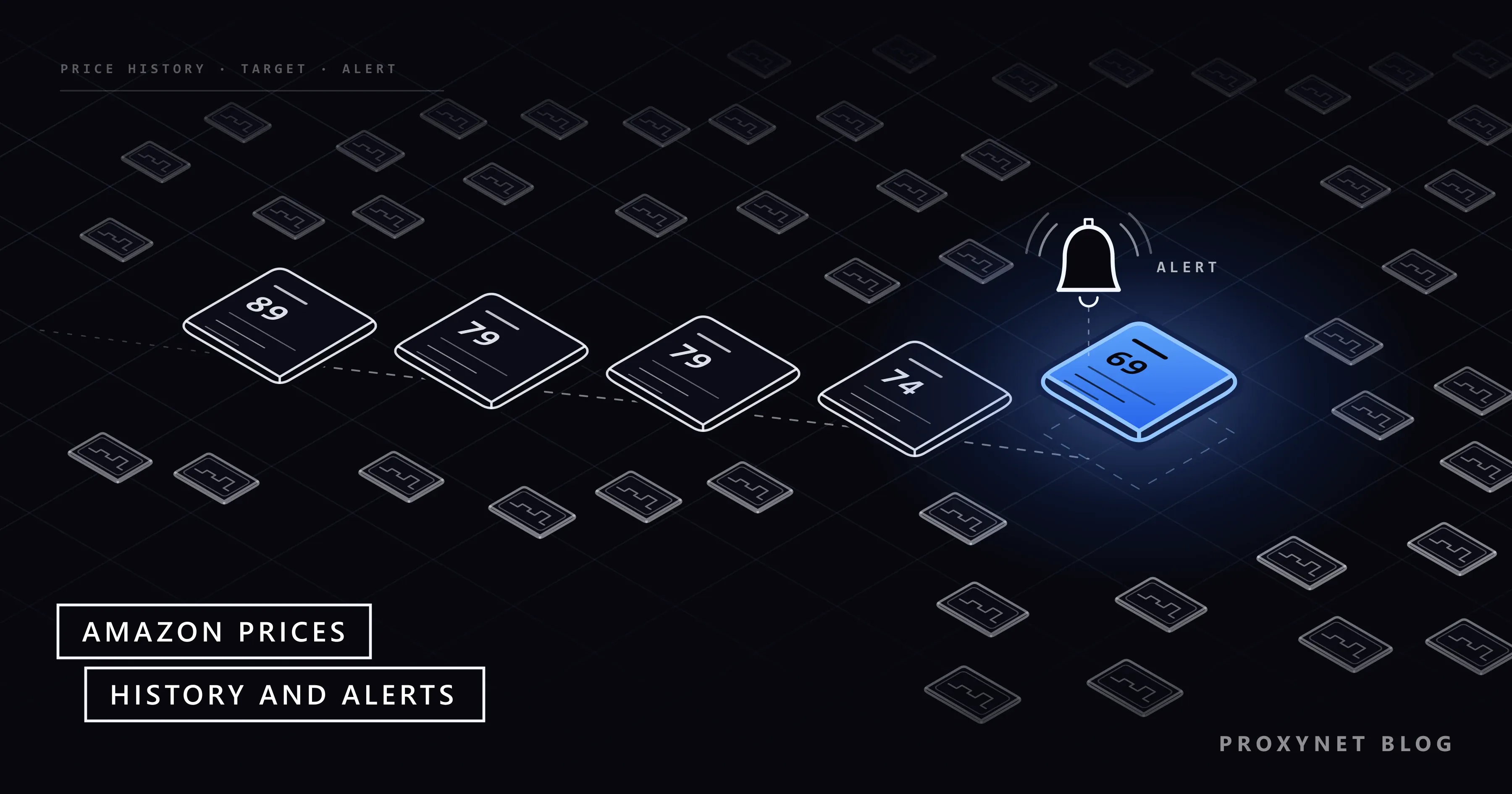
In October you added an air fryer to your Amazon list at 79. Today the product page shows 69, a struck-through price of 89 and a small badge. Ten less than last month sounds good, but you also remember seeing it at 64 in the summer. Is this the price to buy at, or should you wait a little longer?
This guide covers the price history Amazon now shows on its product pages, alerts for items in your lists, and outside price trackers. It explains the reference prices on the page, how to read a price chart, how to pick an alert price and what to check before you install a tracker. Two shorter sections cover sellers and other countries' Amazon stores.
How do you track Amazon prices?
You track an Amazon price in one of three ways: with Amazon's own price history and alerts, with notifications for items you saved to a list, or with an outside price tracker. Each one answers a slightly different question.
Amazon's price history tells you whether today's price is low compared with recent months. A list notification tells you when something you saved goes on sale. An outside tracker does both and keeps its own record, which helps in stores without Amazon's built-in history or when you follow many products.
Does Amazon show price history?
Yes. Amazon added price history to its product pages and expanded it in 2026. According to Amazon's own article on checking price history, updated on 16 November 2026, shoppers can see 30, 90 and 365 days of price history by clicking the price history link right next to the price on a product detail page.
The same article names the stores where it is available: the US, UK, Canada, India, Japan, Germany, France, Italy and Spain. If you shop in another Amazon store and see no link next to the price, the feature is not available there for that product, and an outside tracker is the fallback.
You can also ask Amazon's shopping assistant, which Amazon renamed from Rufus to Alexa for Shopping in May 2026, questions such as whether an item has been on sale in the past 30 days or whether today's price is the lowest recently.
How do you set an Amazon price alert?
You set an Amazon price alert either inside Amazon or with a tracker; the steps below go from the simplest to the most flexible.
- Save the item to a list. On the product page, use the option to add it to a list, just under the buy buttons. The list is also your record of what you were watching.
- Turn on deal notifications in the app. Amazon's UK newsroom describes the path in the Amazon Shopping app: the profile tab, the settings wheel, Notifications, then Deals and recommendations. With it on, the app can send a push notification when an item in your list is discounted during a shopping event or gets a Lightning Deal. Labels can differ slightly between stores and app versions.
- Ask the shopping assistant for a target price, where it is offered. In the US store, Amazon says Alexa for Shopping can check prices regularly and alert you when an item reaches a price or a percentage off that you name.
- Or set the alert in a tracker. Price-history services and extensions let you type a target price for a product and send an email or browser notification when Amazon's price falls below it.
- Check the history before you set the number. Look at the 90-day chart first, so that the alert price is one the item really reaches.
The assistant can also buy for you: Amazon says it can complete the purchase with your default payment method when the item reaches your price. That is convenient for a refill you buy anyway, but it skips the moment where you check the seller, the variant and the delivery date, so keep it for items you would have bought without thinking twice.
Which tracking method fits which job?
The right method depends on how many products you follow and which Amazon store you use. The table compares the four common routes.
| Method | What you get | Watch out for |
|---|---|---|
| Price history link | 30, 90 or 365 days on the page | Only in some stores |
| List + app notifications | Push alert on deals | Event and deal alerts, not every drop |
| Shopping assistant alert | Alert at your target price | US store; auto-buy is optional |
| Outside tracker | Chart, email alerts, many items | Coverage and data permissions |
What do List Price and Typical Price mean on Amazon?
They are the two reference prices Amazon most often shows struck through next to the current price, and they measure different things. Amazon's help page on strike-through pricing and savings defines them for amazon.com.
List Price is the suggested retail price given by the manufacturer, supplier or seller. Except for books, Amazon says it shows a List Price only if the product sold at or above it on Amazon or at other retailers within the past 90 days, or 180 days for seasonal products.
Typical Price is the 90-day median price that customers paid for the product on Amazon, leaving out prices paid during limited-time promotions. Median means the middle value: half of the sales were above it and half below. A Typical Price is therefore closer to "what people usually paid here" than a List Price is.
Amazon stores in the European Union also follow the EU rule that an announced price reduction must show the lowest price of at least the previous 30 days. So the reference price next to a deal depends on the store you shop in, and the savings badge is only as meaningful as the reference behind it.
How do you read an Amazon price chart?
Read the chart from the long view to the short view: first the 365-day or 90-day range, then the last 30 days. The long view shows the item's usual price and its usual low; the short view shows whether today's price is unusual.
A few things are specific to Amazon pages:
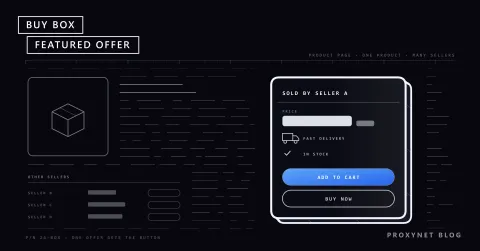
- Which offer the line follows. A product page can have several sellers. Some outside trackers draw separate lines for Amazon's own offer, other sellers' new offers and used offers; compare like with like.
- Variants. Colour, size and storage options often have their own prices. Make sure the chart belongs to the variant you want, not to the cheapest colour.
- Short dips. A Lightning Deal or a coupon appears as a narrow drop lasting hours or a day. It tells you the item can reach that price, but not that it stays there.
- Gaps. A break in the line usually means the item was unavailable for a while.
- Delivery and coupons. The chart shows the item price. A clickable coupon, a delivery fee or a minimum order threshold changes what you actually pay.
What is a sensible alert price?
A sensible alert price is one the item has reached more than once in the last 90 days, usually its normal low rather than its all-time low. Set it there and the alert fires when the item is cheap by its own standards.
Take the air fryer from the introduction. Over 90 days it sold mostly at 79, dropped to 69 twice and reached 64 once during a one-day deal. An alert at 69 will fire a few times a quarter. An alert at 64 may not fire for months, and an alert at 75 fires so often that you stop reading it.
For items you need by a certain date, set a deadline as well as a price: if the alert has not fired by then, buy at the best price you see that week.
What should you check before using a price tracker?
Check four things before you rely on an outside price-history service or install a browser extension: store coverage, price types, account details and the permissions it asks for. Keepa and camelcamelcamel are two examples of such services; there are many others, and none of them is part of Amazon.
- Store coverage. Each tracker follows a set of Amazon country stores. A tracker that covers amazon.com does not automatically cover amazon.de or amazon.in, and its chart is only useful for the store you buy from.
- Price types. See whether it tracks Amazon's own offer, other sellers' new offers, used offers or all of them, and which one your alert watches.
- Account and email. Alerts usually need an account or an email address. Read what the service does with that address.
- Extension permissions. Chrome shows what an extension can access before you add it. Google's Chrome Web Store help on permissions explains that access to your data on all websites lets an extension read and change pages you visit, including banking and social media sites. Weigh each permission against what the extension does: a tracker that only needs Amazon pages should not need every website.
A website tracker, where you paste the product link, needs no extension at all, which is the safer start for a few products.
Is an Amazon Black Friday deal really a deal?
It is a real deal if the price is below the item's own recent lows, not just below the struck-through price. Black Friday 2026 falls on 27 November, and price history is the quickest way to check an offer during that week.
Open the 90-day chart, find the usual low and compare. If the "deal" price equals a price the item already reached last month, there is no rush. Our guide on whether Black Friday deals are real explains how inflated "was" prices work and what EU, US and Turkish rules say about them.
Why does the same product cost a different amount in another Amazon store?
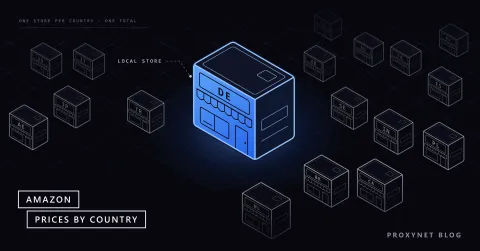
Each Amazon country store has its own sellers, stock, currency, taxes and delivery costs, so the same product often has a different price in each store. A price history is therefore always the history of one store: the chart on amazon.de says nothing about amazon.co.uk.
If you want to compare stores before buying, compare the total delivered price, not the item price, and check whether the seller ships to your address at all. Our step-by-step guide on seeing Amazon prices in another country covers delivery locations, currency display and import fees.
Teams who research prices for work sometimes need to see a store's public pages as a local shopper would, from a connection in that country. A Residential Proxy with country and city targeting routes the browser through a home connection in the chosen location. It shows that market's page for research; it does not change what anyone pays, and checks should stay within the store's terms and at a modest pace.
How do sellers track competitors' prices on Amazon?
Sellers track competitors' prices on Amazon mainly through Amazon's own seller tools, then by recording the public prices of competing listings at regular intervals. Amazon gives sellers pricing information about their own listings and competing offers in Seller Central and, for developers, through the Product Pricing API of its Selling Partner API.
Outside Amazon, a seller compares the same product on other shops, matched by model number or barcode, and keeps every price with its date: the shopper's price chart, for hundreds of products. Our guide on competitor price tracking covers product matching, check frequency and alerts.
For teams that follow public prices in several countries, our price monitoring page describes the proxy setup. Whatever the method, a seller should respect each site's terms and keep checks at a reasonable rate.
Where do you use Amazon price tracking?
Amazon price tracking is most useful before large purchases and around sale events: before buying electronics, small appliances or furniture; before Prime Day, Black Friday and Cyber Monday; for products you buy often, such as coffee, that go on sale in cycles; and for a gift you can wait a few weeks for. Sellers and price researchers read the same charts to see how a product's price behaves over a year.
Common mistakes
- Trusting the badge instead of the chart. The percentage is calculated from a reference price; the price history shows what the item really cost.
- Comparing the wrong variant. A cheaper colour or a smaller size can make a chart look better than the one you want.
- Setting the alert at the all-time low. A one-day deal price may never return, and the alert stays silent.
- Watching one store and buying in another. Each Amazon store has its own history.
- Ignoring the seller and delivery. A low price from an unknown seller with a long delivery time may not be the deal it looks like.
- Installing an extension without reading its permissions. A price tracker that can read every website you visit sees far more than prices.
- Turning on auto-buy for a big purchase. Keep automatic buying for small items you would buy anyway.
Decision guide
| Your situation | What to do |
|---|---|
| You want one item soon | Check the 90-day history, then decide |
| You can wait for a sale | Add it to a list and turn on deal alerts |
| You want an alert at a price | Use the assistant or a tracker |
| Your store has no history link | Use a tracker that covers that store |
| You follow many products | Use a tracker with email alerts |
| You compare Amazon stores | Compare delivered totals per store |
| You track rivals' prices for work | Use seller tools and a price record |
Frequently asked questions
Does Amazon have a built-in price tracker?
Yes, in many stores. Amazon shows a price history link next to the price on product pages, with 30, 90 and 365 days of history, in the US, UK, Canada, India, Japan, Germany, France, Italy and Spain according to its November 2026 update. In the US store, its shopping assistant can also alert you at a target price.
Does Amazon notify you when a price drops?
It can, for items in your lists. In the Amazon Shopping app you can turn on push notifications for deals, and the app then tells you when a list item is discounted during a shopping event or gets a Lightning Deal. These are deal notifications, so not every small price change triggers one.
How far back does Amazon price history go?
Up to 365 days. Amazon's price history offers 30-day, 90-day and 365-day views; the 90-day view is usually the most useful for setting an alert, because it shows the item's normal low without very old prices.
Are Amazon price tracker extensions safe?
Many are, but check before you install one. Look at the permissions Chrome shows, prefer an extension that only needs access to Amazon pages, and read how the service uses your email address. If you track only a few items, a website tracker without an extension is the simpler choice.
Can I track prices on Amazon Germany, the UK or India?
Yes. Amazon's built-in price history is available in all three, and outside trackers usually let you choose the Amazon store. Make sure the tracker and your alert use the store you will buy from, because each store has its own prices.
What is the Typical Price on Amazon?
On amazon.com, the Typical Price is the median price customers paid for the product on Amazon over the last 90 days, leaving out limited-time promotions. It is shown struck through next to the current price when Amazon displays a saving against it.
Summary
Tracking an Amazon price takes three tools at most: the price history link next to the price, a list with deal notifications or an assistant alert, and, where Amazon's history is not available, an outside tracker that covers your store. Read the 90-day chart before you buy or set an alert, compare the same variant and seller, and set the alert at a price the item has really reached. Sellers and research teams who need the same view across many products and countries can follow public prices per market with our e-commerce proxies.