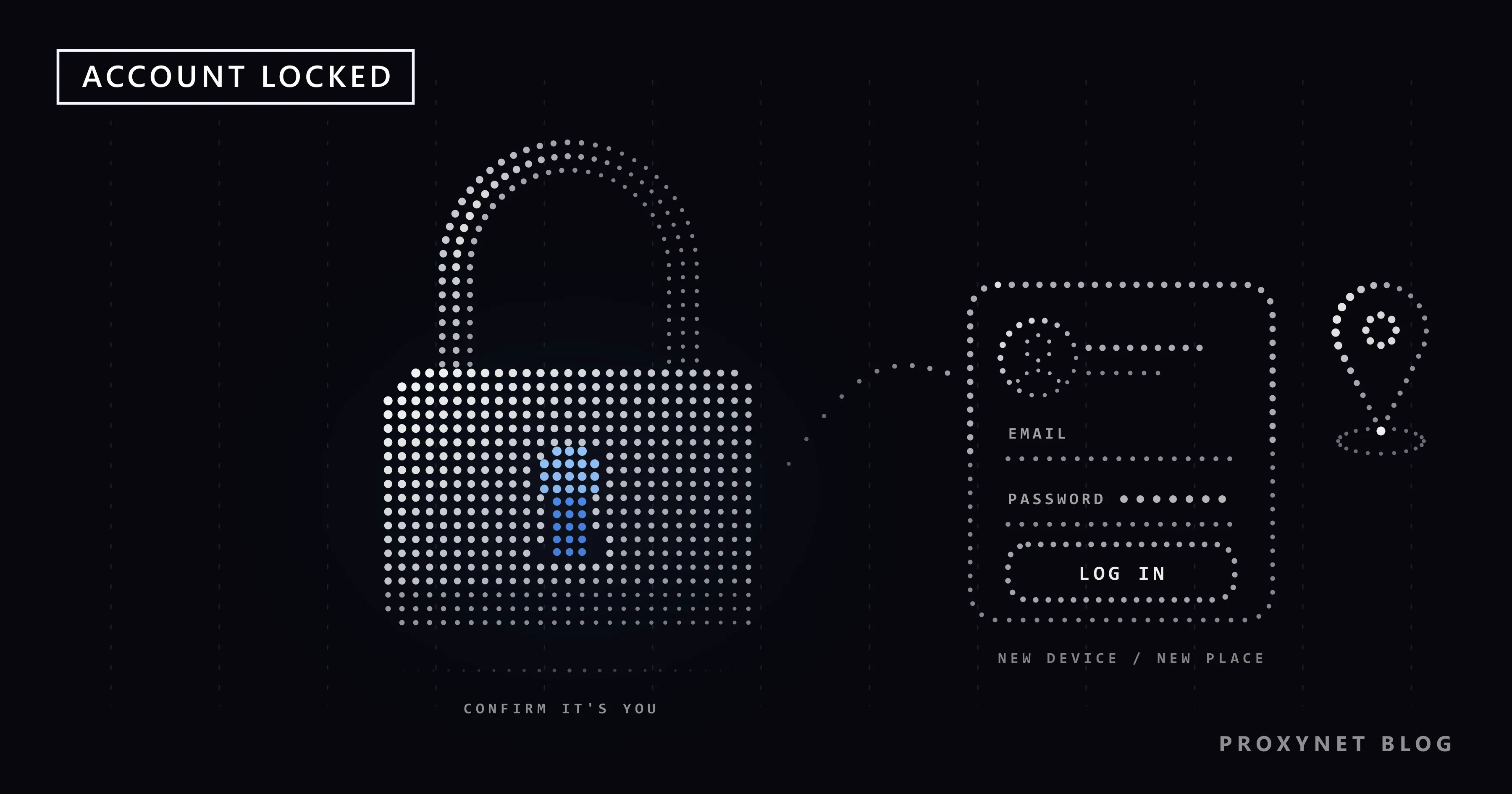
You open Facebook on a new phone, or on a laptop in a hotel, and instead of your feed you get a message that your account has been locked. Or you can log in, but a box says you're temporarily blocked from posting. Most people in this spot broke no rule: Facebook saw a login or a pace it did not expect and stopped to check.
This post explains each screen, what triggers it and the unlock steps as Meta's Help Center describes them today, including what to do when the code goes to an old phone number. Then prevention, a section for business and agency teams, common mistakes and six questions.
What does "account locked" mean on Facebook?
It means Facebook has paused access until you prove the account is yours. Meta's help page says that if it sees unusual activity on an account, it might lock it for security, and tells you by email or with a message when you log in. Nothing is deleted and your friends see nothing.
Which Facebook screen are you looking at?
Several screens get called "locked", and the wording tells you which process you are in:
| Screen | What it means | What to do | Typical wait |
|---|---|---|---|
| Account locked for security | Unusual activity, possible takeover | Get started, then the steps | None set; ends when you finish |
| Confirm your identity | Facebook needs proof it is you | Code, date of birth or ID | Not published |
| You're Temporarily Blocked | One feature paused after heavy use | Stop that action, wait | Not published; not lifted early |
| We've suspended your account | Rules or identity problem | Log in and appeal | Appeal within 180 days |
| Age confirmation | Required in some regions | Date of birth, ID or video selfie | Not published |
| Two-factor or passkey prompt | Stronger login required | Turn on 2FA or add a passkey | Until setup is done |
Why does Facebook lock an account when you did nothing wrong?
Because a security lock reacts to what a stolen password looks like, not to rule-breaking. Meta does not publish its detection rules, but its help pages show the order of events:
- You log in. Facebook checks whether it knows this browser or device.
- It places the login by your IP address, the number that identifies your connection; Meta says the location is only approximate.
- It compares. A new device, an unexpected country or several wrong passwords do not fit your history.
- It asks for proof or locks. Usually a code first; if the account looks at risk, a lock and an email.
The usual triggers:
- A new country or network: a trip abroad, hotel Wi-Fi, a new phone.
- A VPN switched on and off: each switch moves your apparent location.
- An address many people share: mobile networks often put many subscribers behind one public address (carrier-grade NAT, CGNAT), so a phone login can show a location that is not yours.
- Repeated wrong passwords, or a password leaked through a fake login page. Then the lock is doing its job.
If you travel often, Social Media Login From Another Country covers what to set up before a trip.
How do you unlock a Facebook account that was locked for security?
Open Facebook yourself, select Get started and follow the steps on the screen. That is the whole official route on Meta's Unlock your Facebook account page; there is no other form and nobody to pay.
- Type facebook.com or open the app; a link in an email or chat may lead to a fake login page.
- Log in. The lock message appears with Get started.
- Follow the prompts: a code to your email or phone, the date of birth you gave at sign-up, or an identity check.
- Once in, open Accounts Center > Password and security > Where you're logged in, choose Select devices to log out and end every session you do not recognize.
- If you used the same password elsewhere, change it everywhere and turn on two-factor authentication.
If the code does not arrive
Check that you are looking at the right phone number or email, look in spam and, for a text, in your phone's blocked messages. Meta also suggests checking the signal and free space for SMS, restarting the phone and asking your mobile provider whether your plan accepts the message. If you have already requested several codes, wait a day before trying again.
If Facebook asks for an ID
Meta accepts one government-issued ID, such as a driving license, national identity card, passport or birth certificate, showing your name and date of birth or your name and photo. Without one, send two different non-government IDs, such as a student card, library card, diploma or employment verification; your name must be on both and at least one needs your date of birth or photo.
You may cover non-essential details with paper, but Meta rejects images edited to hide information. Send the ID only inside the flow you reached by logging in; Meta says it will never ask for your password in an email.
What if the code goes to an old phone number or email?
Find the account on a device you have used before and tell Facebook you no longer have access. Meta's page on recovering an account without your email or phone gives this order:
- If someone else got in, start at facebook.com/hacked; if they changed the email, Meta sends the old address a link that reverses it.
- Try every other email and phone number that might be on the account, with the country code.
- On a device you have logged in from before, go to facebook.com/login/identify and enter an email, phone number, name or username.
- Select No longer have access to these? (it may say Recover) and add new contact details that no other Facebook account uses.
- Confirm the account is yours, pass the security checks and reset your password.
What does "You're Temporarily Blocked" mean, and how long does it last?
It means one feature, such as posting, commenting, messaging or friend requests, is paused because of how much or how fast you used it; the rest of the account works. The screen says you seemed to be misusing the feature by "going too fast". Meta's help pages name the reasons: posting a lot in a short time, an unusual number of messages that may look like spam, and posts or messages people marked as unwelcome.
Meta publishes no length for these blocks and says it cannot lift them early. The screen has a link to report a mistake; meanwhile, stop the action that caused it.
Restrictions after a Community Standards violation do have published lengths. Under Meta's strike system, the first strike is a warning, feature limits follow, and from the seventh strike on come 1, 3, 7 and then 30-day restrictions from creating content. Yours are under your profile picture > Help and support > Account Status.
Suspended or disabled: how do you appeal?
You log in and appeal, because a suspension is a decision about content or behavior, not a security check. The screen says "We've suspended your account", or "We've disabled your account" when Meta closes it at once. Meta's reasons are content against the Community Standards, misrepresenting your identity or impersonating someone, and contacting people to harass them, advertise or for other prohibited conduct.
You have 180 days, though Meta says the period varies by region. Without an appeal, or if it fails, the account is permanently disabled. Meta gives no review time.
Age checks are separate: Facebook's minimum age is 13, and in some regions you may have to confirm your age with your date of birth, a photo ID or a video selfie, partly through the verification company Yoti.
Why is Facebook asking for a passkey or two-factor authentication?
Usually because the account falls under Advanced Protection, Meta's program that requires a stronger login for higher-risk accounts: politicians and journalists, accounts in business portfolios that advertise with Meta or have monthly invoicing, and accounts linked to Pages or profiles with large audiences. They must turn on two-factor authentication or create a passkey, or they may lose access to features or the account. Open Accounts Center > Password and security > Advanced Protection and select Fix now.
A passkey is a login stored on your phone or computer that you unlock with the device's own fingerprint, face or PIN. The FIDO Alliance, the industry group behind the standard, calls passkeys always strong and phishing-resistant. Create one on your own device only.
How do you keep it from happening again?
Make your logins easy to recognize and your account hard to take over:
- Two-factor authentication under Accounts Center > Password and security > Two-factor authentication. An authentication app works abroad, where texts may not arrive; keep the 10 recovery codes off your phone.
- Save this browser on your own devices only. Private browsing and clearing history make a device unknown again.
- A current email and phone number, because every code goes there.
- Alerts about unrecognized logins.
- One stable place to log in: your home connection and your phone, without switching a VPN on and off.
- No password for "growth" tools. They log in from their own servers, another unknown location.
How should a business or agency team log in to Pages and ad accounts?
With their own accounts: each person gets access to the Page or ad account, and nobody shares a password. Meta's Terms of Service ask users not to share their password or give others access to their account, and one profile used by five people in three cities is exactly the unusual activity that ends in a lock.
Someone with full control of a Page can give others Facebook access with full or partial control, or task access through Meta Business Suite and Ads Manager. Keep full control to a few people, since they can remove anyone or delete the Page. If the team runs ads, set up Advanced Protection for every member now, not after a lock.
Separate accounts still meet checks when their owners log in from several countries a day. For such a team, a stable, dedicated IP address for the work browser is a consistency measure: each person's logins arrive from one known address, like an office line. Static IP vs Dynamic IP explains how a fixed address differs from the changing one most homes get.
ISP Proxy gives dedicated addresses registered to an internet service provider that stay assigned to you; give each person one and keep it. Our Facebook proxy page describes team setups. A fixed address unlocks nothing and is no way around a lock, suspension or restricted ad account.
Where people run into it
- The first login from a hotel abroad, or on a new phone.
- After typing the password into a fake "your Page will be deleted" message.
- Posting the same link to many groups in one afternoon.
- A manager logging into a client's personal profile instead of getting Page access.
Common mistakes
- A new account to get around the lock. Meta's terms allow one account per person.
- Buying an "aged" account. It is someone else's and breaks the same rule.
- A fake or edited ID. Meta rejects edited images; send the real document.
- Switching a VPN during the unlock. Each switch adds a location to a running security check.
- Paying someone to unlock it. Unlocking happens only in your own login.
- A proxy to "escape" the lock. The lock belongs to the account, not the connection.
Decision guide
| Your situation | What to do |
|---|---|
| The account is locked | Open Facebook yourself, Get started, follow the steps |
| The code never arrives | Check spam and blocked texts; after several requests, wait a day |
| The code goes to an old number | facebook.com/login/identify on a known device |
| "You're Temporarily Blocked" | Stop that action and wait |
| "We've suspended your account" | Log in and appeal within 180 days |
| Asked for 2FA or a passkey | Finish the Advanced Protection setup |
| Your team shares one login | Own accounts with Page access, a steady location each |
Frequently asked questions
How long does a Facebook lock last?
There is no fixed time. A security lock lasts until you finish the steps after Get started; Meta publishes no waiting period for the check or an ID review. Temporary blocks end on their own, and strike restrictions run 1, 3, 7 or 30 days.
Why was my account locked when I did nothing wrong?
Because the lock reacts to signs of a stolen password, not to rule-breaking. A new device, country or network, a VPN switched on and off, or several wrong passwords can look like someone else trying your account.
Can I unlock my account without an ID?
Often, yes. Many locks need only a code or your date of birth. Without a government ID, Meta accepts two different non-government documents, such as a student card and a diploma, with your name on both.
My phone number is old. How do I get back in?
On a device you have logged in from before, go to facebook.com/login/identify, find your account and select No longer have access to these?. Facebook then asks for new contact details and proof that the account is yours.
Can a VPN get my Facebook account locked?
It can lead to one, although Meta does not list VPNs as a reason. Switching a VPN on and off makes your logins seem to come from different places, so pick one way of logging in and keep it.
What does "You're temporarily blocked" mean on Facebook?
One feature, such as posting, messaging or friend requests, is paused because you used it heavily in a short time or people marked your posts as unwelcome. The rest of the account works and the block ends on its own.
Summary
A Facebook lock is a security hold, and the way out is Meta's own: open Facebook yourself, select Get started and complete the code, date-of-birth or ID check; with an old phone number, start at facebook.com/login/identify on a known device. A temporary block ends by itself, a suspension needs an appeal within 180 days, and two-factor authentication with one stable place to log in keeps the lock from coming back.